40
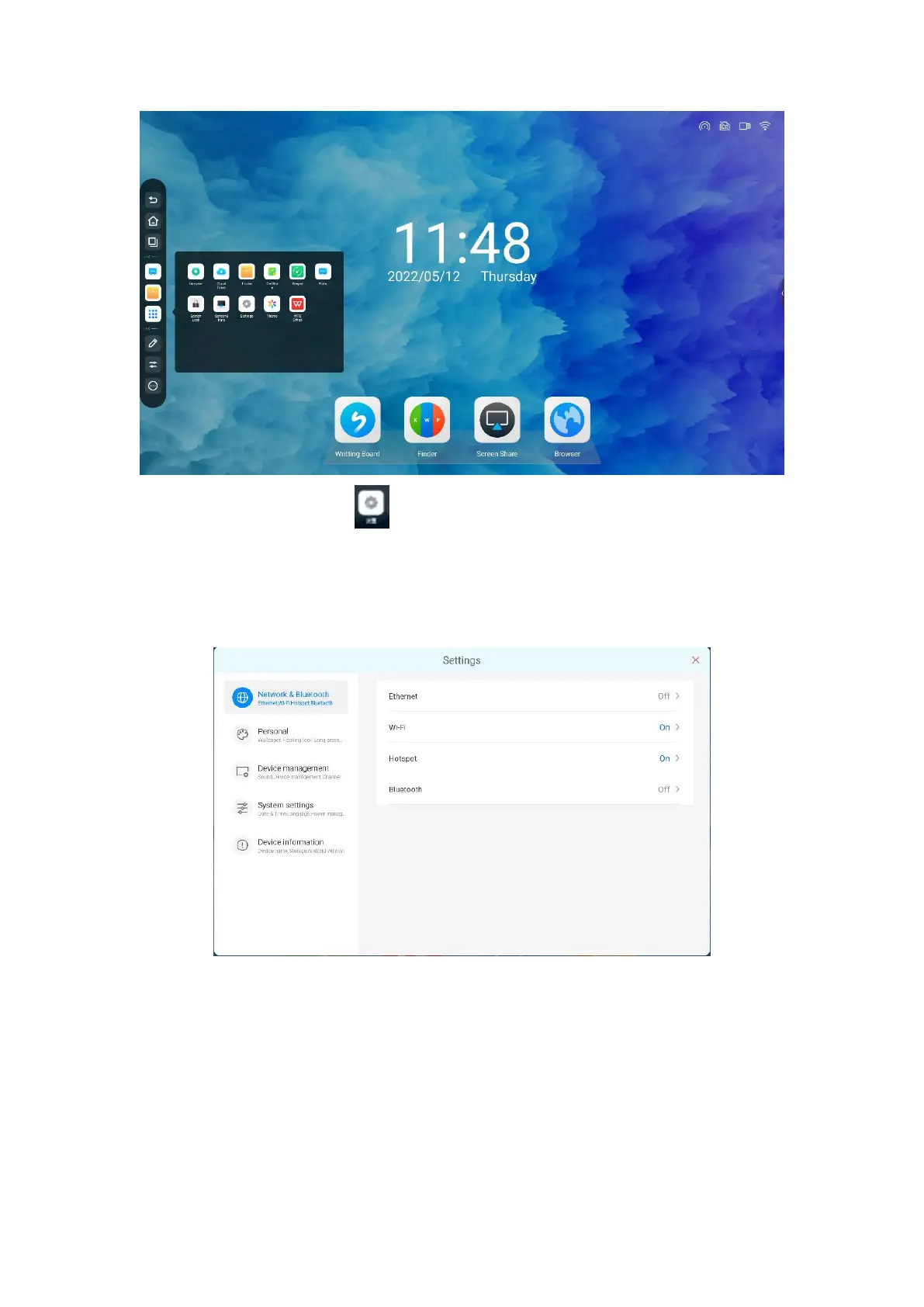
2. Click the button “ ” to enter the Settings, including network and
Bluetooth, personalized, device management, system Settings and device
information five modules
●Networking and Bluetooth
Wired network: support wireless network and wired network, but do not
support simultaneous connection.



 To Next Page