5
3. File function
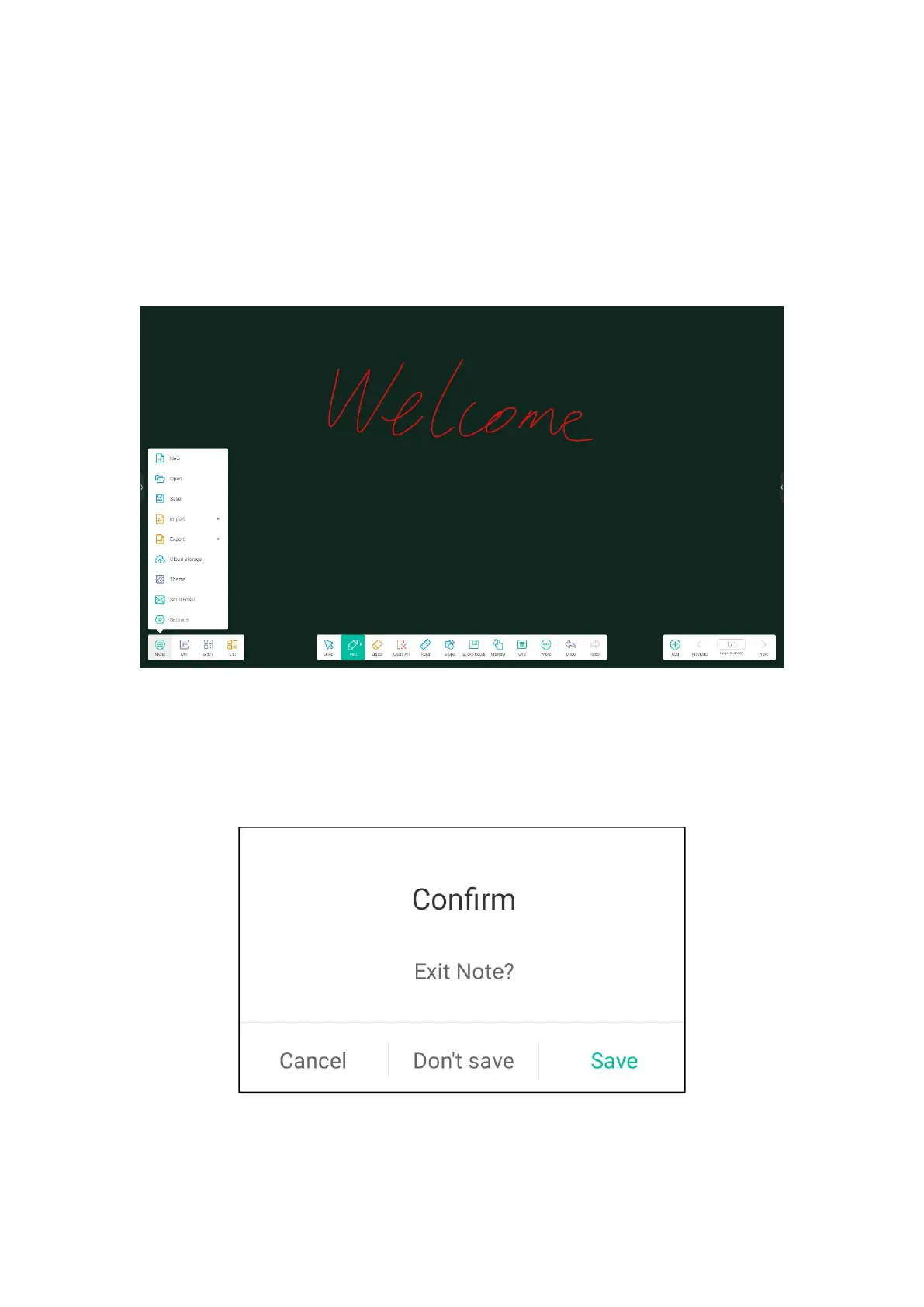
●The menu bar
The menu bar allows you to create, open, save, import, export, cloud disk,
subject, send emails, and set the whiteboard. The basic operations are as follows:
(1) New: Click to create a whiteboard, and the current document will be closed;
If the current document is not saved, the system prompts the user to save the file
before creating one.
(2) Open: Enter the file manager, display all the whiteboard files, click to open
the files; If the current document is not saved, the user is prompted to save the file



 To Next Page