19
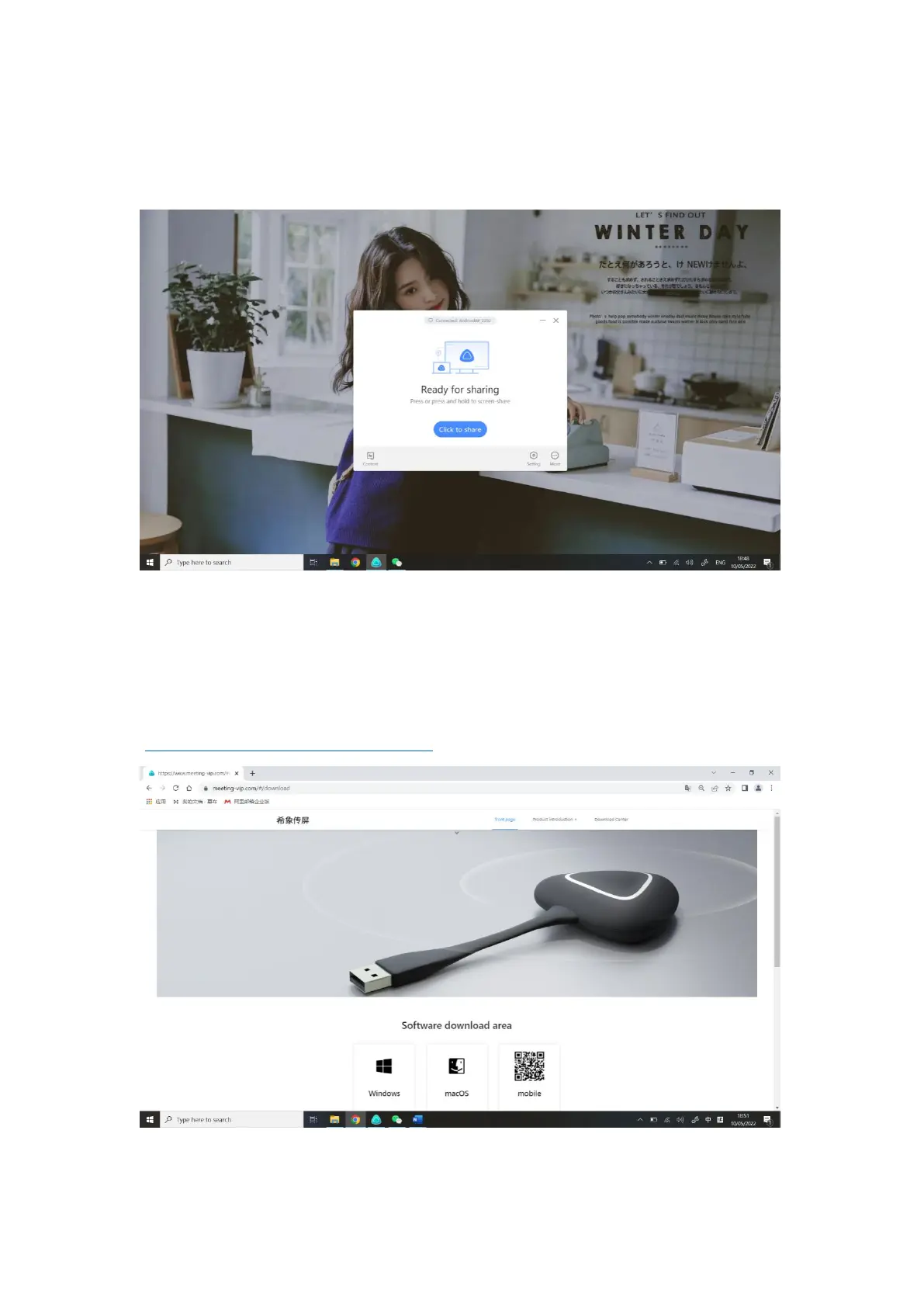
8. Press the wireless screen casting button again, the screen casting can be
disconnected and the screen casting is ready for sharing.
● How to use computer Screen Transfer Assistant software screen
transfer?
1. Please download the screen Transfer assistant from
(https://www.meeting-vip.com/share/) in advance.
2. Find the wireless screen transmission and open the wireless screen



 To Next Page