32
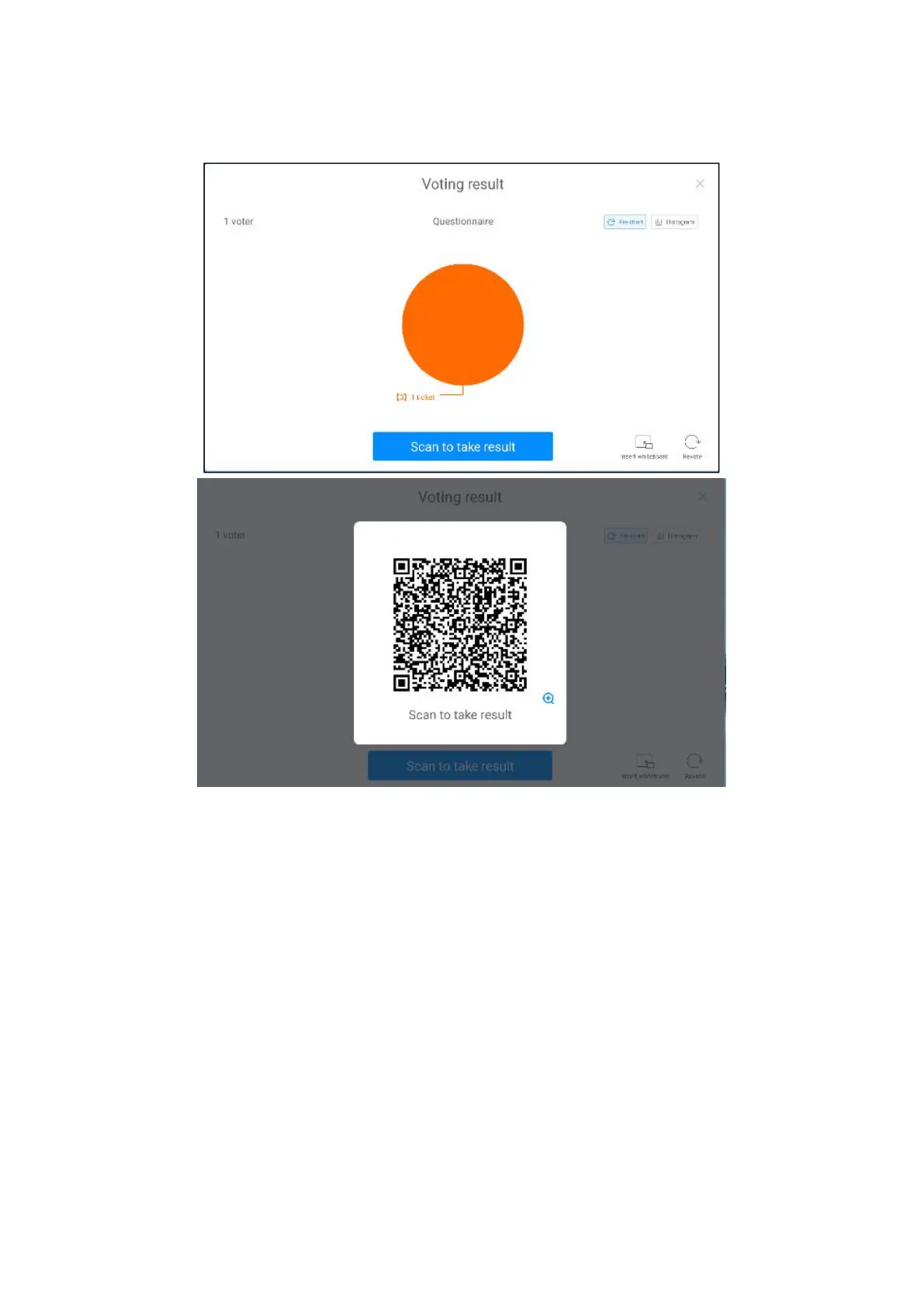
inserted into the white board, scan code away.
●Screenshot widget
1. Click the "Screenshot" icon in "More Tools" to open the screenshot widget.
2. You can freely adjust the screenshot area, or click the full-screen Screenshot
button to capture the whole screen.
3. Click Import whiteboard to import the screenshot into whiteboard.
4. Click the "Save Local" button to save the screenshot to the local
board.



 To Next Page