21
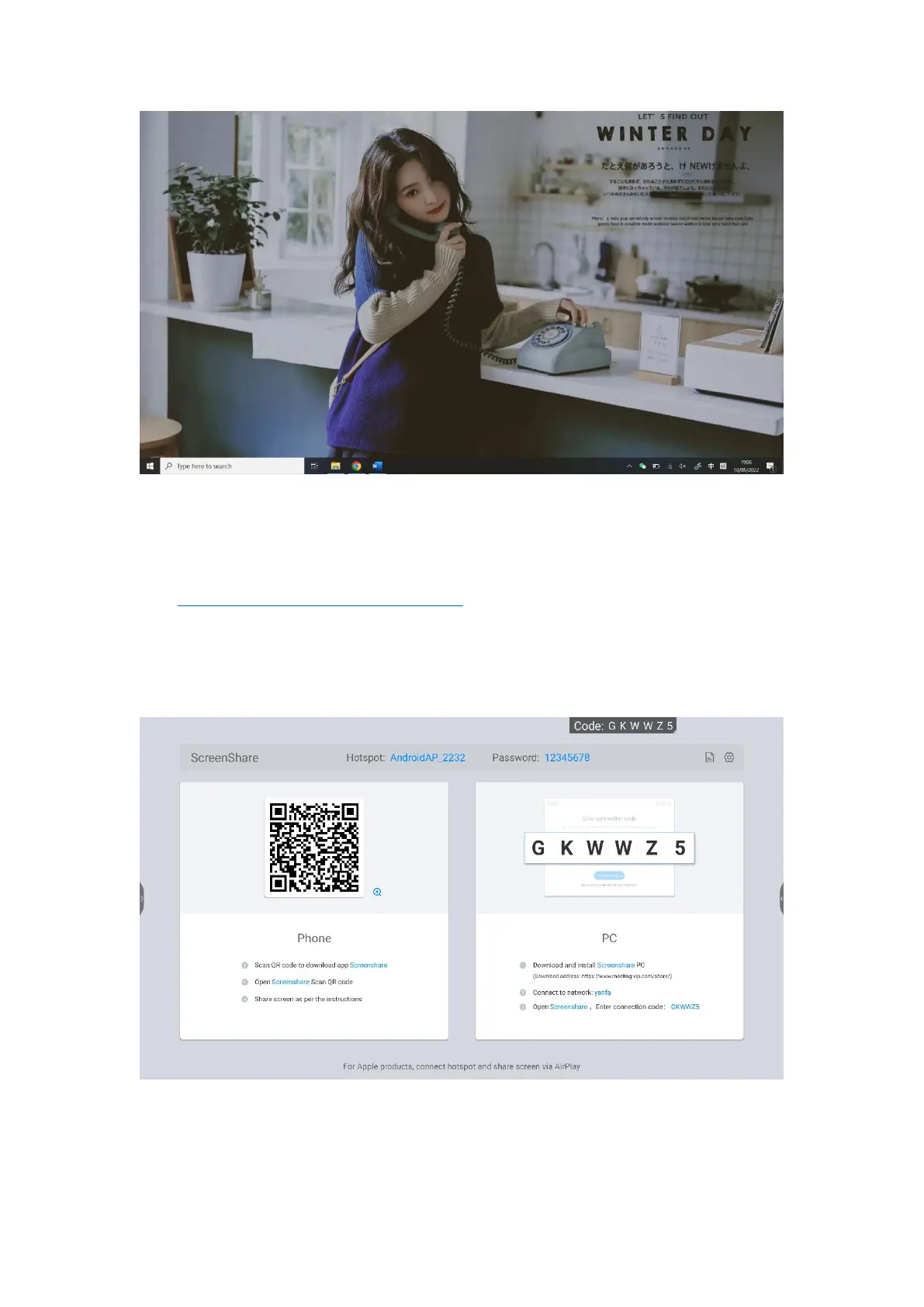
●How do I transmit the mobile phone screen
1. Please download the Screen Transfer Assistant in advance at
(https://www.merting-vip.com/share/).
2. Open the screen transfer function on the meeting board. You can see the
wireless screen guide.
3. Use the mobile phone screen transmission assistant to click the scan code
button and scan the TWO-DIMENSIONAL code on the wireless screen transmission



 To Next Page