22
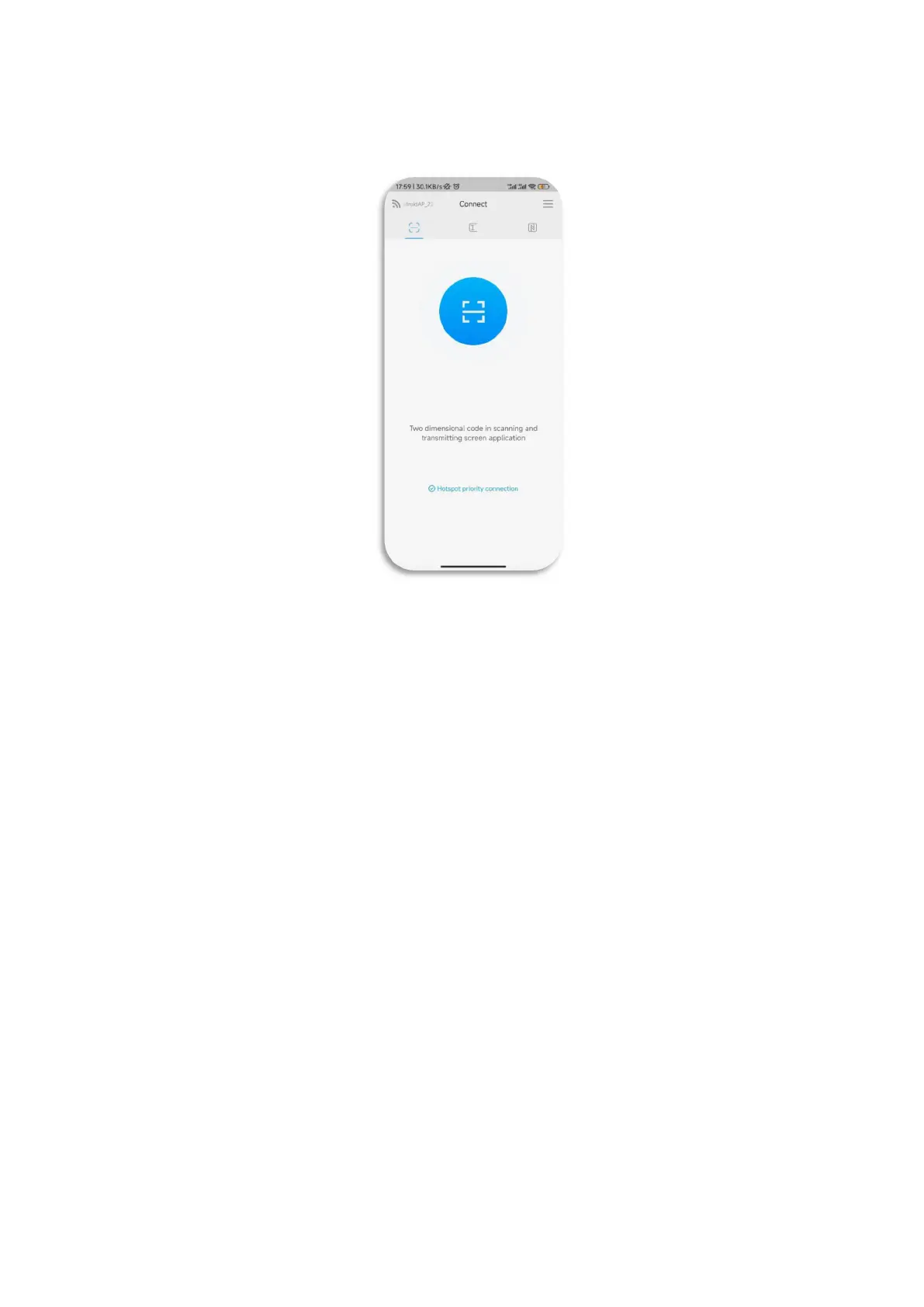
guide for connection.
4. If the connection is successful, you can select the following functions to
upload the screen.
Screen sharing: mobile phone screen can be shared to smart conference tablet
for display.
Picture display: You can share the pictures on the mobile phone to the
intelligent meeting tablet for display.
Video playback: The video can be shared on the mobile phone to play on the
smart meeting tablet.
Audio playback: Share audio from mobile phone to intelligent meeting tablet
for playback.
Meeting tablet controller: You can use your mobile phone to operate the smart
meeting tablet in real time.



 To Next Page