10
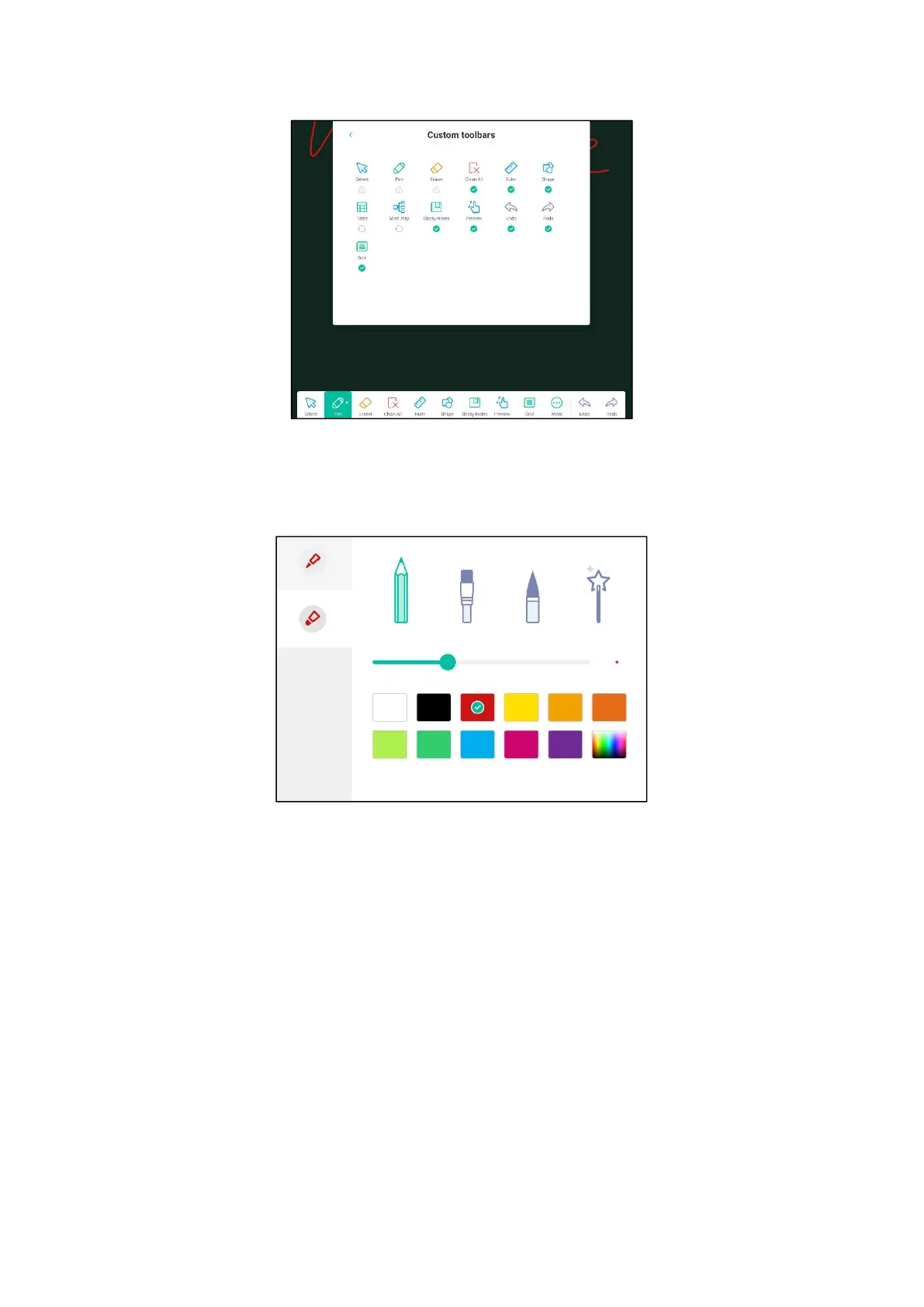
(1) Writing: support thick and fine pen writing, click to adjust stroke style,
adjust stroke thickness, color, writing mode, etc.
(2) Eraser: after writing the content, you can use the palm or the back of the
hand to erase and adjust the size of the eraser circle. In addition, you can also
adjust the setting to select eraser.



 To Next Page