11
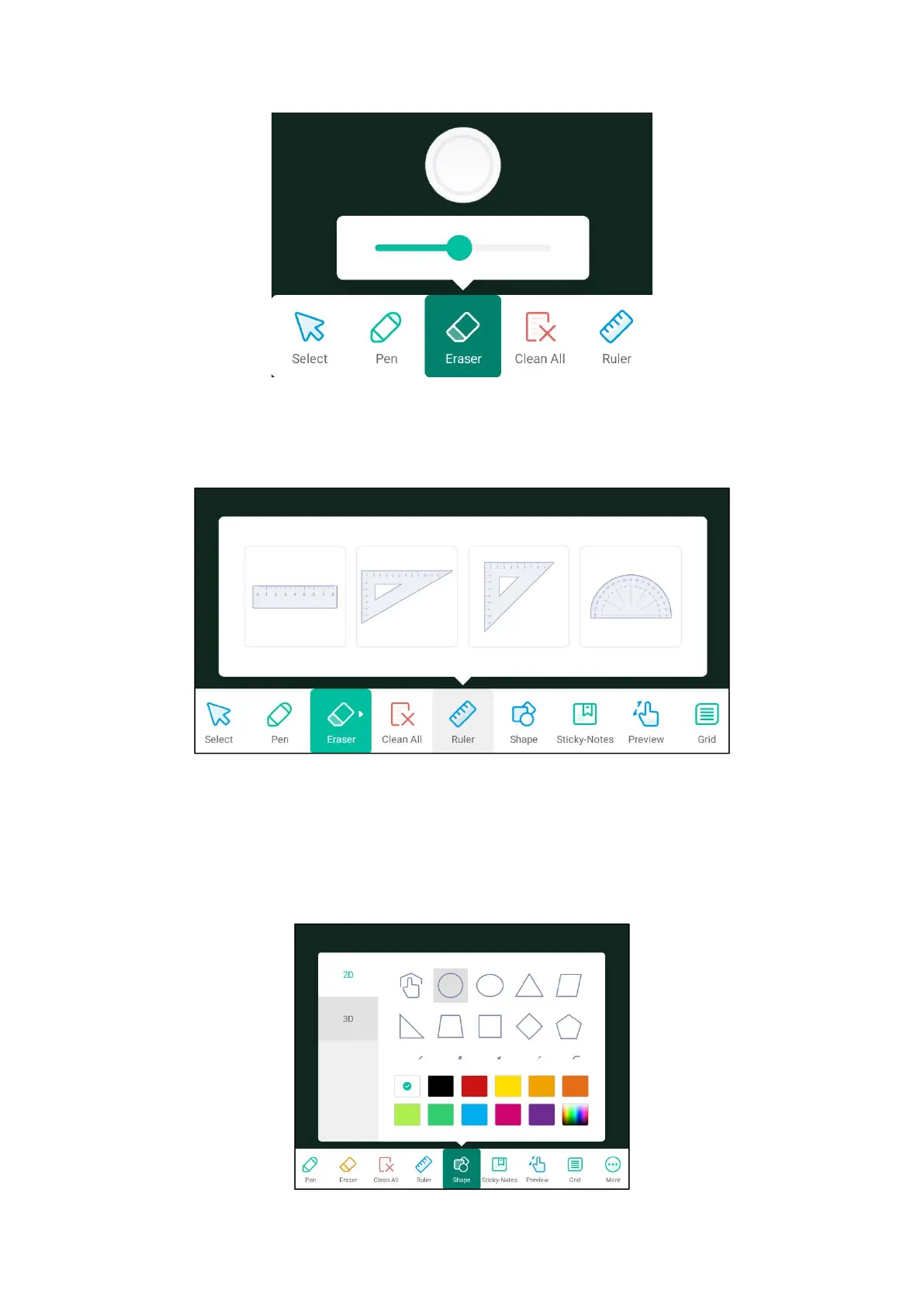
(3) Clear: Click to clear all contents of the whiteboard
(4) ruler: can choose straight ruler, triangle board, semicircle ruler.
(5) Graphics: Select the graphics you want to draw, then drag the brush in the
whiteboard to draw the shape, select the color for the frame of the pattern, or fill
the pattern with color.



 To Next Page