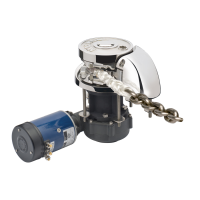
RC12 Windlass
Pressure arm and spring replacement
1. Using a 5mm hex key undo the capscrew on chaincover.
Be very careful when releasing the capscrew as the pressure of the
pressure arm spring may spring out.
2. Remove the spring and pressure arm.
3. Apply liberal amounts of grease on the spring and insert it into the
pressure arm.
4. Ensure the lower spring pin sits in the grove of the pressure arm
5. With the spring in the pressure arm, align the spring pin into the
groove located inside of the chaincover, and slide the pressure arm
in.
6. Looking from above, align the pressure arm with the hole for the
capscrew.
Hole and spring
7. While holding the pressure arm in this position, assemble the
capscrew.


 To Next Page