6
Types of Button Presses
Click Press and release
Hold Press and hold for
specied time
Double-Click Two clicks in less than
3/4 of a second
The following operation and programming instructions
apply to the following New Generation Maxx Motors:
Domlux
New and Quieter Generation
Smart Motor with Bluetooth
Motor with Transformer and Remote
Control plugs into Electrical Outlet
24V DC Low Voltage with
Transformer
Command Description Key Combination
Go-Up Move all the way to the upper limit.
1
Click UP
Go-Down Move all the way to the lower limit.
1
Click DOWN
Stop Stop ongoing motion. Click STOP
Step-Up Move the motor up a small amount. Click LEFT
Step-Down Move the motor down a small amount. Click RIGHT
Go-To-Favorite-1 Move the motor to favourite position 1. Hold LEFT for 2 seconds
Go-To-Favorite-2 Move the motor to favourite position 2. Hold RIGHT for 2 seconds
Next-Channel2 Cycle to the next channel (or group of channels) on the
remote, making it active.
Click CHANNEL
1. Reference
1- The motor Will stop on button release if the not yet set.
2- This command is not sent to the motor, and affects only the remote.
2. Basic Operations
Cool Motion
New and Quieter Generation
Smart Motor with Bluetooth
Rechargeable Internal Battery
Motor with Remote Control
12V DC with battery charger
HWM-10 & HWM-20
New and Quieter Generation
Smart Motor with Bluetooth
Hardwire - 110V AC Motor
Unless noted, all commands are sent from a remote control to a motor, and will only have effect if the remote control’s
active channel has been paired with the target motor. (See Pairing Process below)
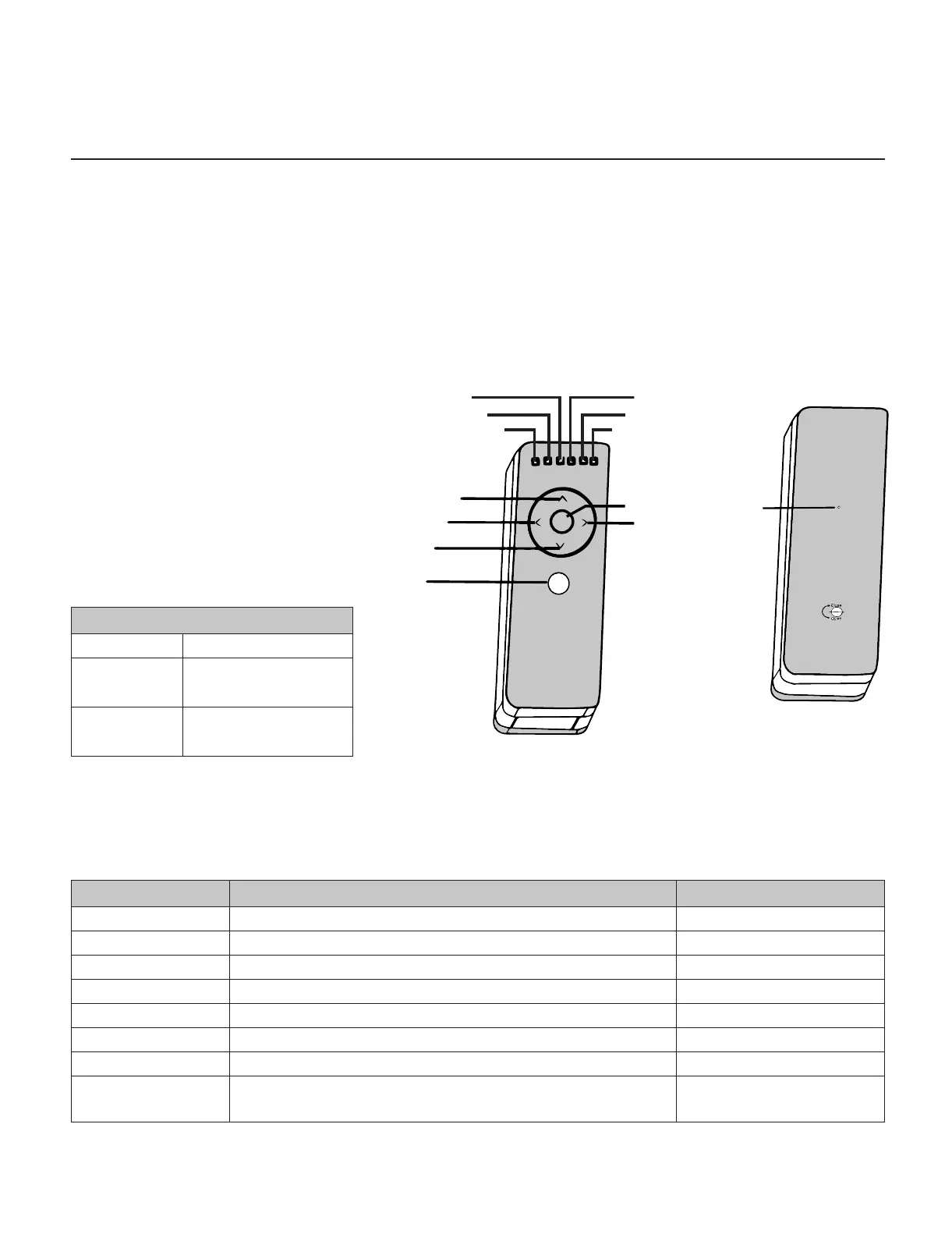
Ch: 1
Ch: 3
Ch: 2
Ch: 4
Ch: 5
Ch: 6
Stop
Jog Down/
Favourite
position 2
Up
Jog Down/Favourite position 1
Down
Channel
Selection
Set
Note: ALL 4 MOTORS - DOMLUX,
COOL MOTION, HWM-10 & HWM-20
WORK WITH BLUETOOTH



 To Next Page