8
New Generation MaxxMotors (Domlux, Cool Motion, HWM-10, HWM-20)
New and Quieter Generation Smart Motor with Bluetooth
Reverse rotation correction
• To Reverse the rotation of the blind: you must rst place the blind in set mode. You may do this by pressing and
holding the set button located on the back of the remote. Once the remote is in setting mode press channel
selection and stop at the same time. Your blind should jog once indicating the rotation is now reversed (Note:
if your up button is bringing the blind in a downward position or the down button bringing your blind in
the upward position - reversing the rotation should correct the issue)
Setting Favourite Position 1
• To save favourite position 1: make sure your blind is in the position that you are trying to save it at. Press the
left button and the set on the back of the remote at the same time blind should jog once indicating that Favourite
Position is saved.
Setting Favourite Position 2
• To save favourite position 2: make sure your blind is in the position that you are trying to save it at. Press the
right button and the set on the back of the remote at the same time blind should jog once indicating that Favourite
Position is saved.
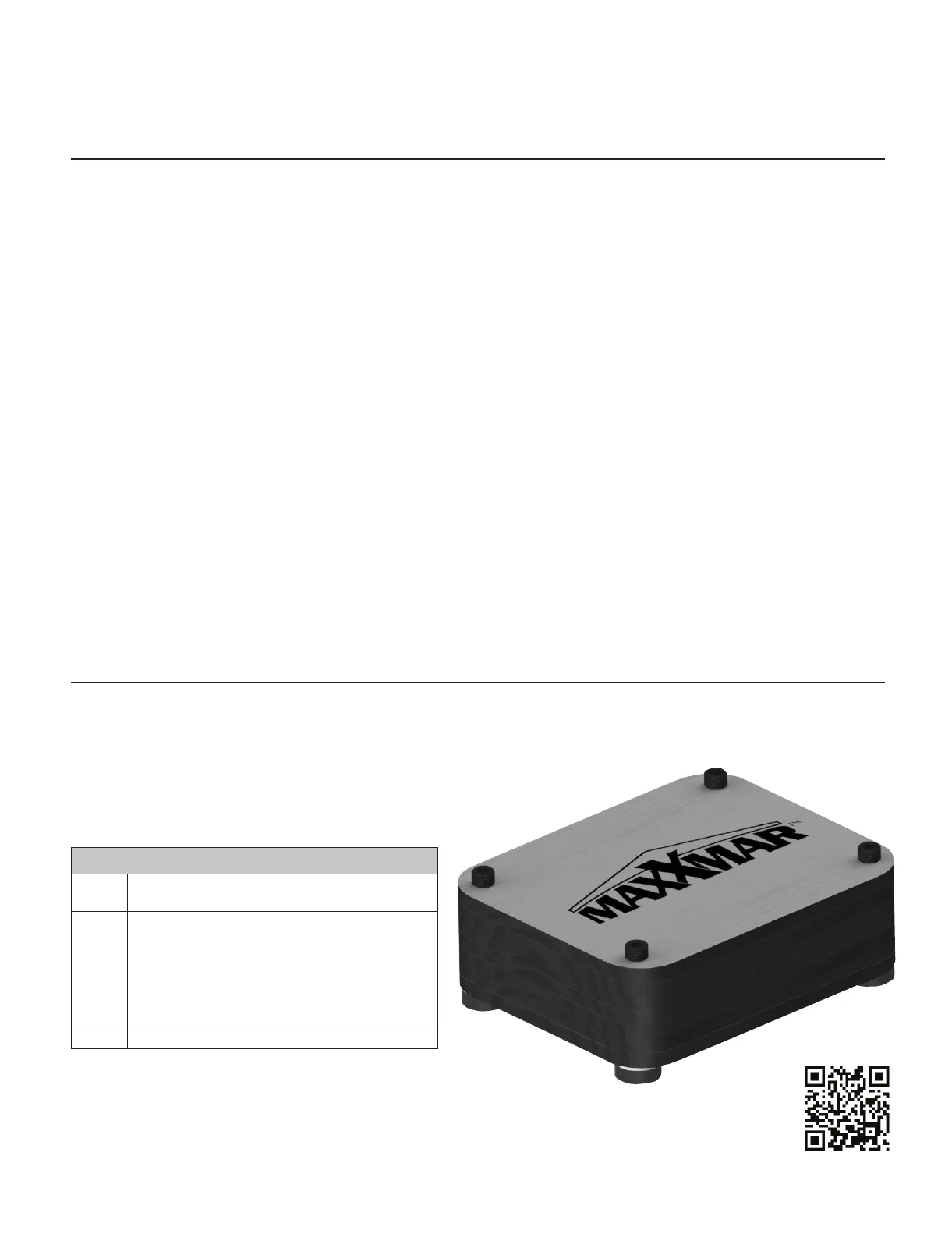
MaxxLink Controller for New Generation Maxx Motors
State-of-the-art WiFi Technology allows you to control your
shades from anywhere in the world:
• Easy to connect with an Android or iPhone
• Compatible with Control 4 smart home system
• Can be used with Maxx Motor with remote control
Quick Start Instructions
Step 1 Download the app by searching “Neo Smart Blinds”
on the Android Play Store or iTunes App Store.
Step 2 Create an account using a valid email.
IMPORTANT! When creating your account, choose
setup code:
MA432
Step 3 Follow the in-app, animated instructions.
Troubleshooting
Visit the link below for detailed instructions.
http://neosmartblinds.com/smartcontroller-help/



 To Next Page