31
4. Starting Conveyor:
a. Clear the area of bystanders. Know where ev-
eryone is before starting.
b. Place all controls in the OFF or neutral
position.
c. Turn the power to the machine ON at the mas-
ter panel.
d. Turn the main equipment ON that moves po-
tatoes away from the Conveyor.
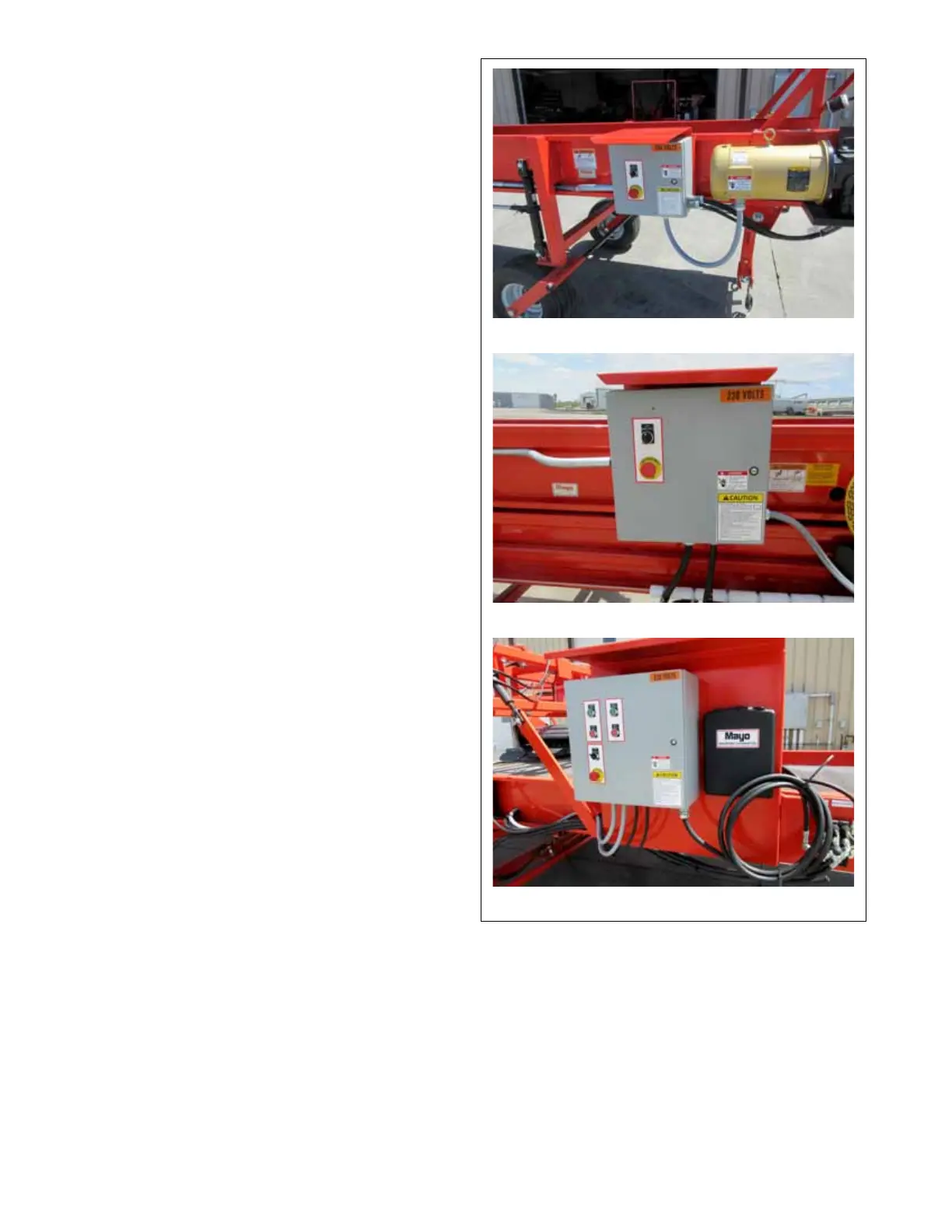
e. Turn the rotary switch to the Hand (Manual)
position to turn conveyor ON manually or
AUTO to allow it to be controlled by the op-
erating system of the straight or telescoping
models.
f. For the conveyor equipped with a hydraulic
Power Pack, turn the hydraulic pump ON and
then the conveyor belts.
g. Turn the equipment ON that moves potatoes
on the Conveyor.
5. Stopping Machine:
a. Turn OFF the equipment that brings potatoes
to the Conveyor.
b. Wait until the potatoes have moved off the end
of the conveyor or lower conveyor.
c. Turn the conveyor OFF.
d. Turn the hydraulic pump OFF.
If the machine is wired up as part of a conveying sys-
tem, wait until all the potatoes have moved through
the system. Then turn the system OFF.
6. Emergency STOP:
Depress the red STOP button(s) on the control
panel(s) as required.
FIG. 13 STOP CONTROL
Straight
Telescoping Conveyor
Conveyor with Stinger and Hydraulic Power Pack



 To Next Page