30
• ReadandunderstandtheOperator’sManualand
all safety signs before operating, maintaining, ad-
justing or repairing the Conveyor.
• TurnmachineOFF,shutdownandlockoutpow-
er supply (safety lockout devices are available
through your Mayo dealer parts department), re-
lieve hydraulic pressure and wait for all moving
parts to stop before servicing, adjusting, main-
taining or repairing.
• Installandproperlysecureallguardsandshields
before operating.
• Keephands,feet,hairandclothingawayfromall
moving parts.
• Clear the area of bystanders, especially small
children, before starting.
• Makesureallcontrolswitchesareintheoffposi-
tion before connecting power supply.
• Extend leg ratchets to level the frame before
using.
• Before supplying electrical power to the ma-
chine, be sure that you have adequate amper-
age at the proper phase and voltage to run it.
If you do not know or are unsure, consult a li-
censed electrician.
• Before applying pressure to the hydraulic sys-
tem, make sure all components are tight and
that all steel lines, hoses and couplings are not
damaged.
• Keeptheworkingareacleananddry.
• Reviewsafetyinstructionsannually.
4.8 OPERATING
OPERATING SAFETY
Follow this procedure when using the Conveyor:
1. Review Section 4.7 Machine Preparation and fol-
low all the instructions.
2. Review and follow the pre-operation checklist
(See Section 4.5).
3. Review the location and function of all controls
(See Section 4.6).
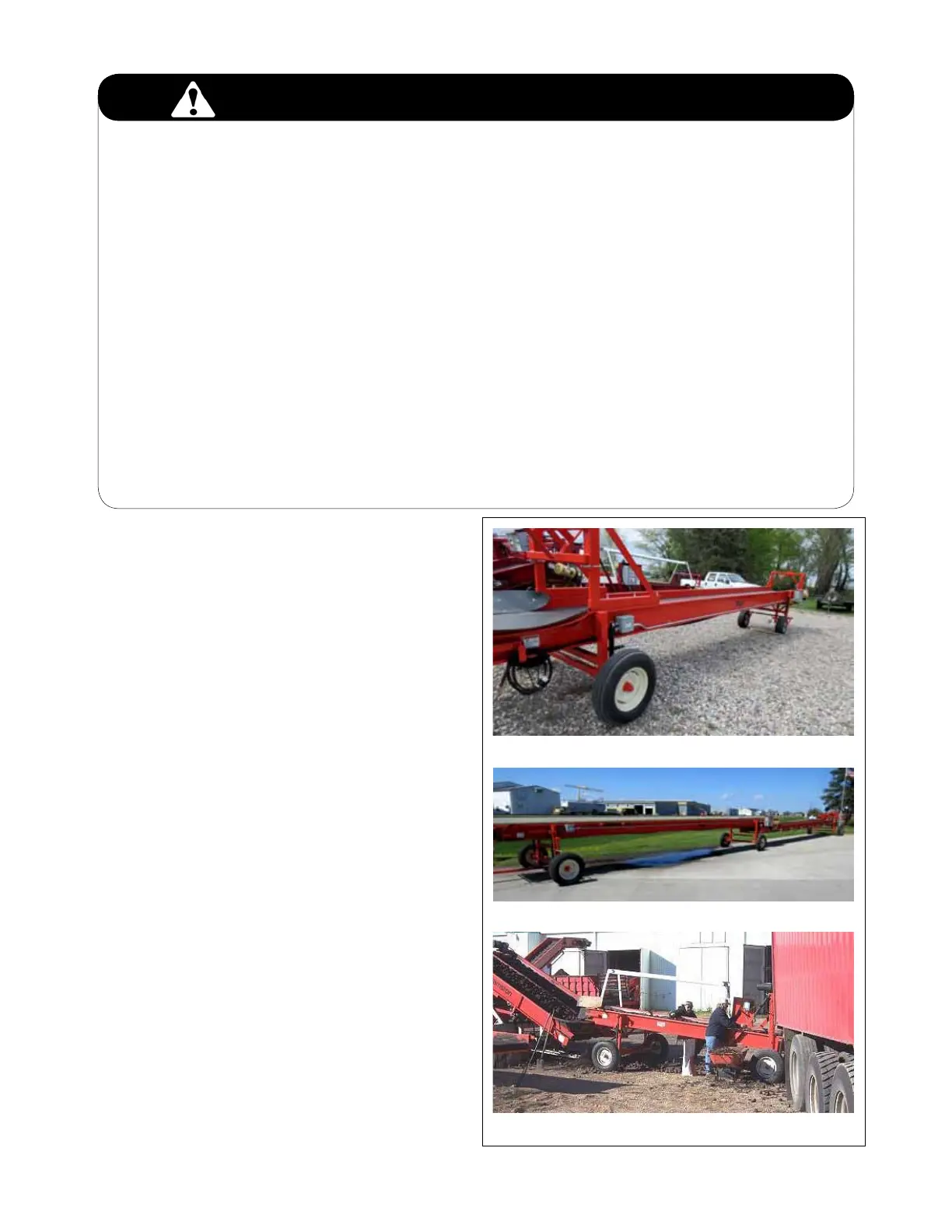
FIG. 12 CONVEYING SYSTEMS
Telescoping
Straight
Working System



 To Next Page