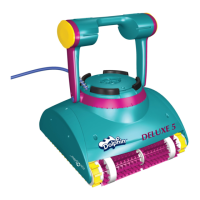
Dolphin Deluxe 4/5 | User Instructions
5
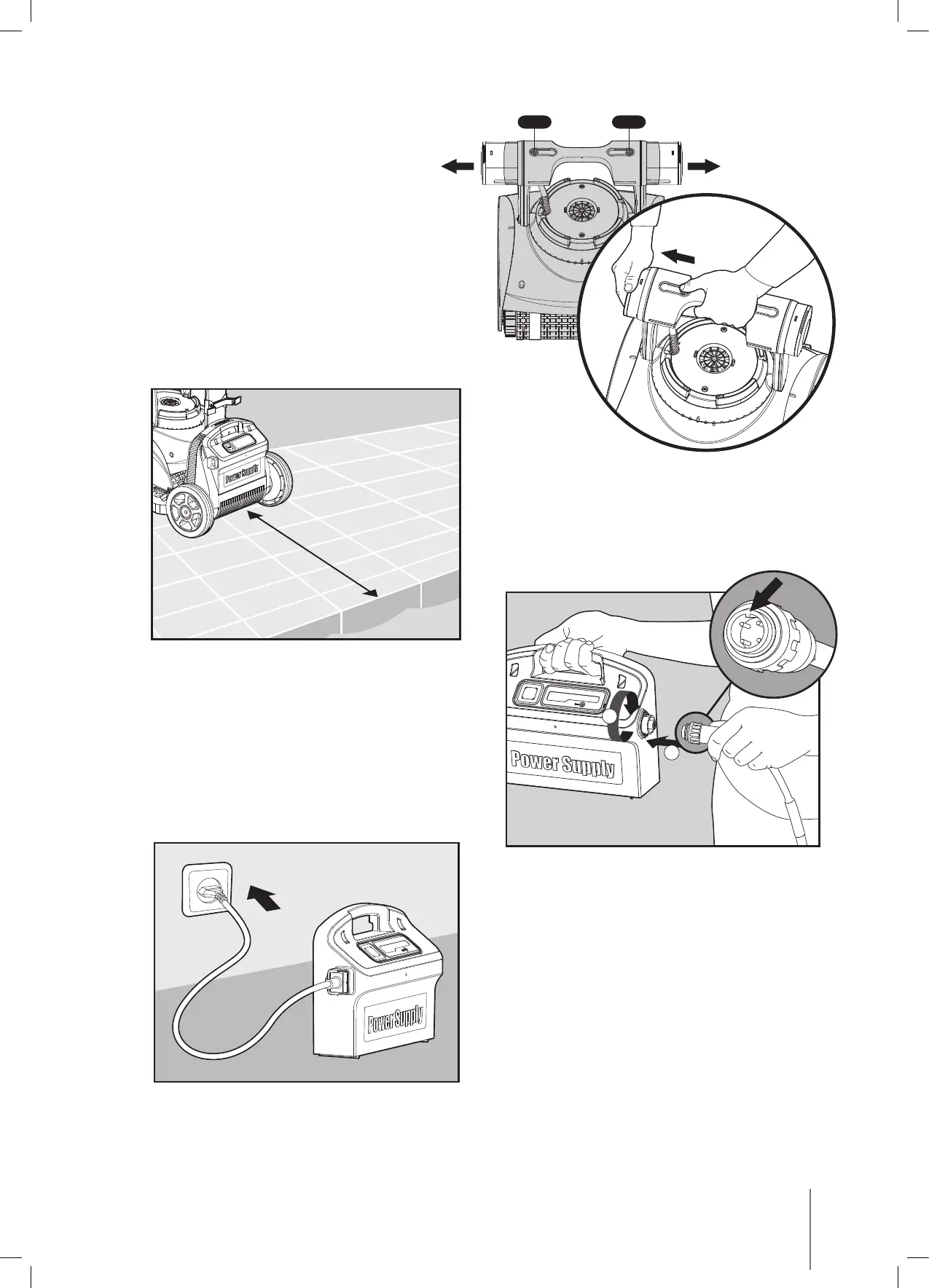
While pushing the button on each
float pull it all the way out.
Position the power supply so that it is
approximately in the middle of the long side
of the pool at a distance of 10ft/3m.
Attach the floating cable to the power supply
by inserting it with the notch on the connector (1)
lined up with the groove in the socket on the
power supply and turning clockwise (2).
Plug in the power supply and leave it in the OFF position.
Click Click
10ft/3m
1
2



 To Next Page