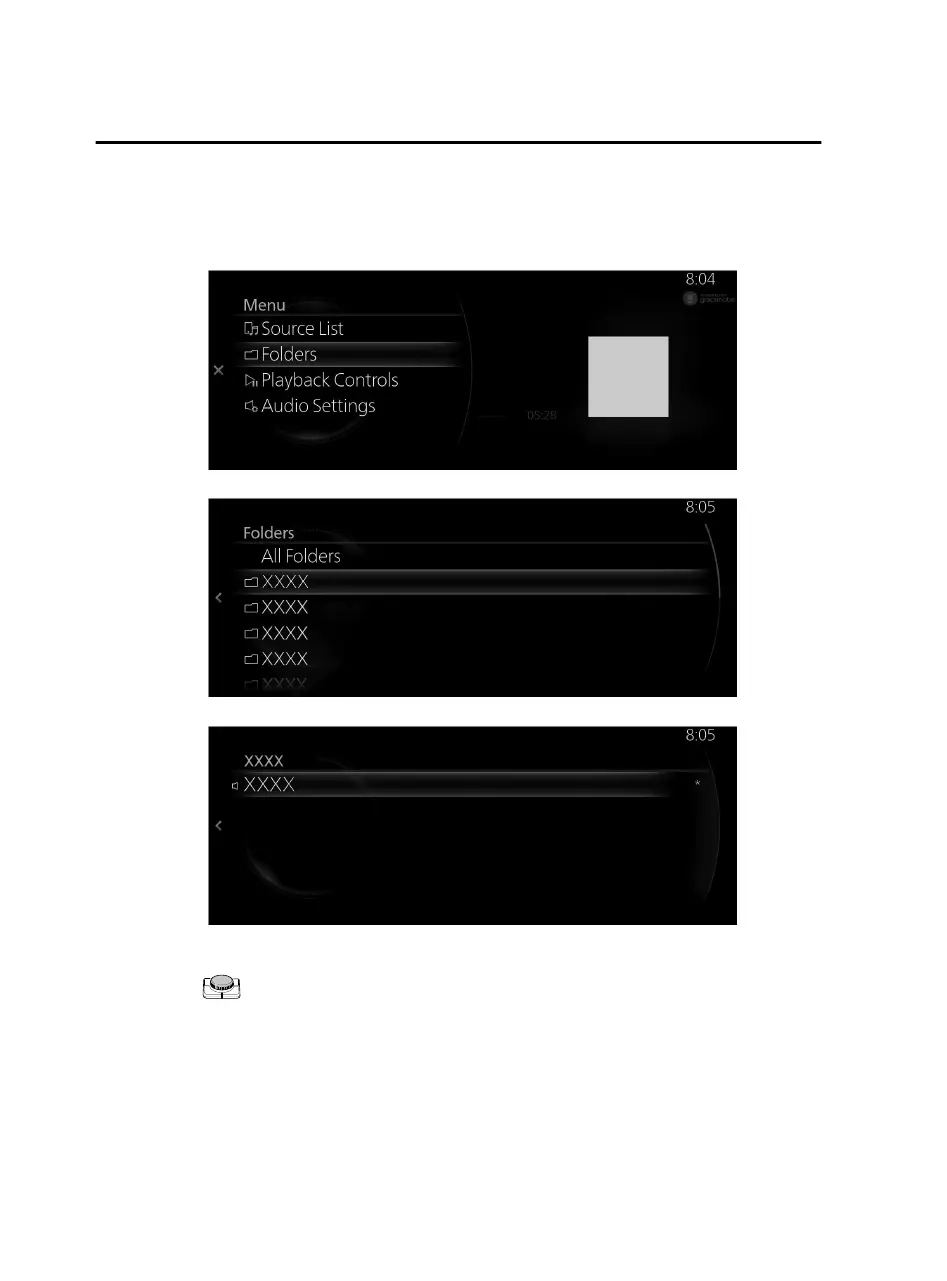
Example of use (When searching for a song from the top level of an
MP3/WMA/AAC CD)
1. Select “Folders” and display the folder/file list at the top level.
2. When selecting the folder, folders/file lists in the folder are displayed.
3. Select the
file
you want to listen to.
NOTE
When the is slid to the left, it moves to a folder one level higher.
When a CD is ejected, the unit changes to the audio source played before the CD.
Features
Entertainment
2-74
Mazda Connect_8JB9-EA19E_Edition1_new 2019-8-1 17:07:41



 To Next Page