DVD
*
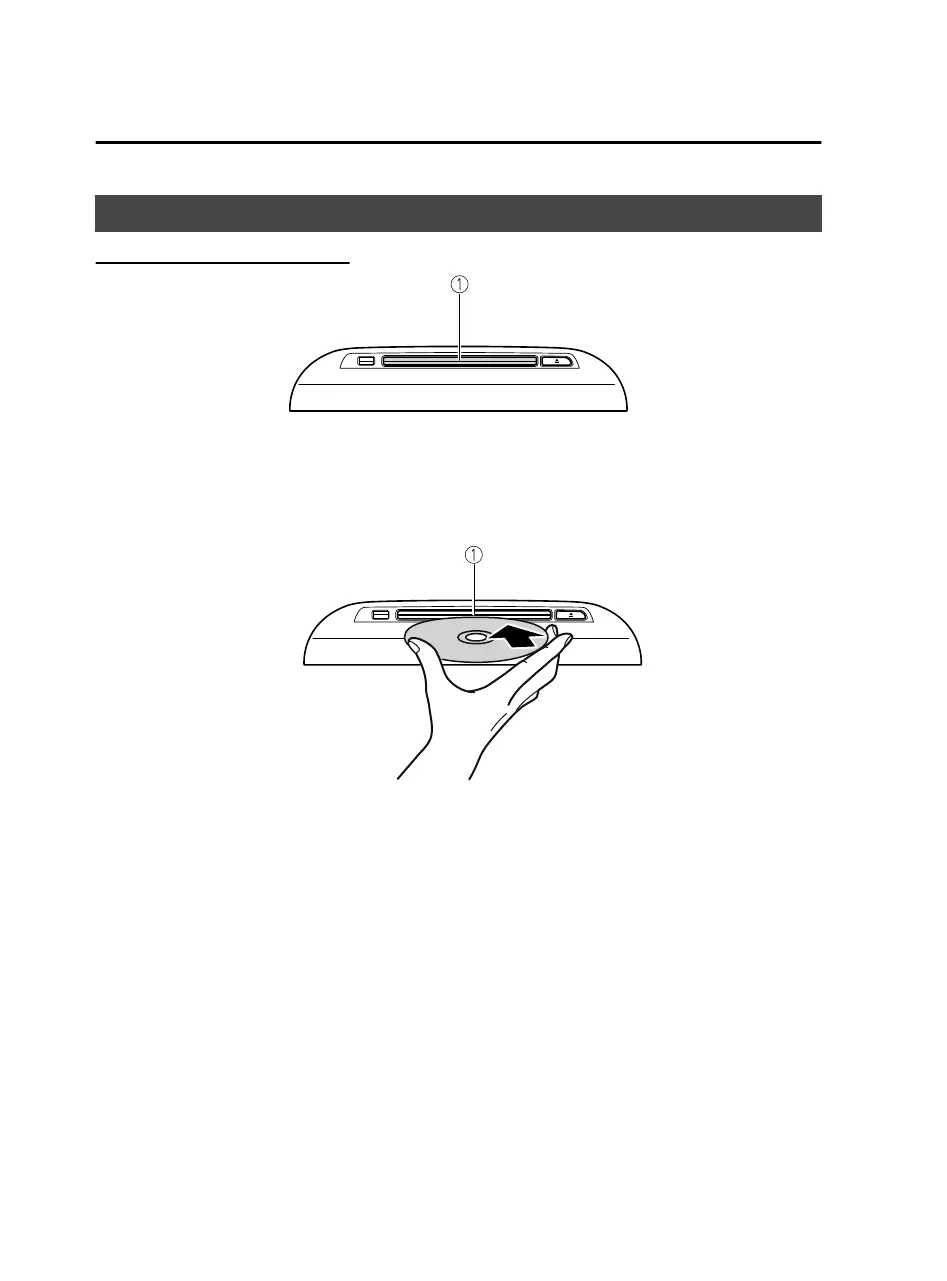
Inserting a DVD into the unit
1. CD/DVD slot
The shape of the CD/DVD player
diers
depending on the vehicle model.
1. Switch the ignition to ACC or ON.
2. Insert the DVD into the slot, label side up. The auto-loading mechanism will set
the disc and the DVD playback screen is displayed.
1. CD/DVD slot
NOTE
Use only 12 cm DVDs. This device cannot playback 8 cm DVDs even if an adapter
is used. If an 8 cm DVD adapter is used, the device might be damaged.
There will be a short lapse before play begins while the player reads the digital
signals on the DVD.
For details on playing music recorded on
DVDR/DVD+R/DVDRW/DVD+RW,
refer to the CD item.
Refer to CD on page 2-71.
Features
Entertainment
2-78
*Some models.
Mazda Connect_8JB9-EA19E_Edition1_new 2019-8-1 17:07:41



 To Next Page