Favorites
Registering to Favorites
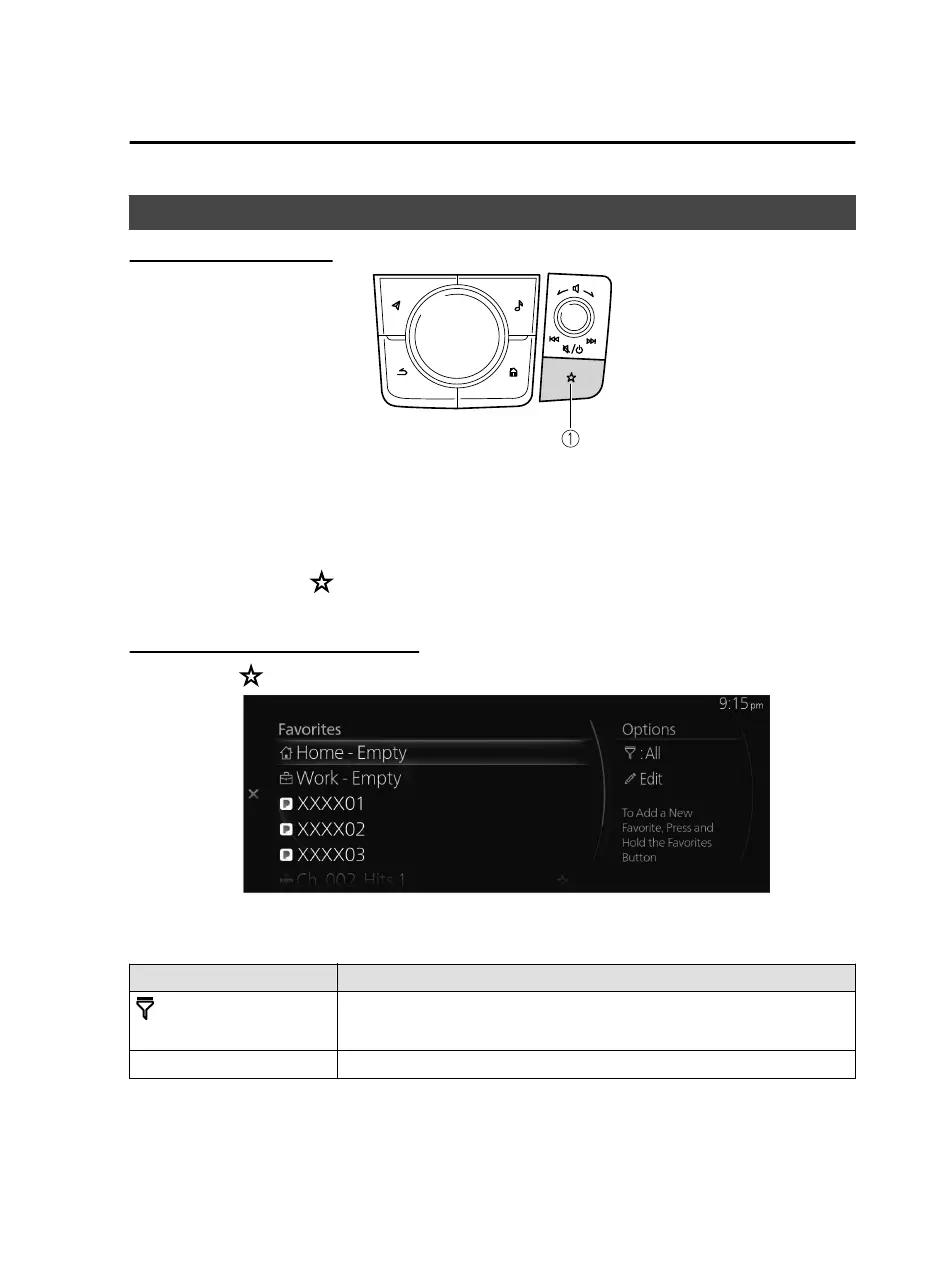
1. Favorites button
The Favorites button provides quick access to contents such as radio stations,
contacts, navigation destinations, and other items that are registered to your
Favorites.
You can use the following methods to add a new Favorite.
Press and hold the button on the commander switch while a desired contact,
radio station, or a navigation destination is selected.
Selecting contents from Favorites
1. Press the on the commander switch to display the Favorites list.
2. Select the desired item you want to play/display from the list to play/display.
Options menu
Options Explanation
[Currently selected cate-
gory]
The category name of the filter currently selected is displayed.
Select to change the category displayed in the Favorites list.
Edit Select to edit the Favorites list.
Overview
Basic Operations
1-17
Mazda Connect_8JB9-EA19E_Edition1_new 2019-8-1 17:07:41



 To Next Page