Fuel Eciency Monitor
The fuel eciency monitor switches between the fuel eciency history, energy flow
monitor (if equipped) , and settings. They can be displayed by selecting each item
on the center display.
1. Select “Information” on the home screen.
2. Select “Fuel
Eciency
Monitor”.
3. Press the commander switch to display the menu.
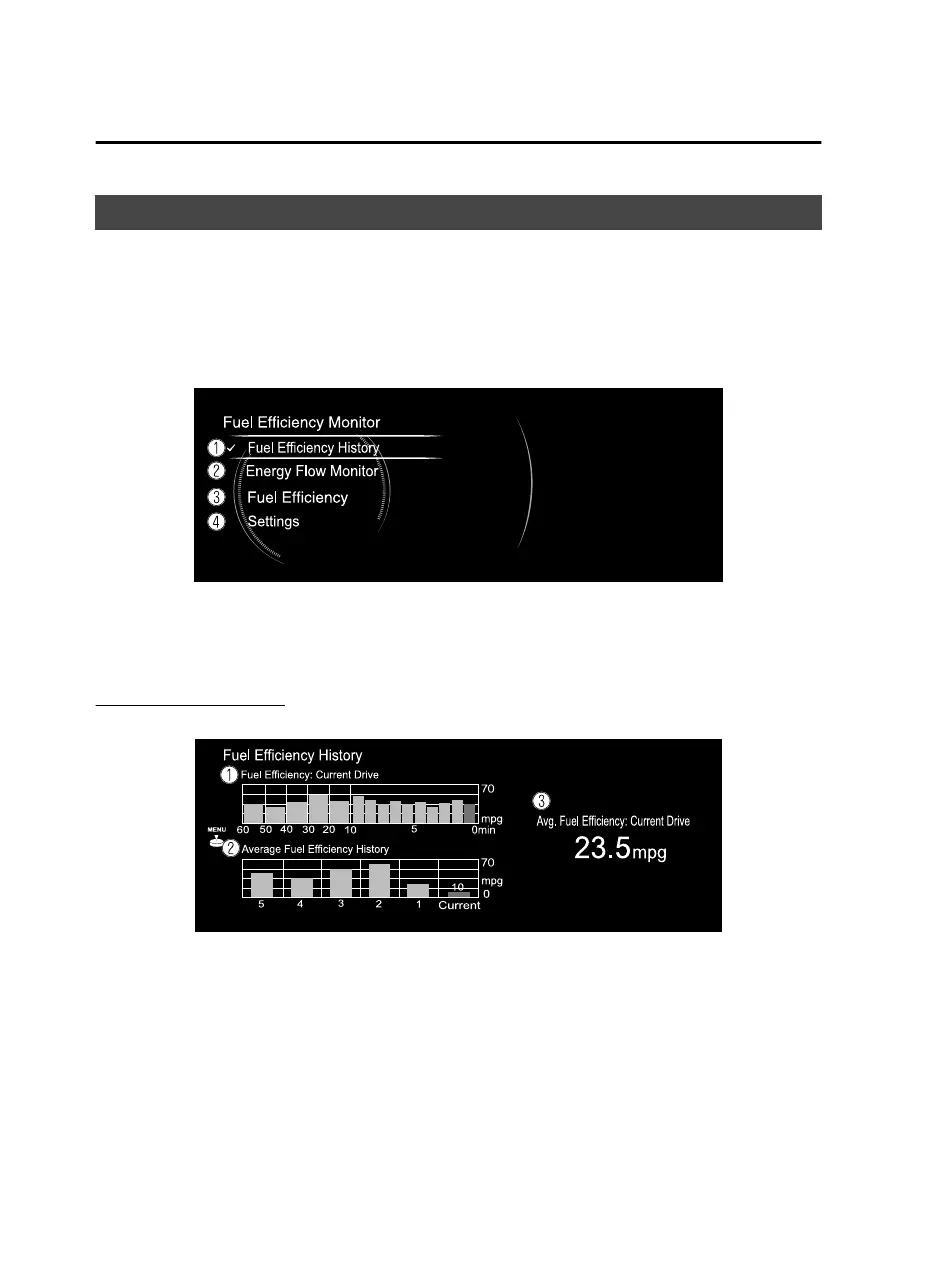
4. Select the item in the menu. Each item operates as follows:
1. Displays the information regarding the fuel eciency.
2. Displays the system operation status.
3. Displays the actual energy
eciency.
*
4. Displays the settings for the fuel eciency monitor.
Fuel
eciency
history
Displays the information regarding the fuel eciency.
1. Displays the fuel eciency for the past 60 minutes.
Displays the fuel eciency every minute for the past 1 to 10 minutes.
Displays the fuel eciency every 10 minutes for the past 10 to 60 minutes.
2. Displays the average fuel eciency over the past 5 resets and after the current
reset.
3. Calculates the average fuel eciency at regular intervals after vehicle travel starts,
and displays it.
Features
Information
2-2
*Some models.
Mazda Connect_8JB9-EA19E_Edition1_new 2019-8-1 17:07:41



 To Next Page