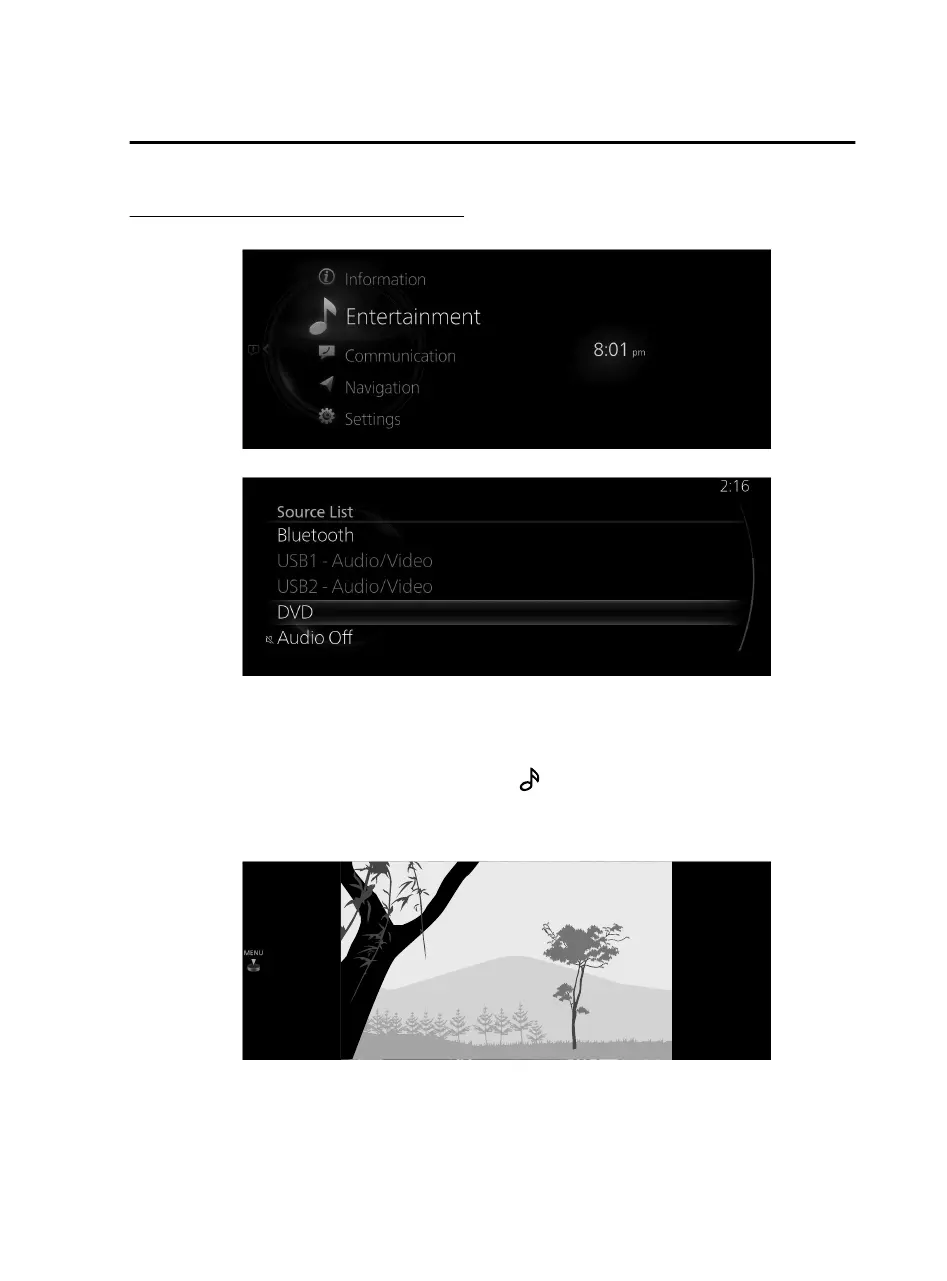
Changing to the DVD playback screen
1. Select “Entertainment” on the home screen.
2. Select “DVD”.
NOTE
If there is currently playing content, select “Entertainment” to have the contents
displayed on the playback screen.
While on the playback screen, press the
on the commander switch to
display the Source List screen.
If a disc is not inserted, “Disc” is displayed, however, it cannot be selected.
3. The playback screen is displayed.
NOTE
For safety reasons, images are not displayed and only the audio is played while
driving, and some functions are limited.
Features
Entertainment
2-79
Mazda Connect_8JB9-EA19E_Edition1_new 2019-8-1 17:07:41



 To Next Page