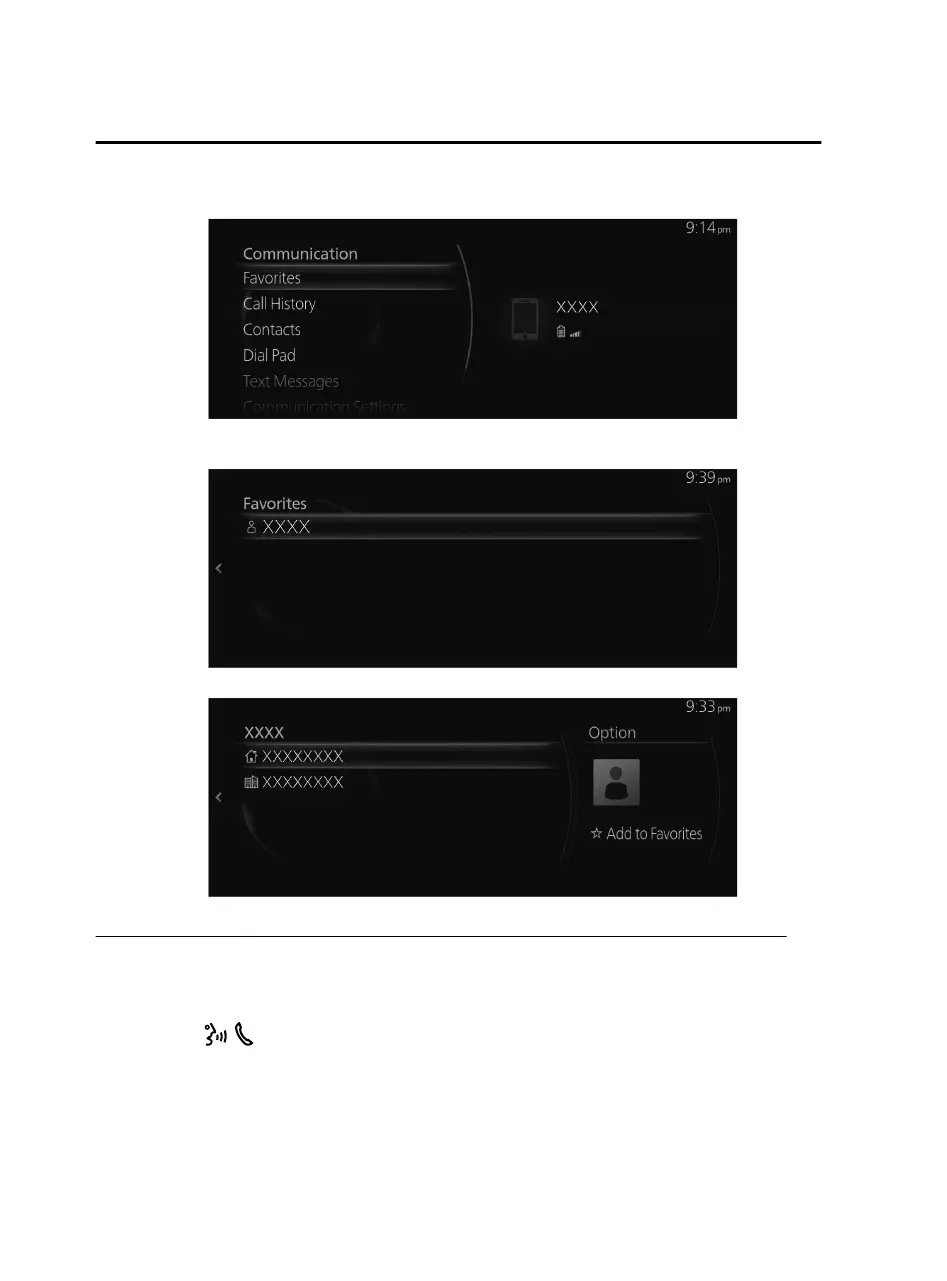
2. Select “Favorites”.
3. Select the contact information you want to make a call from the displayed
Favorites list.
4. Select the telephone number and make the call.
Making a call using the call history (outgoing call history, incoming call history)
Operation using voice
Makes a call to the last person called (latest person on outgoing call history) from
the mobile phone/vehicle.
1. Press the
on the audio remote control switch.
2. Say: “Redial”
Features
Communication
2-92
Mazda Connect_8JB9-EA19E_Edition1_new 2019-8-1 17:07:41



 To Next Page