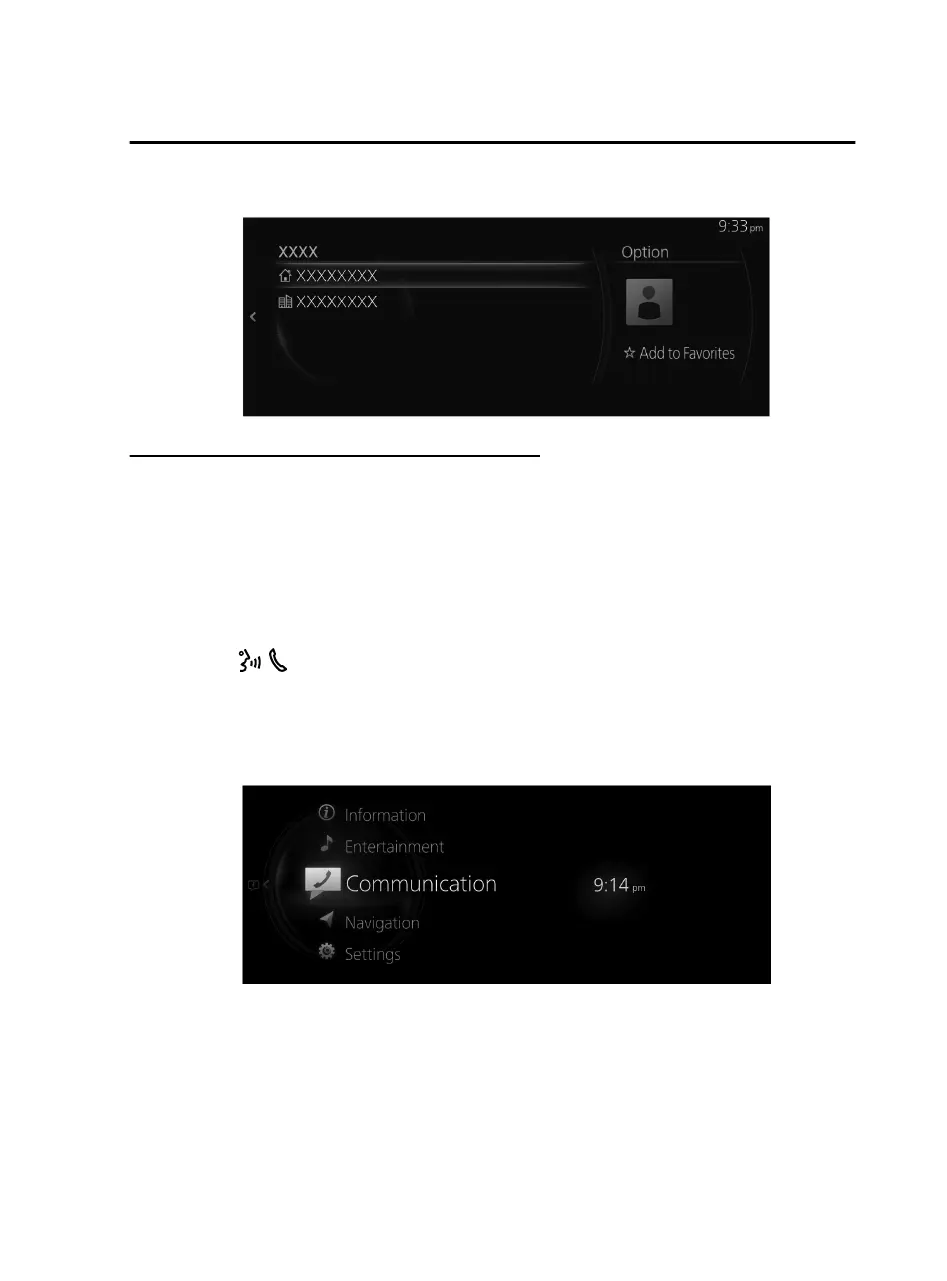
4. Select the phone number to make the call.
Input the telephone number and make the call
NOTE
Practice this while parked until you are confident you can do it while driving in a
non-taxing road situation. If you are not completely comfortable, make all calls from
a safe parking position, and only start driving when you can devote your full
attention to driving.
Operation using voice
You can make a call by saying the phone number.
1. Press the
on the audio remote control switch.
2. Say: “Dial {Phone Number}”
3. Follow the voice guidance to make a call.
Center Display Operation
1. Select “Communication” on the home screen.
Features
Communication
2-95
Mazda Connect_8JB9-EA19E_Edition1_new 2019-8-1 17:07:41



 To Next Page