iPhone
®
NOTE
When you connect an iPhone
®
, the following functions cannot be used.
Downloading past messages
Replying to messages
Do the following operation while connected after pairing is completed.
1. (iPhone
®
operation)
Select the Settings menu → Bluetooth → Device “Mazda”.
2. (iPhone
®
operation)
Turn on the Display notifications item.
3. (Operation on this unit)
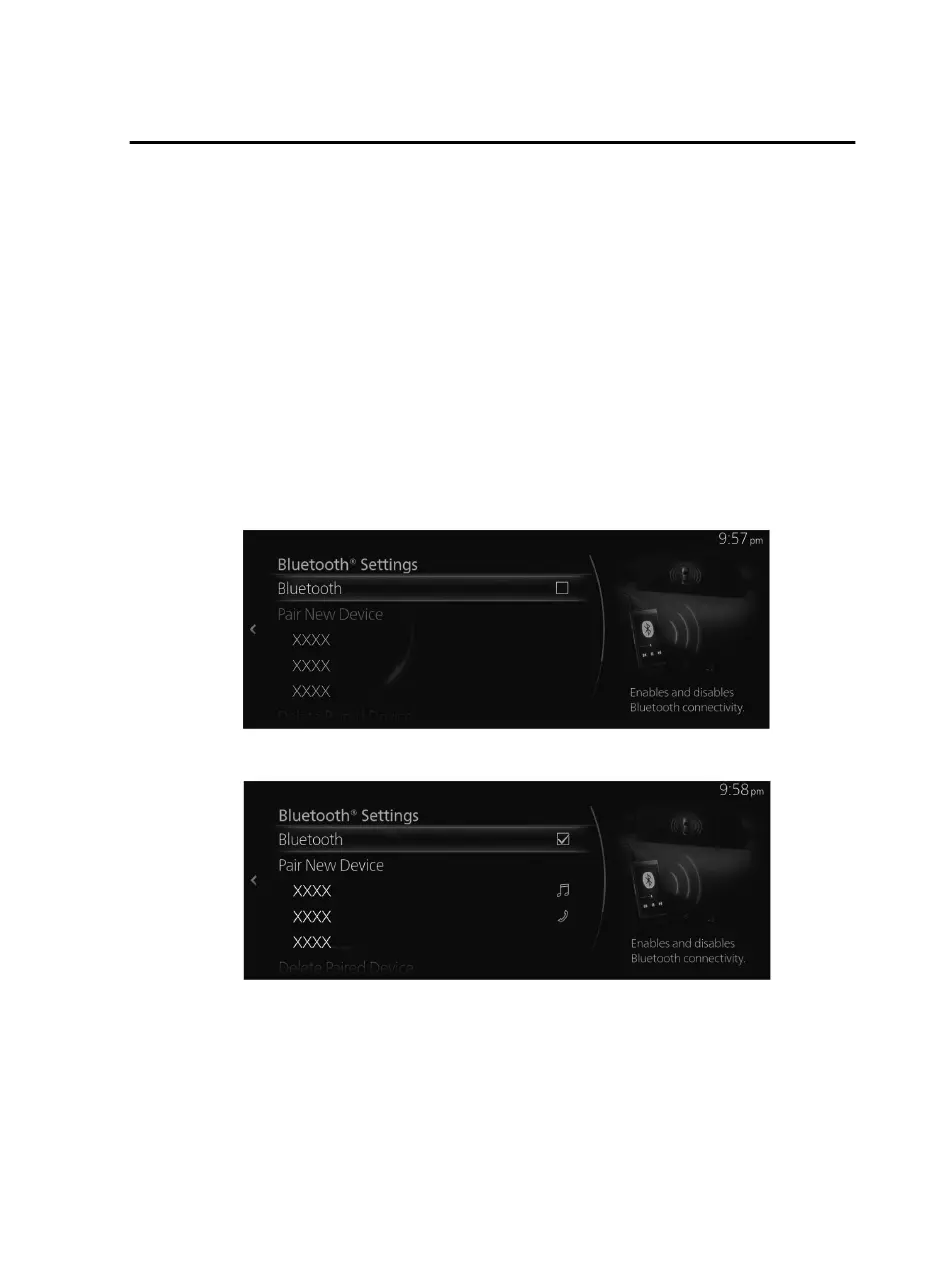
Turn o Bluetooth
®
.
Refer to Connectivity Settings on page 2-126.
4. (Operation on this unit)
Turn on Bluetooth
®
again and wait until the iPhone
®
automatically reconnects.
Features
Communication
2-103
Mazda Connect_8JB9-EA19E_Edition1_new 2019-8-1 17:07:41



 To Next Page