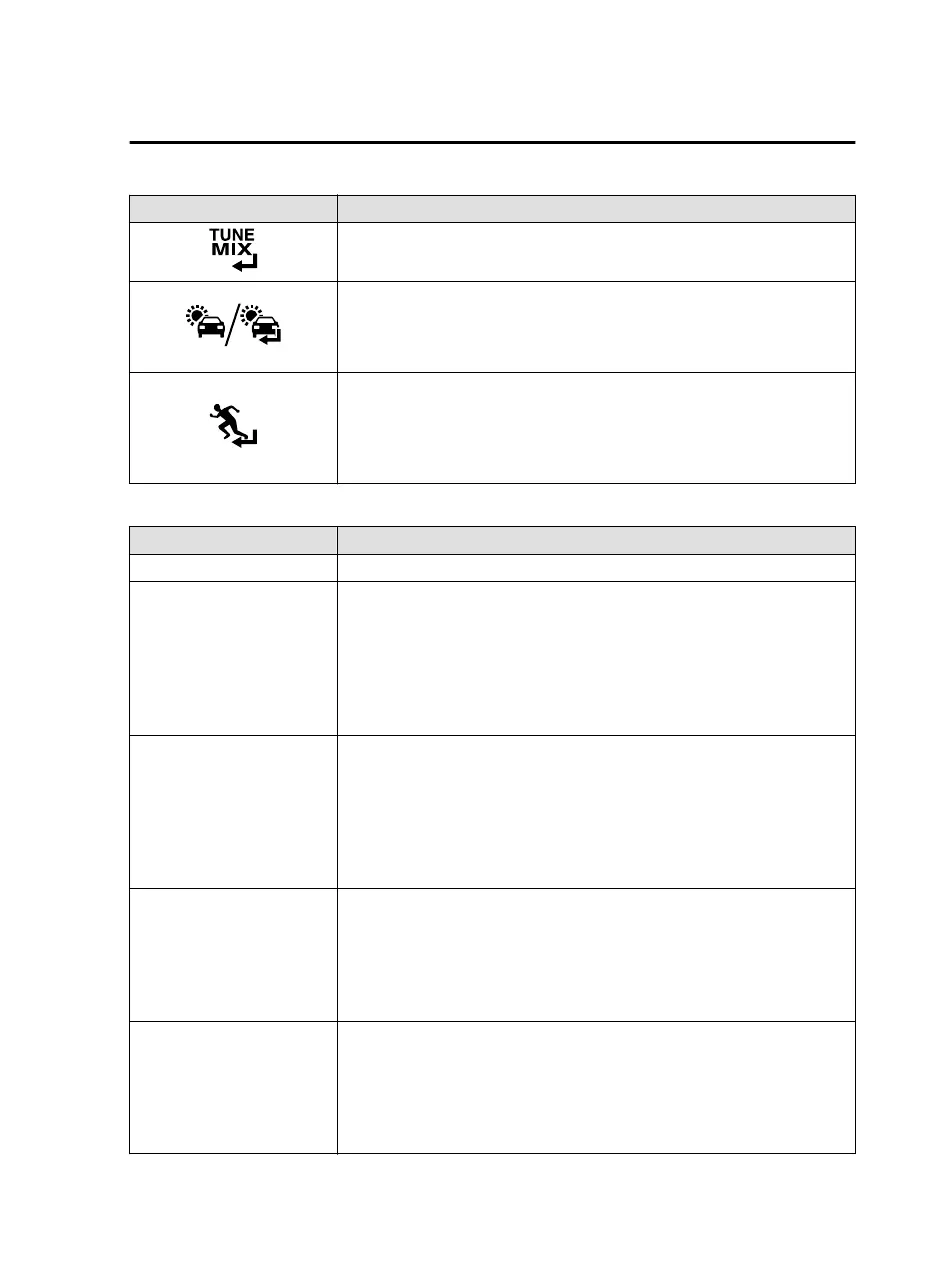
Icon Explanation
The TuneMix™ broadcast ends when the icon is pressed. Continues play-
ing the selected radio station as it is.
Plays the Trac & Weather Now. When it is pressed again, playback is
stopped, and playback begins from the previously selected radio station.
When there is no playable “Trac & Weather Now”, the selection cannot
be selected.
(During playback of SportsFlash)
Stops playback of SportsFlash and begins playback from the previously
selected radio station.
When “SportsFlash” is not being played, it cannot be selected.
SiriusXM Settings
Menu Explanation
Parental Controls Sets the parental lock and changes the lock code.
Smart Favorites
Selects/changes radio stations registered to Smart Favorites. Up to 10 ra-
dio stations can be registered.
Smart Favorites
Broadcasts of registered stations are
buered.
Also, when registering radio stations to Favorites, up to 10 stations are
registered to Smart Favorites automatically.
TuneStart
Switches TuneStart on/o.
TuneStart
Stations registered to Smart Favorites are played from a break point such
as the beginning of a song, not in real-time.
The break point diers depending on the contents and buering condi-
tions.
Artist/Song Alerts
You can switch the Artist/Song Alerts on/o and delete registered artists
and music.
Artist/Song Alerts
The function alerts you when an artist or song is played which is regis-
tered to “Save Artist/Song”.
SportsFlash
You can switch SportsFlash on/o and register and delete sports teams.
Up to 50 teams can be registered.
SportsFlash
The function
notifies
you when registered sports team highlights are an-
nounced.
Features
Entertainment
2-43
Mazda Connect_8JB9-EA19E_Edition1_new 2019-8-1 17:07:41



 To Next Page