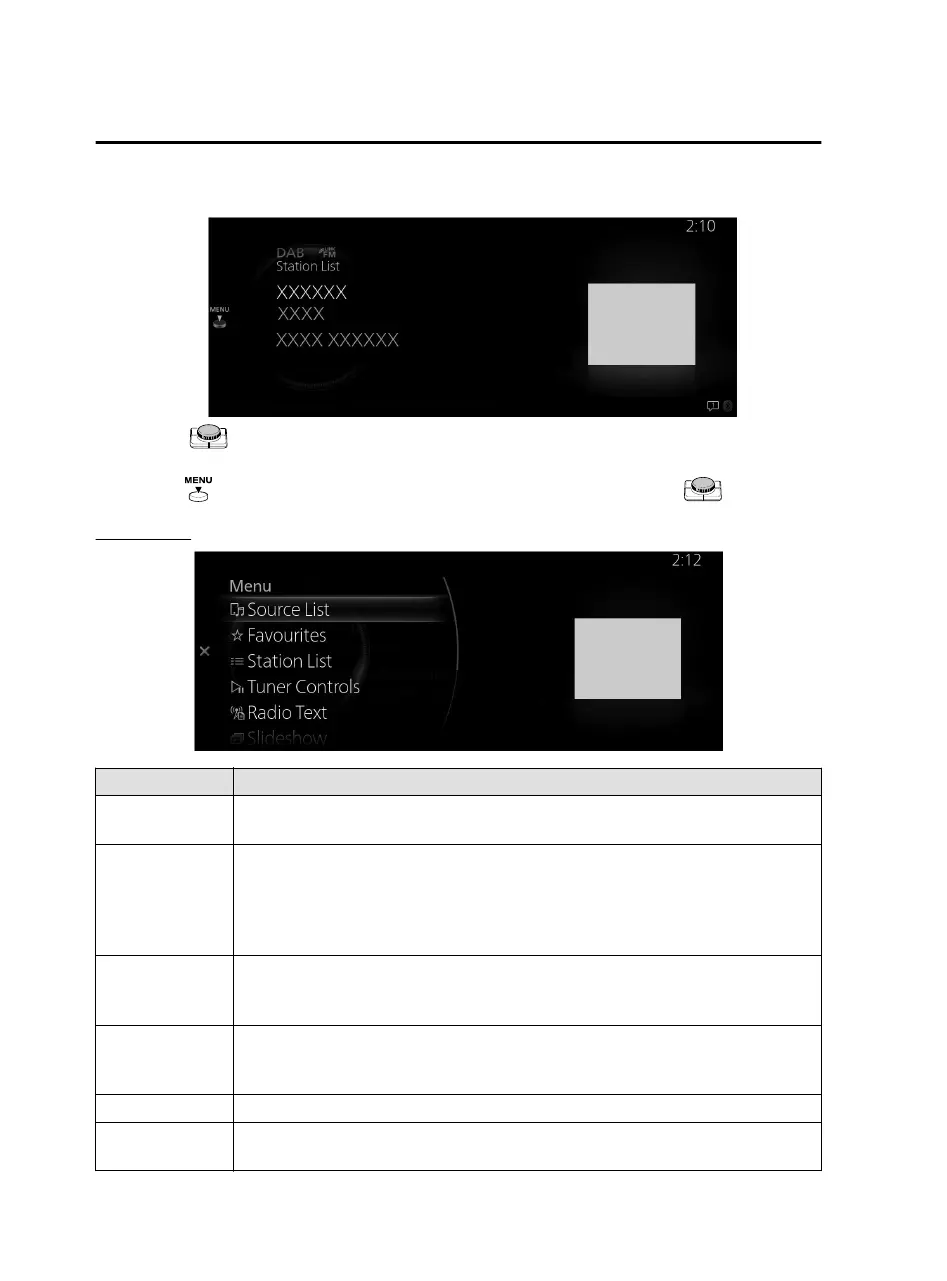
3. The playback screen is displayed.
Rotate the to display the last list displayed from the Favorites list or the Station
List for DAB.
When the
is displayed, you can display the menu by pressing the .
DAB menu
Menu Explanation
Source List
Displays the Source List screen.
You can switch the audio source.
Favorites
Displays the Favorites list for DAB.
The radio station list registered to your Favorites is displayed where you can select
the contents you want to listen to.
If you have no registered Favorites, an empty list is displayed.
Refer to Favorites on page 1-17 for the method of registering to Favorites.
Station List
Displays the station list (ensemble and station).
You can select the contents you want to listen to from the displayed Station List.
You can change the Ensemble by selecting “Select Ensemble”.
Tuner Controls
Displays the control screen (icon) on the playback screen.
For the operation method for each icon, refer to How to Use the Tuner Controls
(icon).
Radio Text Displays radio text of the radio station being received.
Slideshow
When broadcast stations with a slide show service is received, the slide show is
enlarged.
Features
Entertainment
2-46
Mazda Connect_8JB9-EA19E_Edition1_new 2019-8-1 17:07:41



 To Next Page