SMARTING User Manual – Release 11/03/2019 13
6. SMARTING Streamer standalone PC utility
SMARTING Streamer represents a standalone utility for PC/Windows that
allows visualization and recording of EEG signals, checking and setting up
impedance values, registration and visualization of external triggers and
other functions that will be further explained.
6.1 Installation:
To install the SMARTING streamer application, please locate the installation
file (SmartingStreamer-setup.exe) on the USB flash that was delivered inside
the SMARTING package, or download the Smarting Streamer application
from the website (http://www.mbraintrain.com/support/) using the provided
Username and Password credentials located on the USB that came with the
package.
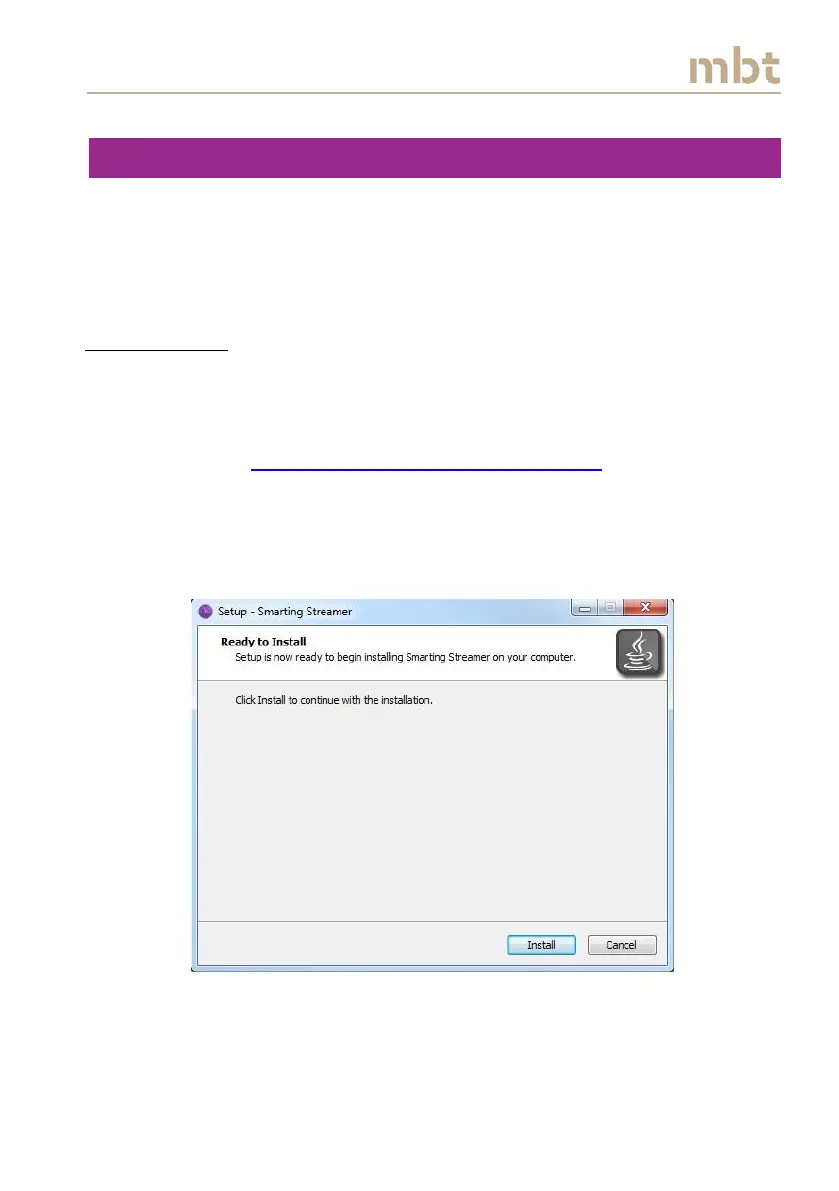
After launching the installation file, simply click on install and the application
will be installed on your PC.
Figure 6.1 Click the install button for installing the Smarting Streamer.



 To Next Page