20 SMARTING User Manual – Release 11/03/2019
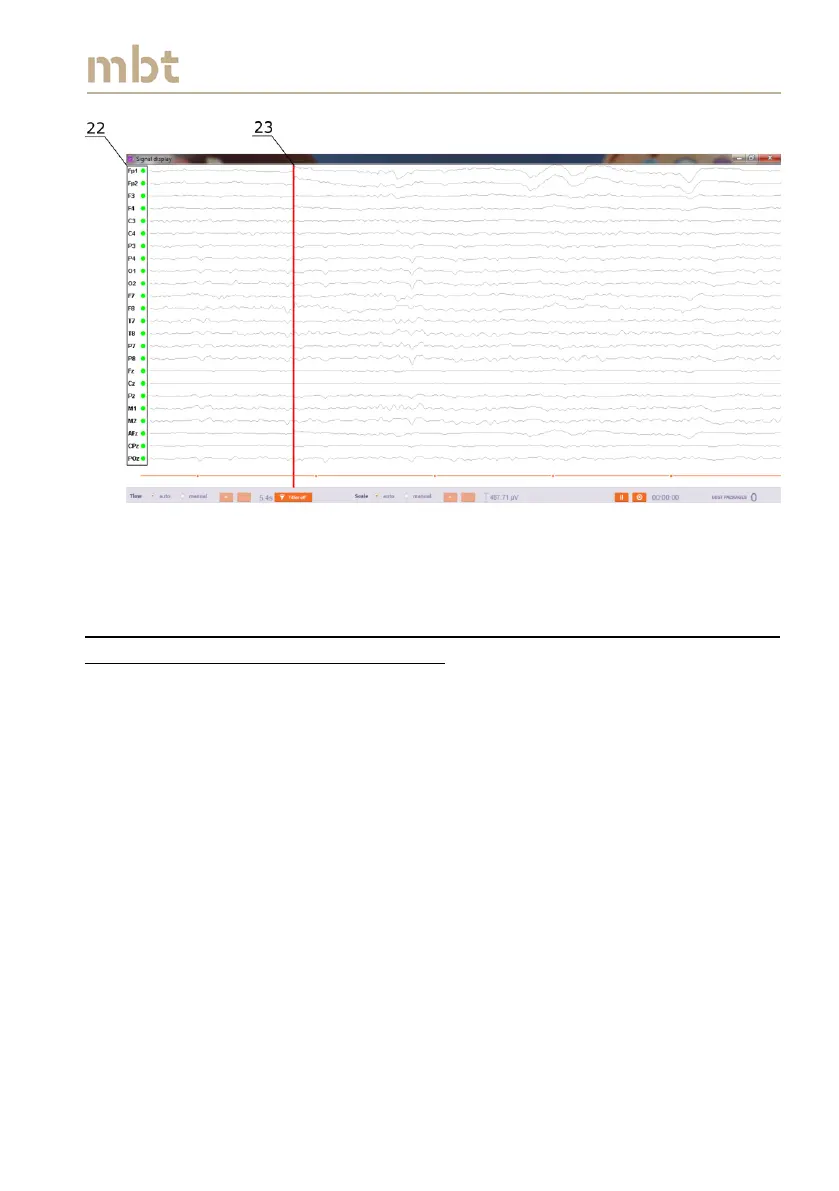
Figure 6.7 The Signal display window, in case when the impedance measurement is
selected. The indication of the impedance values are presented in the left part of the
Signal display window (22). The red line denotes the most recent samples (23).
6.5 Streaming signals with 500 Hz sampling frequency and with the
impedance measurements switched off
Upon mounting the cap and ensuring the proper electrode contacts, it is
advisable to switch off continuous impedance measurement before
proceeding to data visualization and acquisition, because this will reduce the
high frequency noise components. If the box No impedance measurement
(number 13 in Figure 6.4) is selected and the sampling frequency is set to 500
Hz (number 14 in Figure 6.4), the streamer main window looks like the one
depicted in Figure 6.8. Two main differences between the cases measure
impedance and No impedance measurement is that when impedance
measurement is not selected, the electrode layout does not have the color
codes (17) and it is not possible to observe impedance values, as it can be
seen from Figure 6.8.



 To Next Page