36 SMARTING User Manual – Release 11/03/2019
8 SMARTING Android
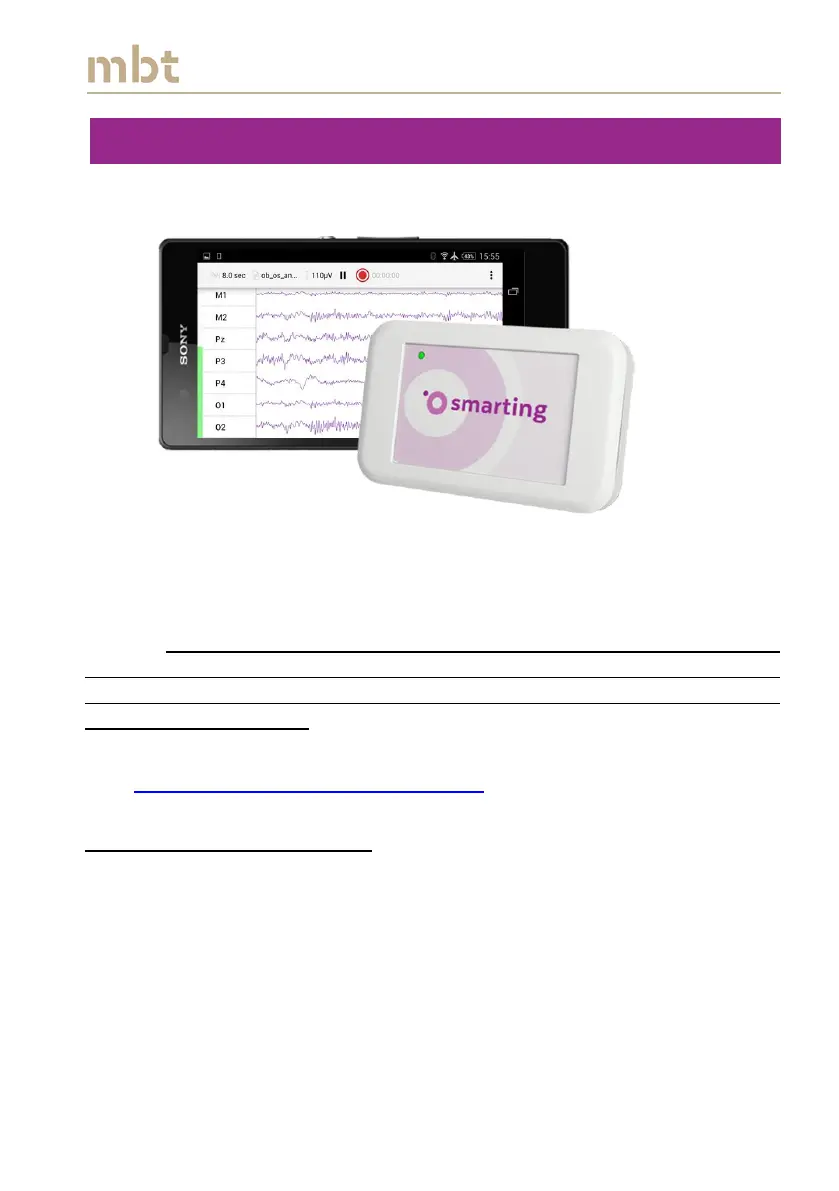
SMARTING Android is mBrainTrain's Android application for fully mobile EEG
recordings (Figure 8.1).
Figure 8.1 Android application for recording EEG data
mBrainTrain delivers the pre-installed software on a tested Android platform.
Software updates are handled by a user himself, in a simple and intuitive
manner. Note: Not all Android devices ensure reliable performance and it is
important that each platform is previously tested and verified by
mBrainTrain. Also, SMARTING Android app performs the best on Android
versions 7.1.2 and older.
The newest SMARTING Android software release can always be downloaded
from http://www.mbraintrain.com/support/
8.1 Software installation layout
To install the application, copy the SMARTINGAndroid.apk file to the
phone that will be used for recordings.
Find the file from a file browser on your phone, and click on it to
install the application. Prior to installation, make sure that
installation from unknown sources is allowed, in your phone settings.
If the previous version of the application is already installed, make
sure to uninstall it before proceeding with the software update.



 To Next Page