SMARTING User Manual – Release 11/03/2019 37
Note: The mobile phone included in the SMARTING package has already
pre-installed Android application.
8.2 Connecting SMARTING
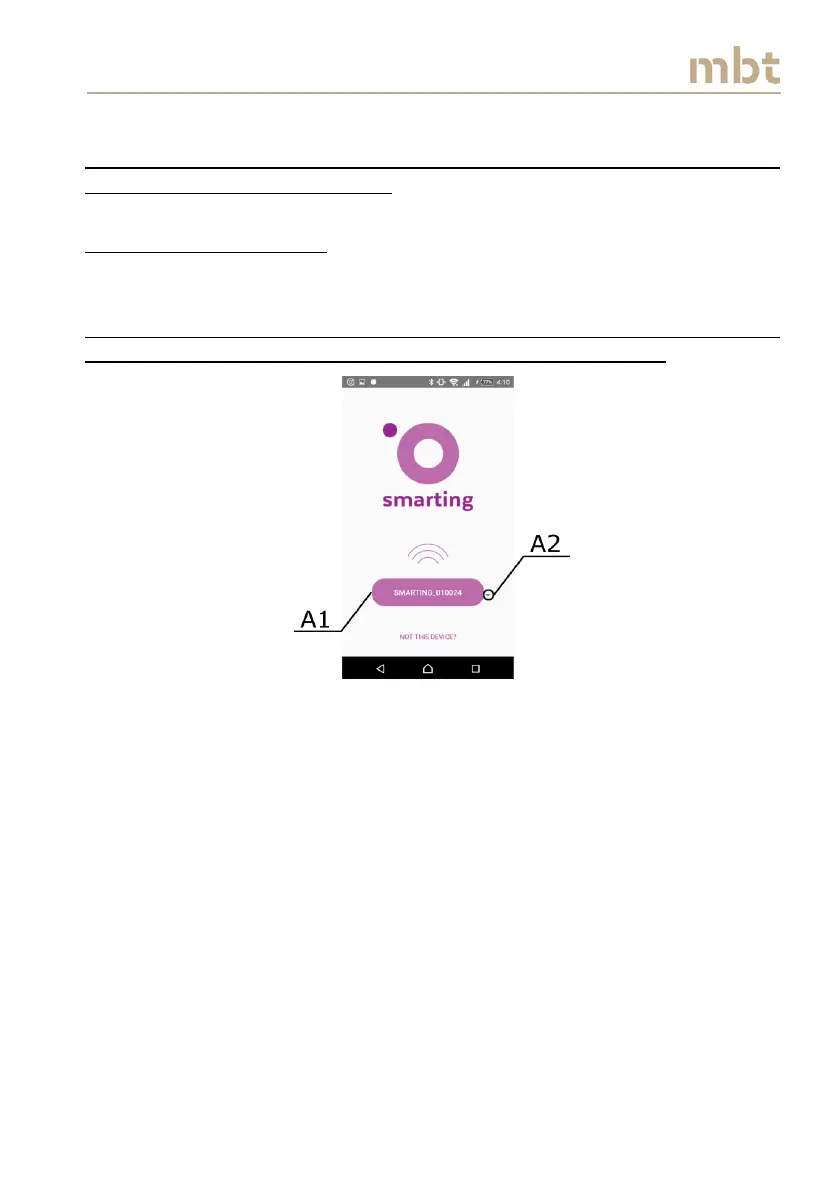
After starting the SMARTING Android application, the home screen will
appear requesting to select the SMARTING device to connect to (Figure 8.2).
Note: For the best performance we recommend that the smartphone is in
the airplane mode, but with enabled Bluetooth communication.
Figure 8.2 Starting screen
If the device name that user seeks to connect to differ from the one denoted
with the A1 in Figure 8.2, select the arrow (A2) and the list of paired devices
will appear, as depicted in Figure 8.3.



 To Next Page