38 SMARTING User Manual – Release 11/03/2019
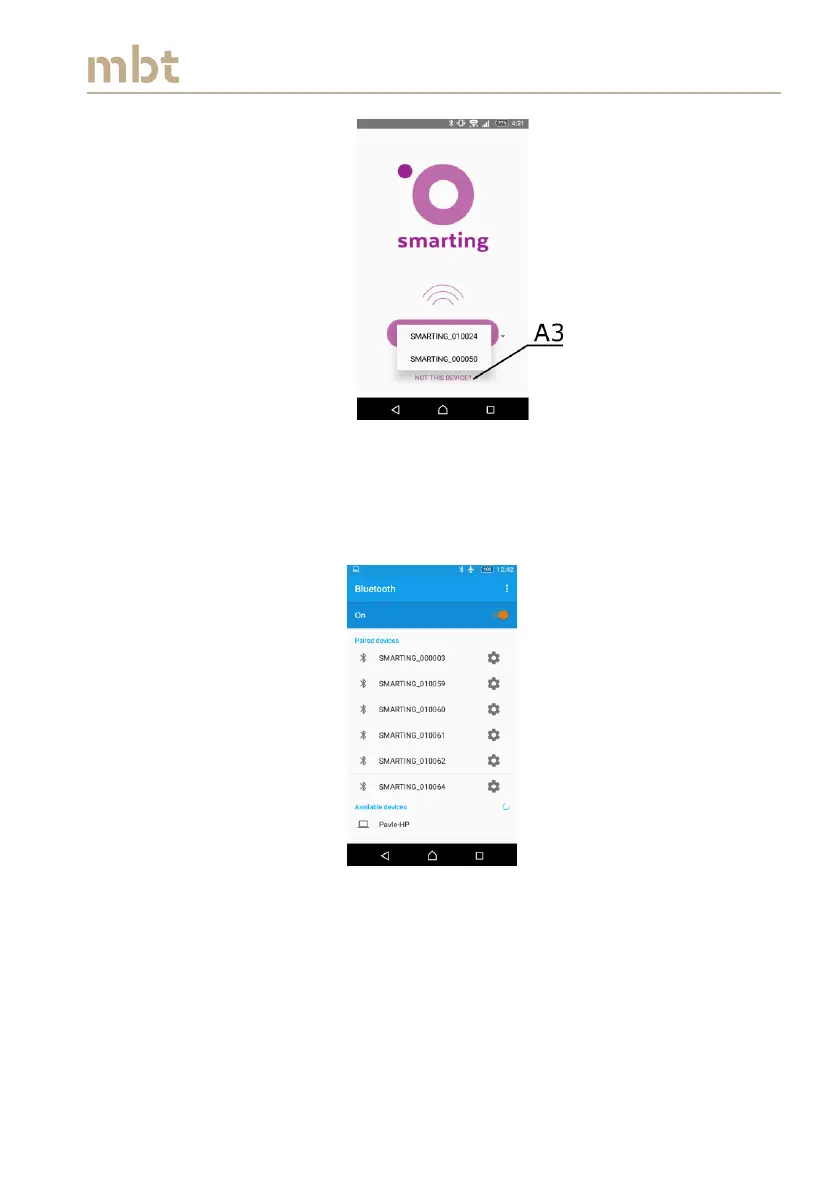
Figure 8.3 The list of paired devices
If the desired device does not appear in the device list, press the button not
this device (A3 in Figure 8.3), which opens a Bluetooth window showing the
list of paired devices (Figure 8.4).
Figure 8.4 The list of paired devices
The list of available devices is displayed bellow the paired devices. Scroll
down to choose the desired SMARTING amplifier (Figure 8.5).



 To Next Page