SMARTING User Manual – Release 11/03/2019 39
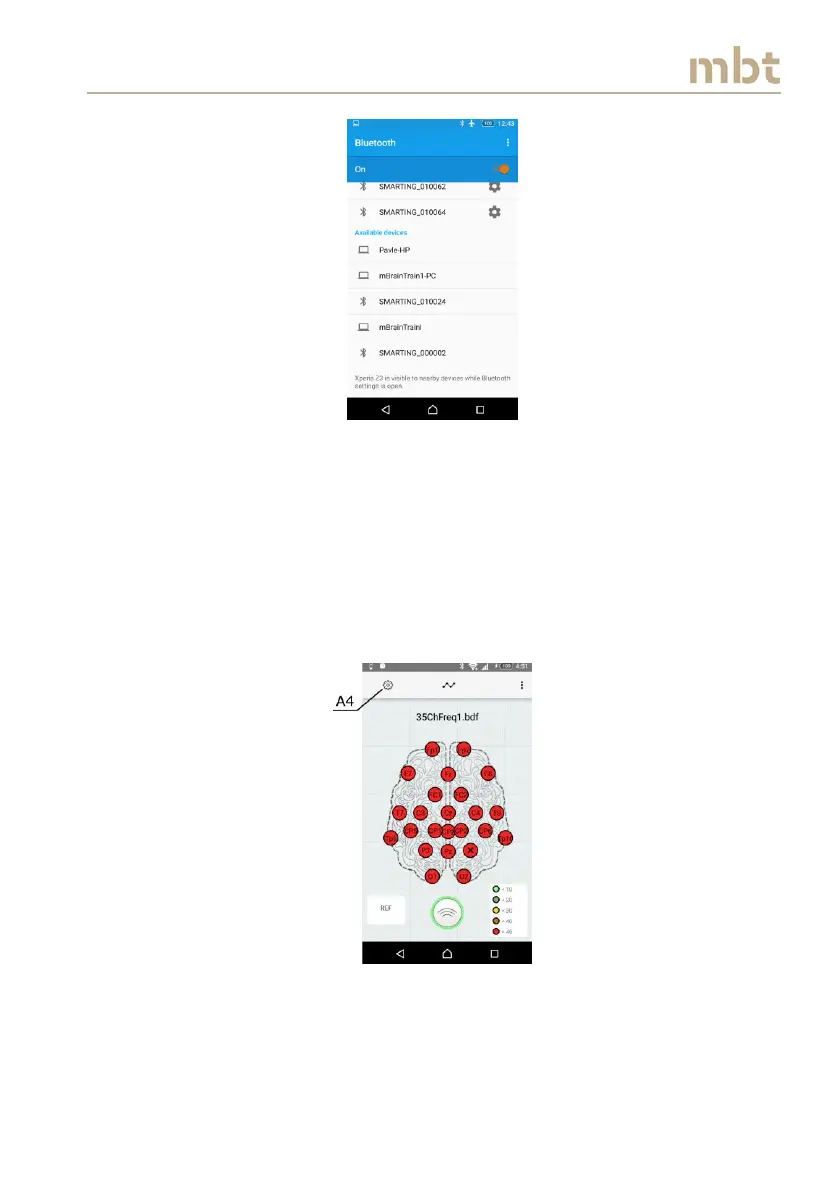
Figure 8.5 The list of available devices
When the device is found in the Available devices, select it and the device
should pair automatically to the phone. Once the device is paired, click on a
back button, and when returned to the home screen the paired devices will
appear in the choose device box (A1 in Figure 8.2). Press the (A1) button, the
device will connect to the smartphone, and the main window will appear, as
shown in Figure 8.6. One additional indication of a proper connection is the
blinking light on a Smarting device being connected.
Figure 8.6 The main window overview



 To Next Page