SMARTING User Manual – Release 11/03/2019 67
Sending stimuli and triggers
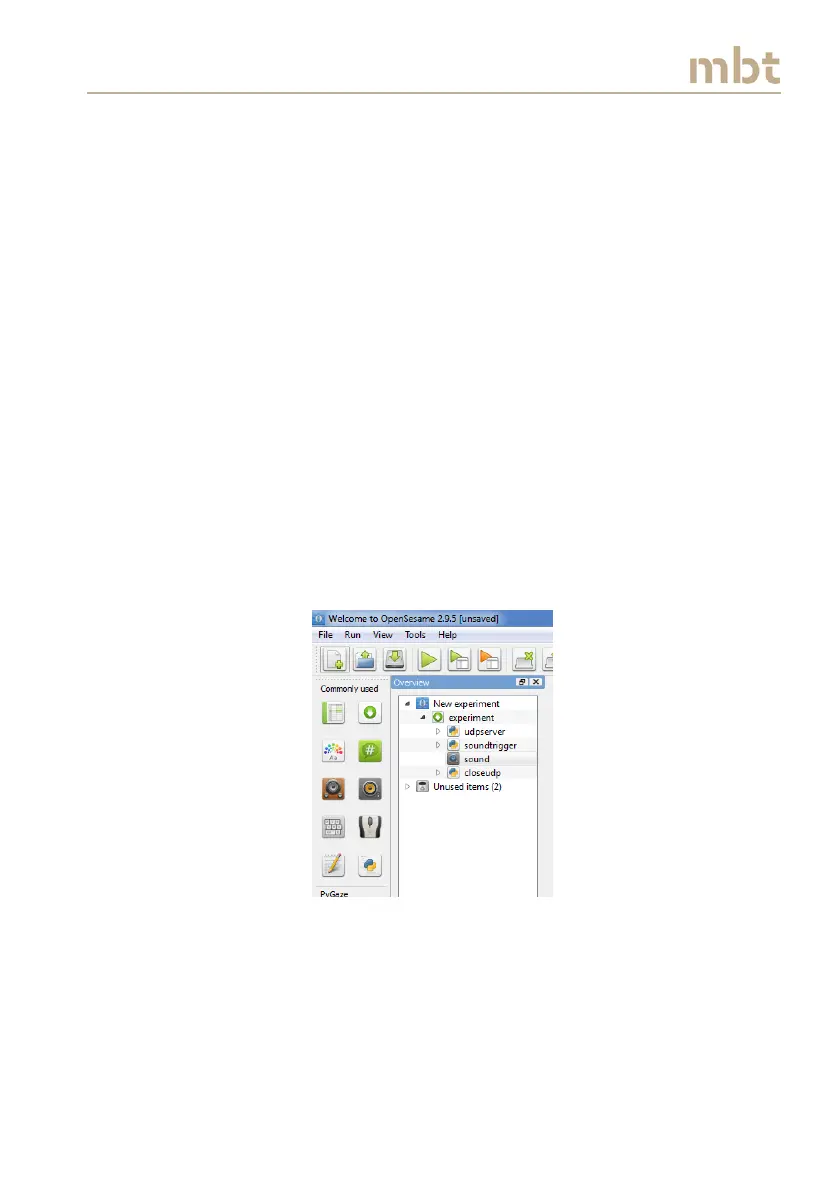
To send a sound stimulus, drag and drop the sampler item from
Commonly Used section into Overview menu, between the
udpserver, and closeupd icons. (Figure 10.10);
Rename sampler to sound. Click on file Browse, and choose the
.wav or .ogg file from file pool that appears. If there are no sounds
inside the pool, insert a sound by dragging and dropping a file
from your PC to the file pool. (Figure 10.11);
Drag and drop a new inline script above the sound item. Rename
the inline_script to soundtrigger. In the Run section of the inline
script insert (Figure 10.12).
socket.sendto('1', ('localhost', port))
Figure 10.10 Sound experiment task, simple approach



 To Next Page