Set up the hardware
Install and integrate the hardware in your network.
Install or remove rack handles
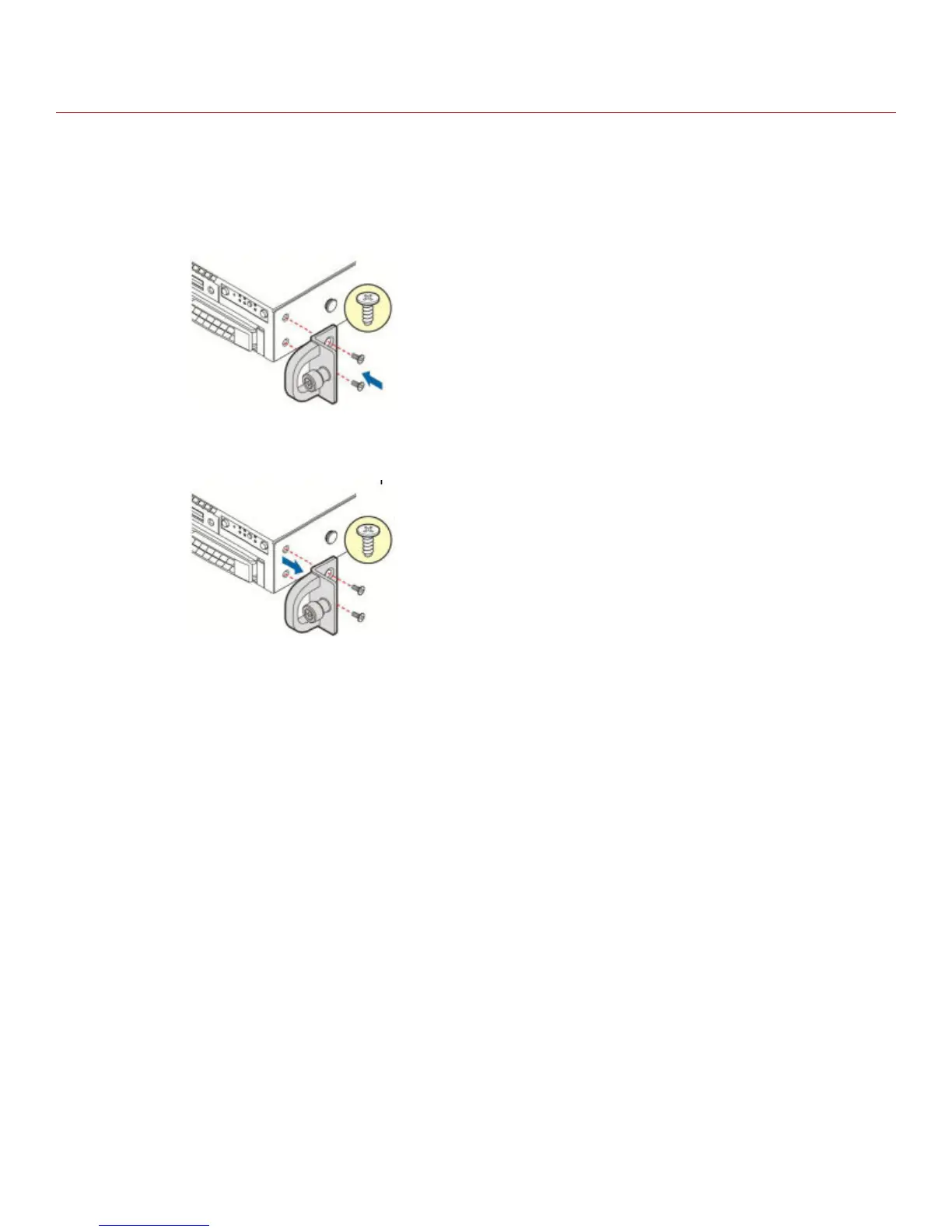
• To install a rack handle, align it with the two holes on the side of the Advanced Threat Defense Appliance
and attach the rack handle to the Appliance with two screws as shown.
Figure 6 Installing the rack handle
• To remove a rack handle, remove the two screws holding the rack handle in place, and remove the rack
handle from the server system as shown.
Figure 7 Removing the rack handle
11



 To Next Page