56
APPENDIX D: UPDATING KERNEL AND UBOOT
Requirements to update the Linux Kernel and U-Boot:
Latest binary files of Linux Kernel, U-Boot, rootfilesystem and the DTB file.
A computer with an installed terminal program (Such Hyperterminal for windows or ProComm).
An installed TFTP program (Such SolarWinds.Net TFTP server for Windows)
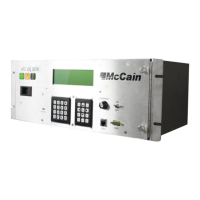
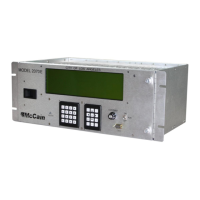
FleX Controller.
FleX terminal cable (for port 2).
Note: Please perform a controller backup before update.
Warning: performing the following steps incorrectly could cause controller malfunctions or permanent
damage.
Follow the next steps to update the FleX controller Linux Kernel and U-Boot:
Install the computer and the controller together in a Local Area Network.
Configure the TFTP program to point the folder where the binaries are stored (such c:\latest
kernel binaries\).
Get the IP number of the computer (i.e. 192.168.2.254).
Connect the terminal cable between the computer and the controller (port 2).
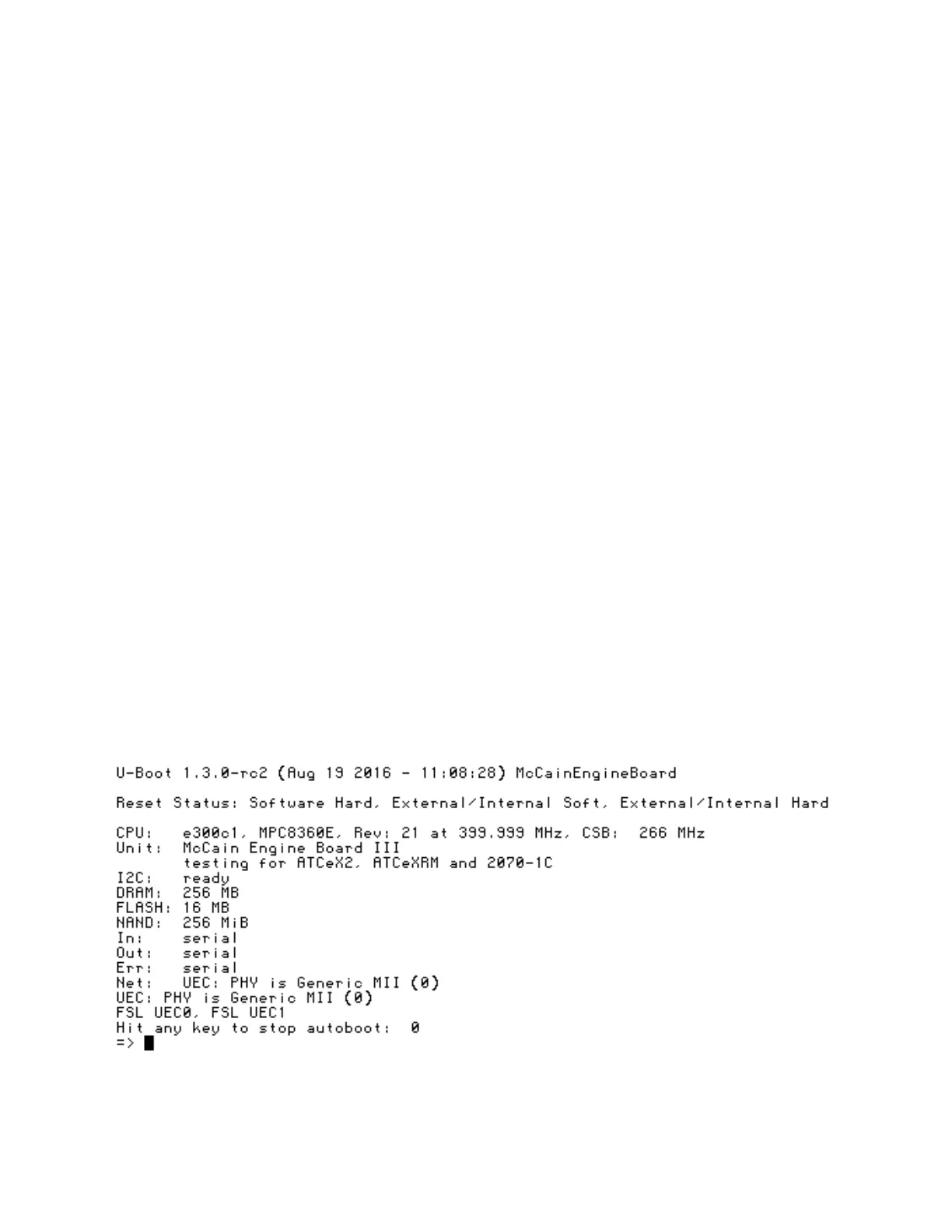
Turn ON the controller and press any key in the computer to abort kernel boot. You will get a
similar output:
Setup controller network settings by typing the following:


 To Next Page