62
101019
Removing Menu Items
Core menu items cannot be removed. Other
menu items can be removed by performing the
following steps.
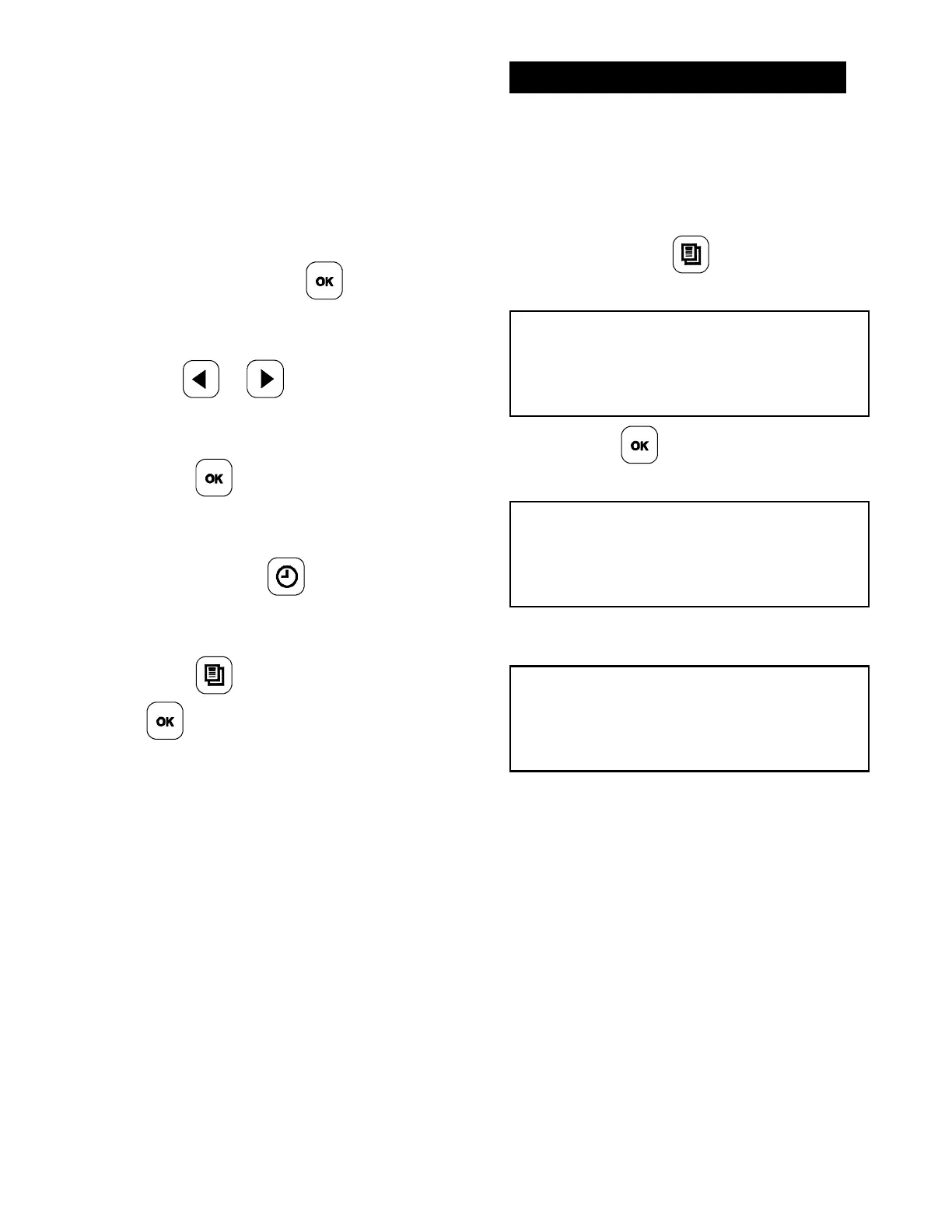
1. Once the Control Menu passcode has
been entered, press the
key for
“MENU ITEMS”.
2. Use the
or keys to scroll to the
menu item to be removed.
3. Press the
key until the “REMOVE
IN” screen is displayed.
4. Press and hold the
key until the
menu item is removed.
5. Press the
key twice and then press
the
key to exit the programming
mode.
AUTO LEVELING
1. Ensure the grill surfaces are clean and the
release sheets are installed.
2. Allow the grill to reach operating
temperature (minimum of 45 minutes).
3. While the grill is in the AM/PM AUTO
Mode, press the
key twice. The
following screen will display.
PRESS ENTER FOR
AUTO LEVELING
4. Press the key. The following screen
will display.
CLOSE GRILL CLAM FOR
AUTO LEVELING
5. Press the STANDBY button. The following
screen will display.
PLEASE WAIT FOR
AUTO LEVELING
6. The platen will raise after it has auto
leveled.



 To Next Page