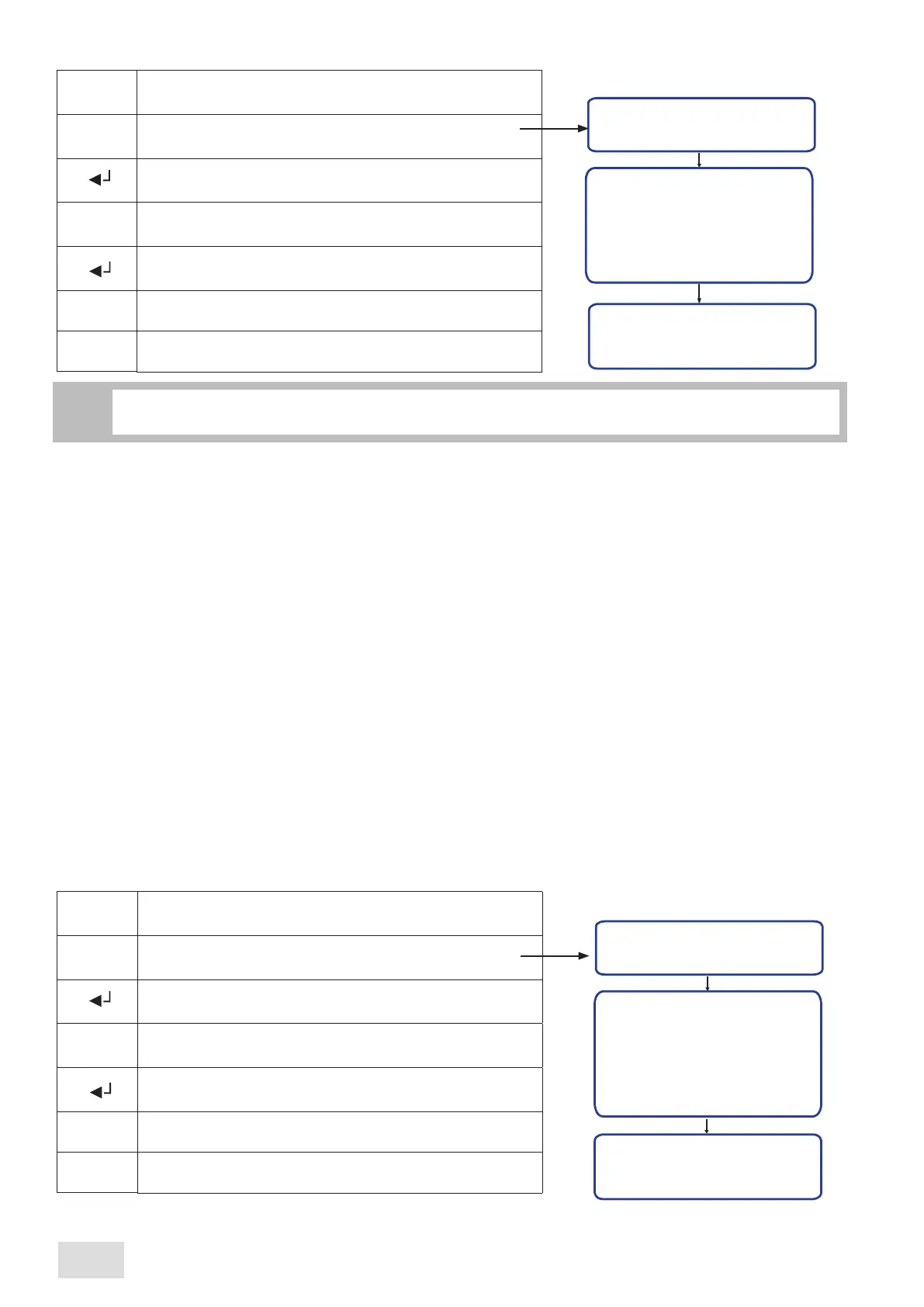
The “Cor. factor” page allows setting the correction factor. The correction factor determins a negative correction of the temperature
relative to the probe temperature with 0.5°C for each unit of the factor.
If the factor’s value is set at 0, then the temperature’s correction is ruled out. The correction factor can be set at a value from 0 to 9, as follows:
CORRECTION FACTOR
Setup
Clock
Cup heater
Credit
Fluxing
Cor. factor
Timer set.
Cor. factor
0
Enter into the programming menu
Scroll the menu untill reaching the “Setup” submenu
Confirm in order to enter the designated submenu
Scroll the submenu until reaching the “Cor. factor” function
^
^
^
Confirm in order to enter into the set page of the correction
factor
Set the correction factor’s value: from 0 to 9
^
^
Confirm and exit from the set page of the relative function
M
11.13
Setup
This submeniu allows to enable/disable and modify certain functions. Proceed as follows:
Setup
Clock
Cup heater
Credit
Fluxing
Cor. factor
Timer set.
Clock
ENABL
Enter into the programming menu
Scroll the menu until reaching the “Setup” submenu
Confirm in order to enter the designated submenu
Scroll the submeniu until reaching the desired function
to be modify
^
^
^
Confirm so to enter into the settings area, related to that
function
Set the respective function: “ENABL” or “DISAB”
^
^
Confirm and exit from the set page of the relevant function
M
When exiting the “Setup” submenu, on display will automatically be viewed the beginning of administrator’s
programming menu.
i
CLOCK
•When the “Clock” function is disabled, from the user’s programming menu will disappear the “Hours/Date” submenu.
•In case the function is enabled, the user has the possibility of modifying the date, hour and day shown on display.
CUP HEATER
•If the machine is not prefigured with this “supplement”, it is imperative that the “Cup heater” function to be disabled. In this case, the
“Cup heater” submenu will not be accesible nor in the user’s programming menu neither in administrator’s programming menu.
•When the function is enabled, both user and administrator will have the possibility of enabling/disabling the cup heater system, so as
setting its temperature.
CREDIT
•When the machine is prefigured with the “Credit” function, in the user menu will appear the “Credit” submenu, while in the
administrator menu will appear two other submenus, “Credit” and “Cred. preal”.
The administrator has the possibility of modifying the “credit”, “prealarm” and “pre-prealarm” values, while the user is able only to
view the left number of coffees to be prepared.
•If the function is disabled, every of these three submenus will not be accesible.
FLUXING
If the “Fluxing” function is enabled or disabled, there will be no change in none of the menus.
The modification consists on the touch pad’s functionality (see chapter “9 Brewing group fluxing”) .
SAE Display
34
english



 To Next Page