9
CONSULT
®
HEMOGLOBIN TESTING SYSTEM USER MANUAL
INSTALLATION AND OPERATION
Only healthcare professionals may use the Consult
®
Hemoglobin analyzer.
Please read this entire manual before using the analyzer for the first time. Follow the instructions carefully
when performing the test as not doing so may result in inaccurate test results.
The Consult
®
Hemoglobin analyzer comes ready for use. No installation procedure is necessary. The display
is always ON. The analyzer does not have an ON/OFF switch. When not in use, the analyzer remains in a low
power mode. The Consult
®
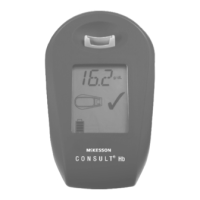
Hemoglobin analyzer may be used as a hand-held device
* VISIBLE INFORMATION DEPENDS ON ANALYZER CONFIGURATION AND STATUS OF OPERATION, SEE
SECTION 6.2
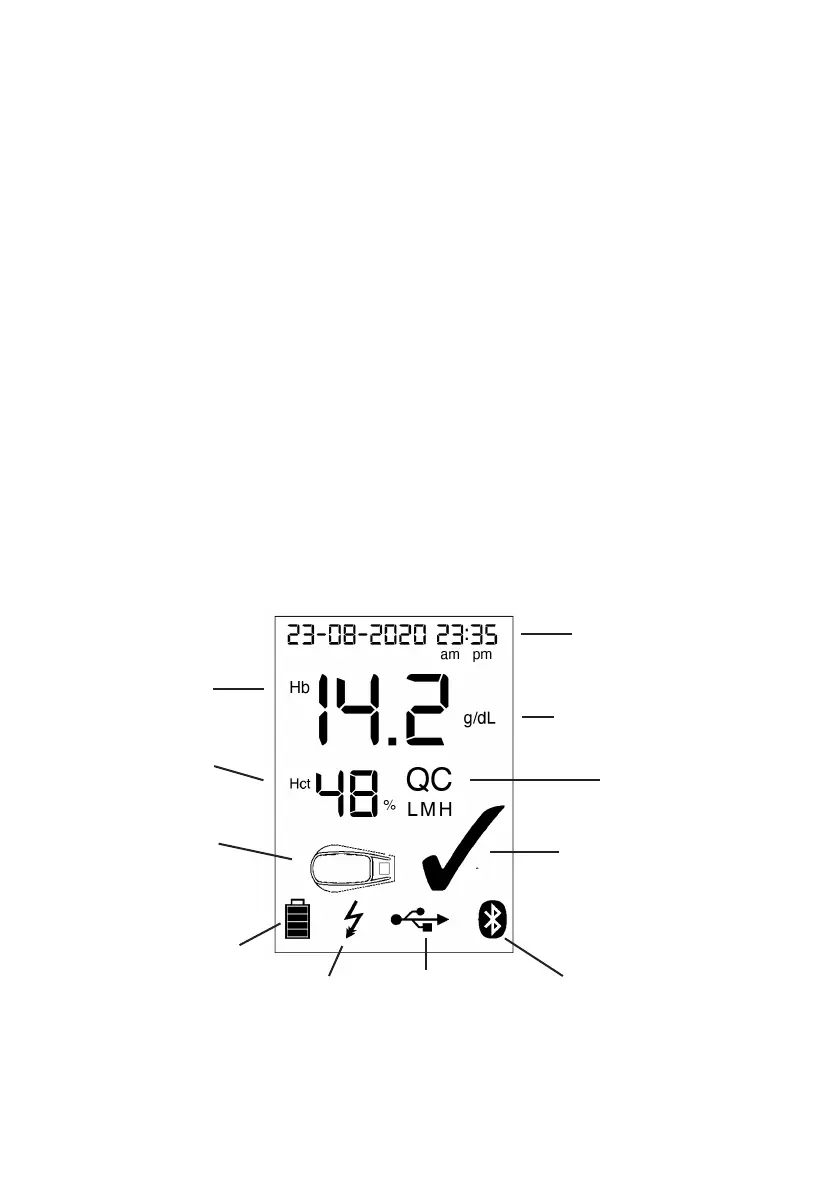
OVERVIEW OF THE CONSULT HEMOGLOBIN ANALYZER DISPLAY
Hemoglobin value
Hematocrit
(calculated)
Cuvette symbol
Time and date
Unit of measure:
g/L, g/dl or mmol/L
QC reminder
Checkmark
Shows valid reading and
passed self-check
Bluetooth symbol
(visible when activated)
USB symbol shows
USB connection status
Visible: Connected to host
Blinking: Data transfer
Battery symbol shows
battery charge status
Blinking: Battery low
Flash Symbol
Visible:
Connected to
Power


 To Next Page