10
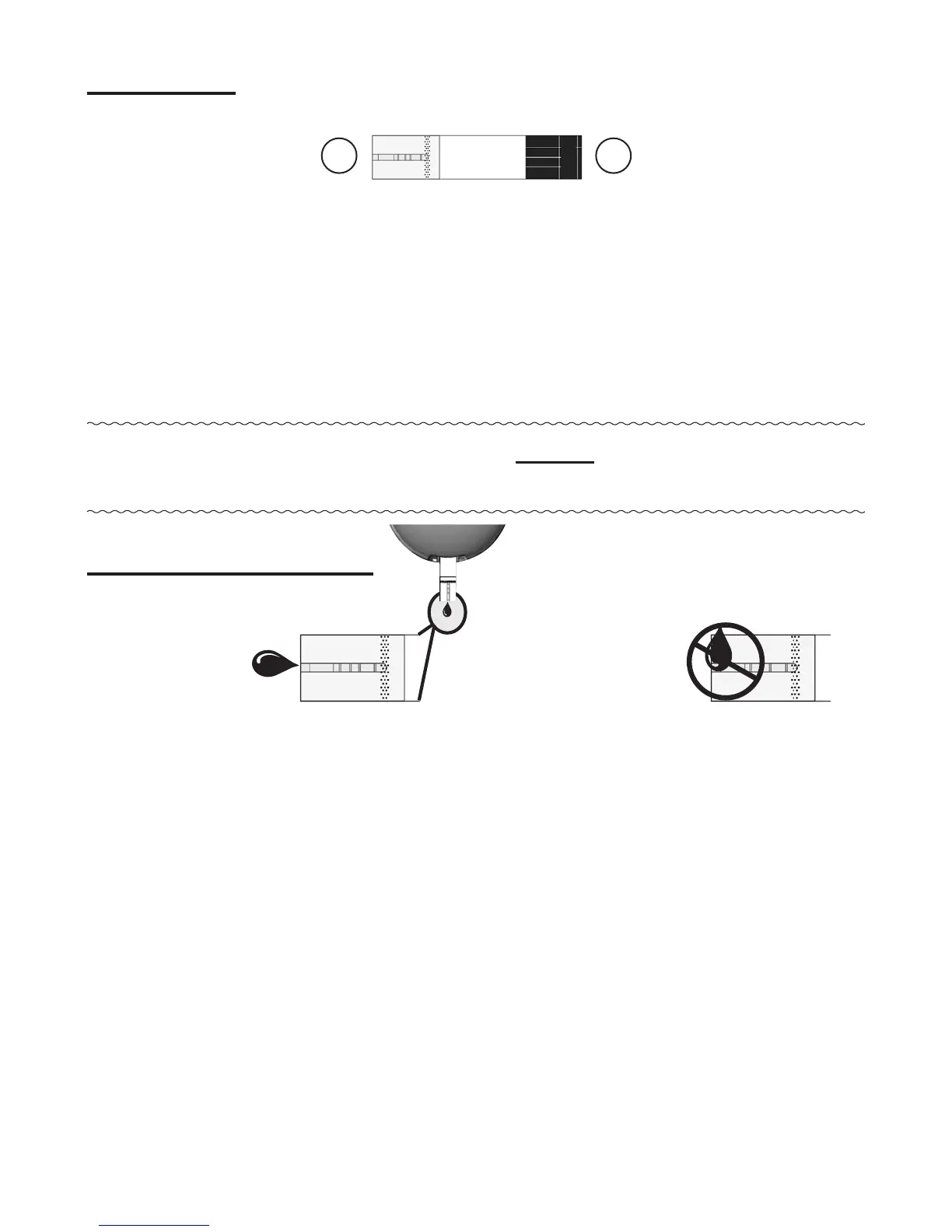
① Contact End -
Insert into Test Port with contact
blocks facing up
.
② Sample Tip -
Touch Tip to top of drop of sample
(blood or control solution) aer Drop Symbol
appears in the Display.
Note: Insert test strip into meter before touching Sample
Tip to blood or control solution drop.
Sample Placement
Correct Incorrect
• Allow sample drop to be drawn into Sample Tip
until testing begins (meter beeps and dashes move
across Display)
.
• Do not smear or scrape drop with test strip.
• Do not apply more sample to Sample Tip aer testing
begins.
• Do not apply blood or control to top of test strip.
Do not insert Sample Tip with sample into Test Port.
May damage meter.
Test Strip
12
Top of Test Strip



 To Next Page