Meter Set Up
Note:
Setting up the time, date, Event Tags, Ketone Test Alert
and Test Reminders may not be suitable for a multiple
patient use of the system. Check with the facility
procedures and policies before performing Set Up.
Note:
If the meter turns o at any time
during Set Up, go back to Step #1
under Meter Set Up and begin again.
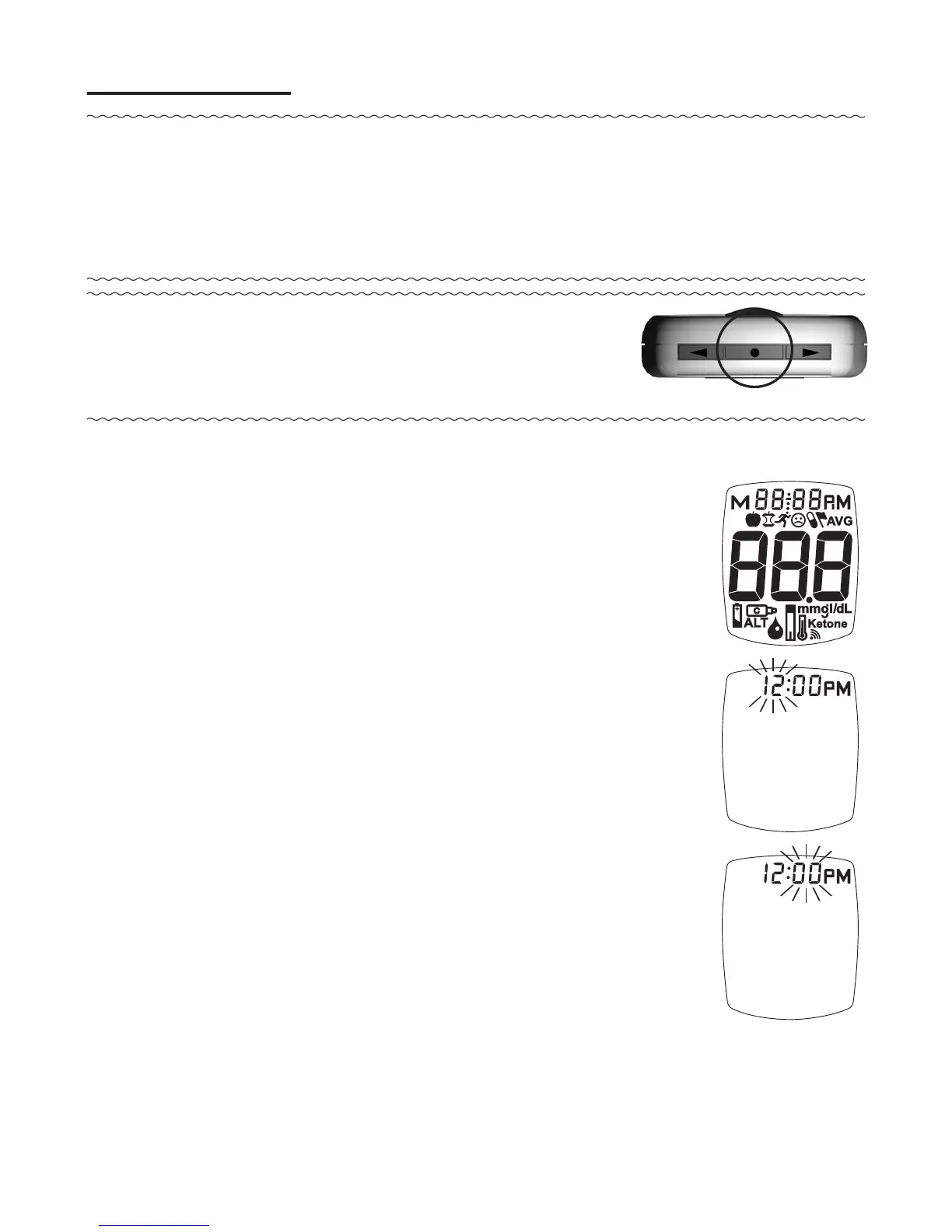
1. Press and hold “ • ” Button until the full
Display is shown and a tone sounds
(about 10 seconds). Release “ • ” Button.
Meter goes into Set Up.
Set Time/Date
2. e hour flashes. To change, press “ ▶
” or “ ◀ ” Button on top of the meter to
select the hour. Like many alarm clocks,
to set “AM” or “PM”, scroll through the
hours until “AM” or “PM” appears in the
Display. Press “ • ” Button to set.
3. e minutes flash. To change, press “ ▶
” or “ ◀ ” Button to select the minutes.
Press “ • ” Button to set.
27



 To Next Page