23
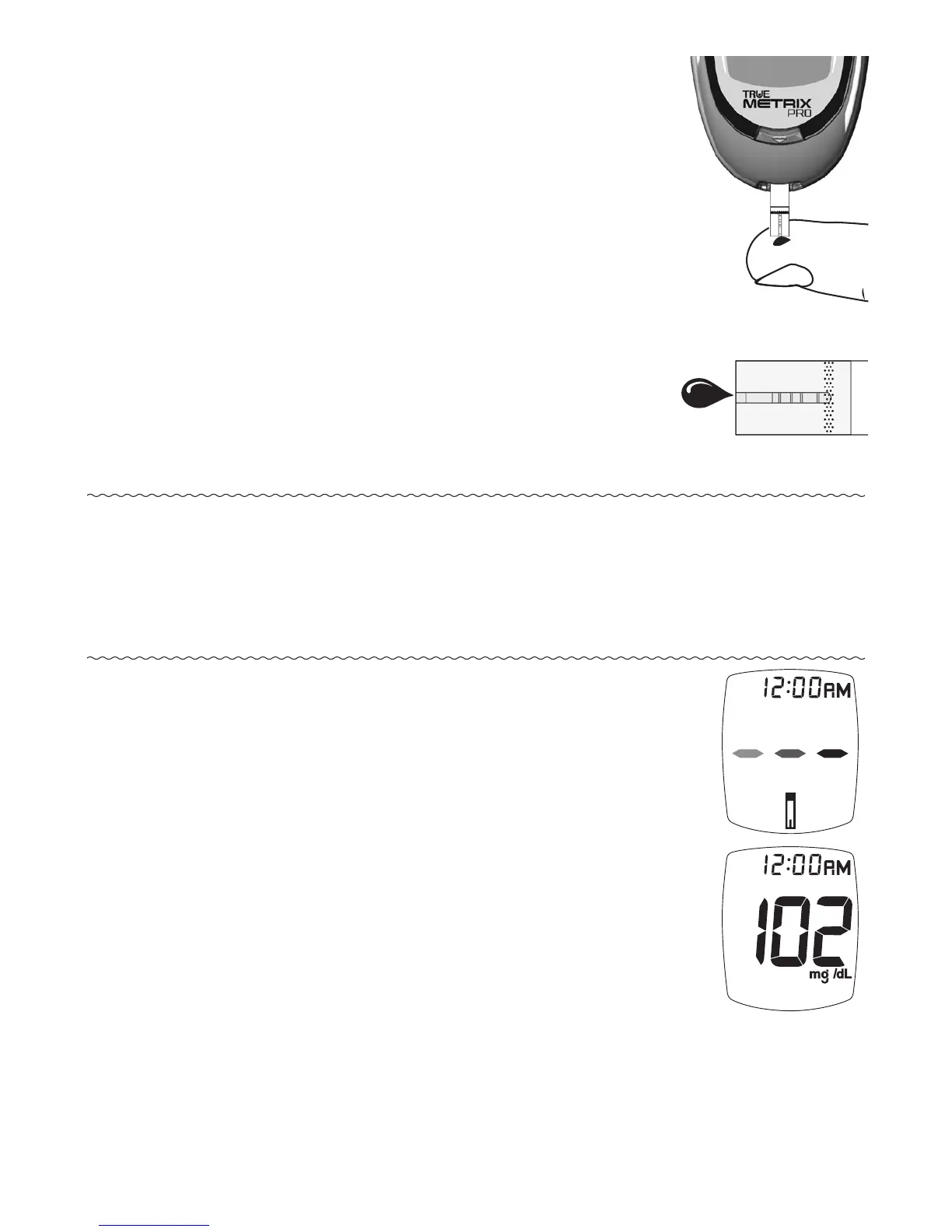
6. Obtain the blood sample.
Allow drop to form
(see Obtaining a Blood Sample).
7. With test strip still in meter, touch
Tip of test strip to top of blood drop
and allow blood to be drawn into test
strip. Remove Sample Tip from blood
drop immediately aer the meter
beeps and dashes appear across the
meter Display.
Note: If meter does not begin testing soon aer touching
Sample Tip to drop, discard test strip. Repeat test
with new test strip and new blood drop. If problem
persists, see Troubleshooting.
8. Dashes appear across Display
to show meter is testing.
9. Aer the test is finished, result is
displayed. e Strip Release Button
flashes. Record result as required by
your facility.



 To Next Page