Test Reminder
Up to four Test Reminders per day may be set.
Reminder sounds at set time for 10 seconds. Meter
comes with all Test Reminders o.
To set the Test Reminders:
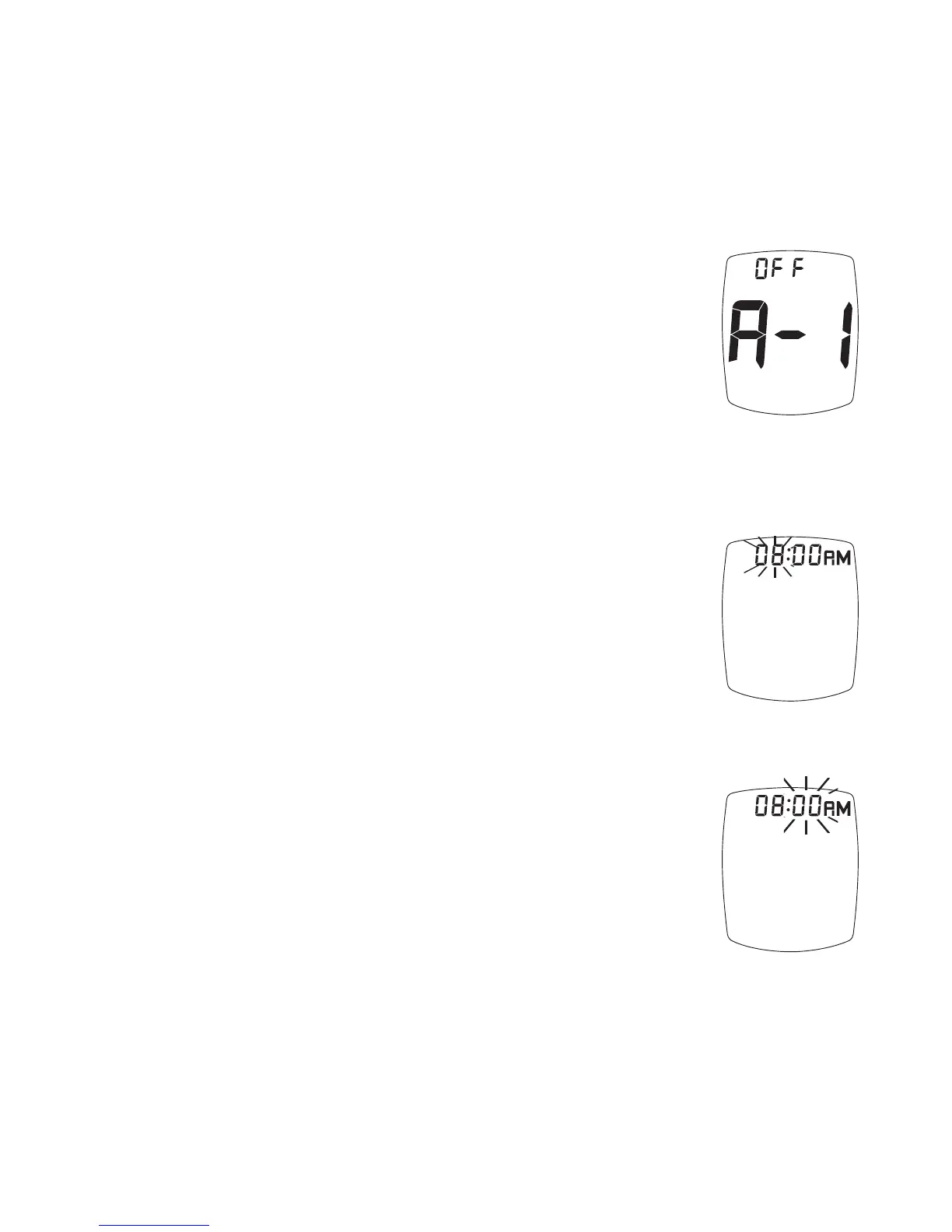
1. Aer pressing “ • ” Button to set Ketone
Test Alert, Display shows first Reminder
setting (A-1). To turn Reminder on,
press “ ▶ ” Button. Press “ ◀ ” Button to
turn Reminder back to o.
Press “ • ” Button to set. Meter goes to
the next Test Reminder.
2. When “on” is chosen, press “ • ” Button.
e hour flashes. Press “ ▶ ” or “ ◀ ”
Button to set the hour. To set AM/PM,
scroll (press “ ▶ ” or “ ◀ ” Button) until
“AM” or “PM” is next to correct time.
Press “ • ” Button to set.
3. e minutes flash.
Press “ ▶ ” or “ ◀ ” Button to set the
minutes. Press “ • ” Button to set. Meter
goes to the next Test Reminder.
31
Test Reminder



 To Next Page