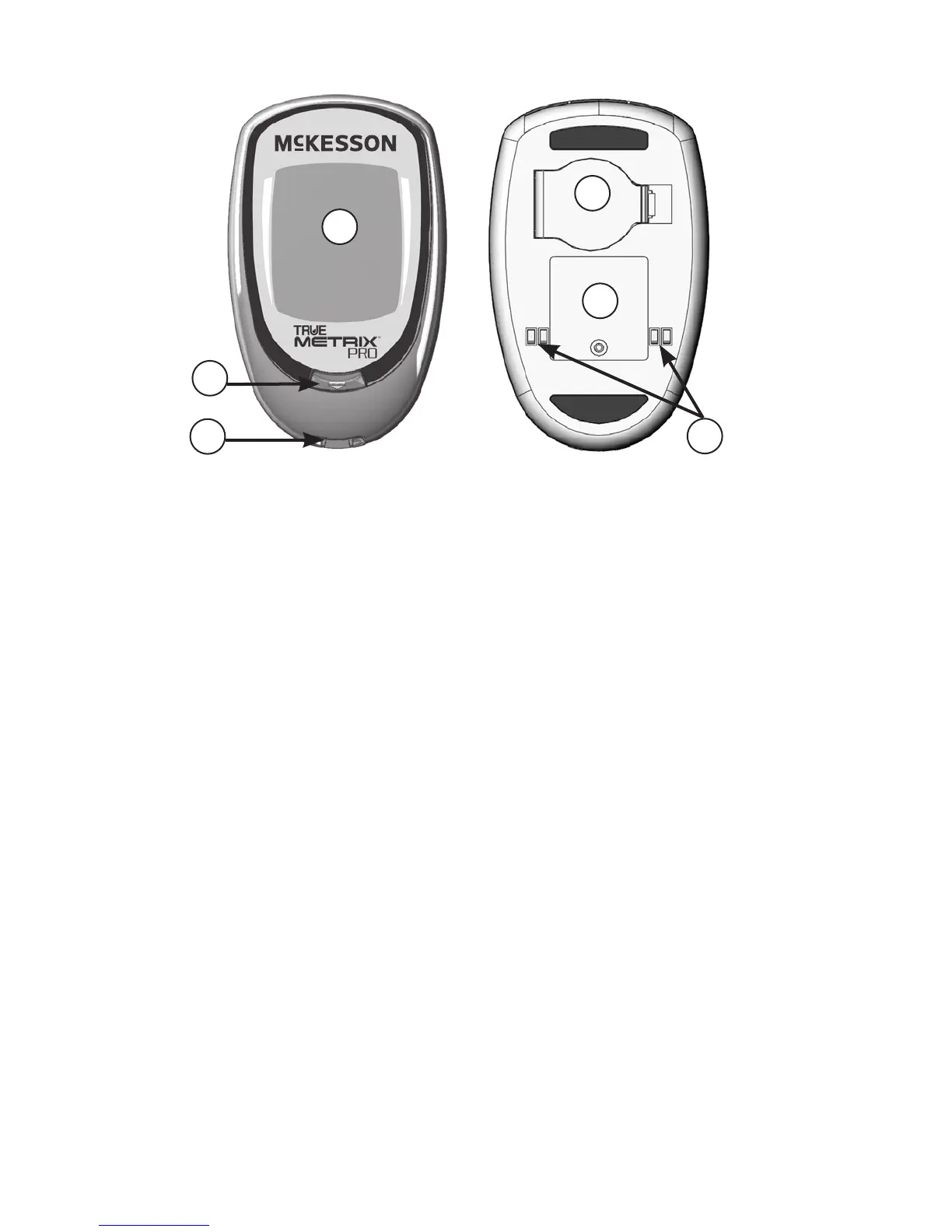
① Display Screen
Shows results, messages, user prompts, information.
② Test Port
Insert Test Strip here, contact blocks facing up.
③ Strip Release Button
Releases test strip aer testing for disposal.
④ Battery Door
Use one non-rechargeable 3V lithium battery
(#CR2032), positive (“+”) side up
(see Changing Battery).
⑤ Meter Label
Contains serial number of meter.
⑥ Data Contacts
Connects meter with computer for data upload.
8
2
1
Front of Meter
3
4
5
Back of Meter
6



 To Next Page