EasyManua.ls Logo

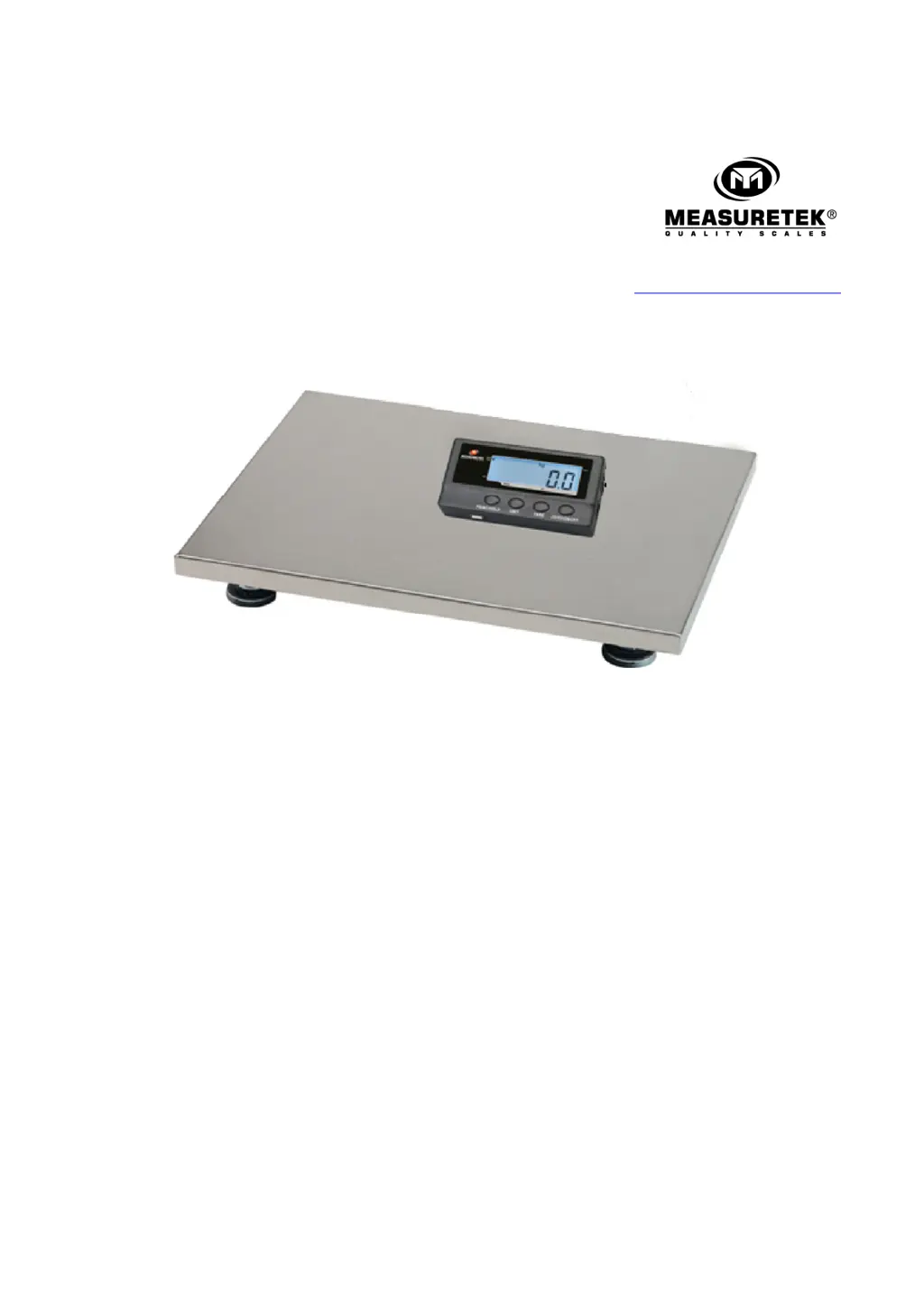
Measuretek 12R980C - User Manual

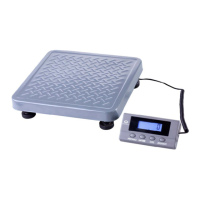
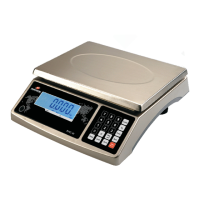
Measuretek 12R980C
17 pages
Print Icon
To Next Page IconTo Next Page
Loading...
w w w . e a s t h i g h . c o m . c n
PS
PSPS
PS-
--
-102
102102
102
12R980
12R98012R980
12R980C
CC
C
12R981
12R98112R981
12R981C
CC
C
User/Technical Manual
Contents subject to change without notice
Version 1.0
08/2013

Questions and Answers

  • K
    Karen WeberAug 13, 2025
    Why is weighing not accurate on my Measuretek 12R980C Scales?
    • E
      Eric JenkinsAug 13, 2025
      If your Measuretek Scales are not weighing accurately, it could be due to several reasons. First, check for any objects stuck between the load cell and the scale base and remove them. Second, the load cell might have received a heavy impact, in which case you should perform a Linearity calibration. Next, if the scale is not near Chicago, loosen the shipping protection screws. Finally, ensure the load is placed in the center of the weighing platform.
  • T
    Tommy AdamsAug 17, 2025
    How to fix Measuretek 12R980C Scales that does not turn on?
    • T
      thomasstephensAug 17, 2025
      If your Measuretek Scales do not turn on, there could be a few reasons: * The AC adapter might not be securely connected. Try re-plugging it or rotating the plug. * The batteries may be low. Replace them with new ones. * The indicator might be damaged. If so, replace it and perform a calibration.
  • N
    Nicholas FriedmanAug 21, 2025
    What to do if I cannot zero the display on my Measuretek 12R980C?
    • L
      lphillipsAug 21, 2025
      If the display on your Measuretek Scales cannot be zeroed, it could be due to these reasons: 1. The load on the scale might exceed allowable limits. Remove some of the load. 2. The load on the scale might be unstable. Wait for it to stabilize, then press the ZERO/ON/OFF key.
  • J
    Joseph WareAug 25, 2025
    What does '0 ???' mean on Measuretek 12R980C Scales and how to fix it?
    • K
      Kevin GarrisonAug 26, 2025
      If your Measuretek Scales display shows '0 ???', it might be due to the following reasons: * The indication is out of the key zero range. Reduce the weight on the platform until the indication is within the key zero range. * The weight reading is below the Power On Zero limit. In this case: 1. Install the platform on the scale. 2. Loosen the shipping protection screws. 3. Check for any objects stuck between the scale base and remove them. 4. Perform zero calibration.
  • C
    Christopher HammondAug 28, 2025
    What does 'CAL.Er' mean on Measuretek Scales and how to resolve it?
    • E
      Erin EstradaAug 28, 2025
      If your Measuretek Scales display shows 'CAL.Er', it could be due to these reasons: * The input data or loaded weight is either too small or too big. Input correct data and load the correct weight onto the platform. * The weight signal is unstable or un-linear. In this case, return the scale for repair.
  • K
    Keith HowardSep 1, 2025
    What does 'EEP.E1' mean on Measuretek Scales and how can I fix it?
    • H
      hgilmoreSep 1, 2025
      If your Measuretek Scales display shows 'EEP.E1', it could be due to: * CONFIG parameters not correctly set. Reset CONFIG parameters per the Technical Manual. * CAL parameters not correctly set. Perform calibration.
  • J
    josephowensSep 5, 2025
    What does 'Ad ???' mean on Measuretek 12R980C and how to troubleshoot it?
    • J
      Julie PerezSep 5, 2025
      If your Measuretek Scales display shows 'Ad ???', it could be due to: * The cable from the platform to the indicator is not correctly connected, disconnected, or short circuiting. Replace it with a new indicator and perform calibration. * The indicator is damaged. Return the scale for repair.
  • J
    Jennifer SchultzSep 8, 2025
    What does 'EEP.E2' mean on Measuretek 12R980C and how do I fix it?
    • H
      Hannah PeckSep 8, 2025
      If your Measuretek Scales display shows 'EEP.E2', it means the USER parameters are not correctly set. You should reset the USER parameters per the Technical Manual.

Measuretek 12R980C Specifications

General IconGeneral
Auto Shut-offYes
Tare FunctionYes
Capacity200 kg
Resolution0.1 kg
Platform Size300 mm x 300 mm
Units of Measurementkg, lb

Related product manuals