24
4 Software Upgrade
SYS-6010’s software upgrade involves two parts, being the Driver and UI upgrade.
4.1 How to upgrade the driver software
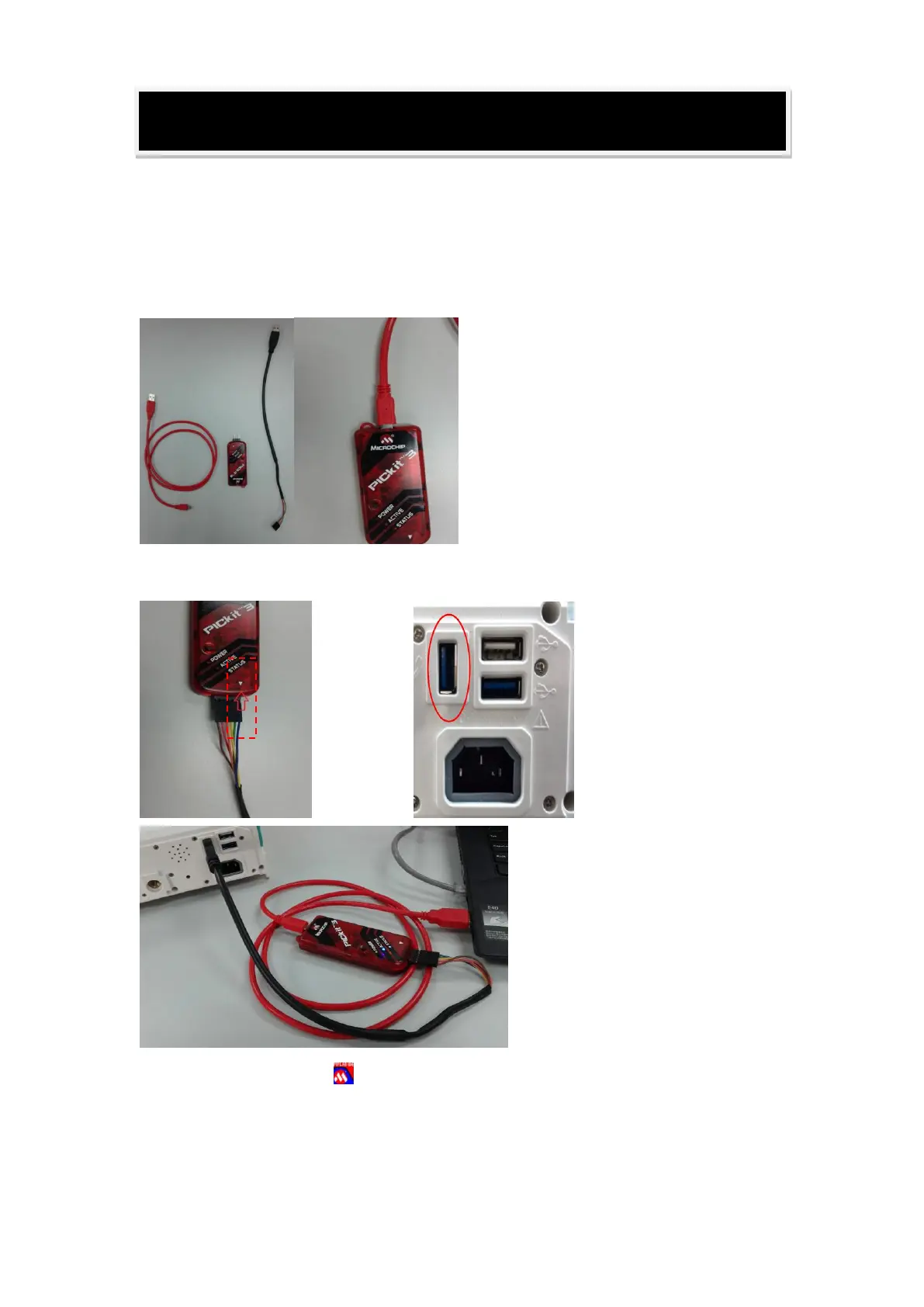
Upgrade Tool:
Connection: pay attention to the cable color(Blue color cable corresponds
to a white triangle ) and USB port
Open the software "MPLAB IDE v8.86" on the desktop of windows;



 To Next Page