T u n e
B e a t
27
Other Functions
Tune
This function sets the pitch of entire keyboard by steps of cents.
The LCD displays the tune value. Use [+/YES]/[-/NO] or Data Dial
to change tune value. Its range is from-50 to 50 cents .
Press [+/YES] and [-/NO] together will set the tune value to its
default setting.
1.
2.
Beat
This function sets the beat value range from 0, 2-9.
The LCD displays beat value. Use [+/YES]/[-/NO] or Data Dial
to change the beat value.
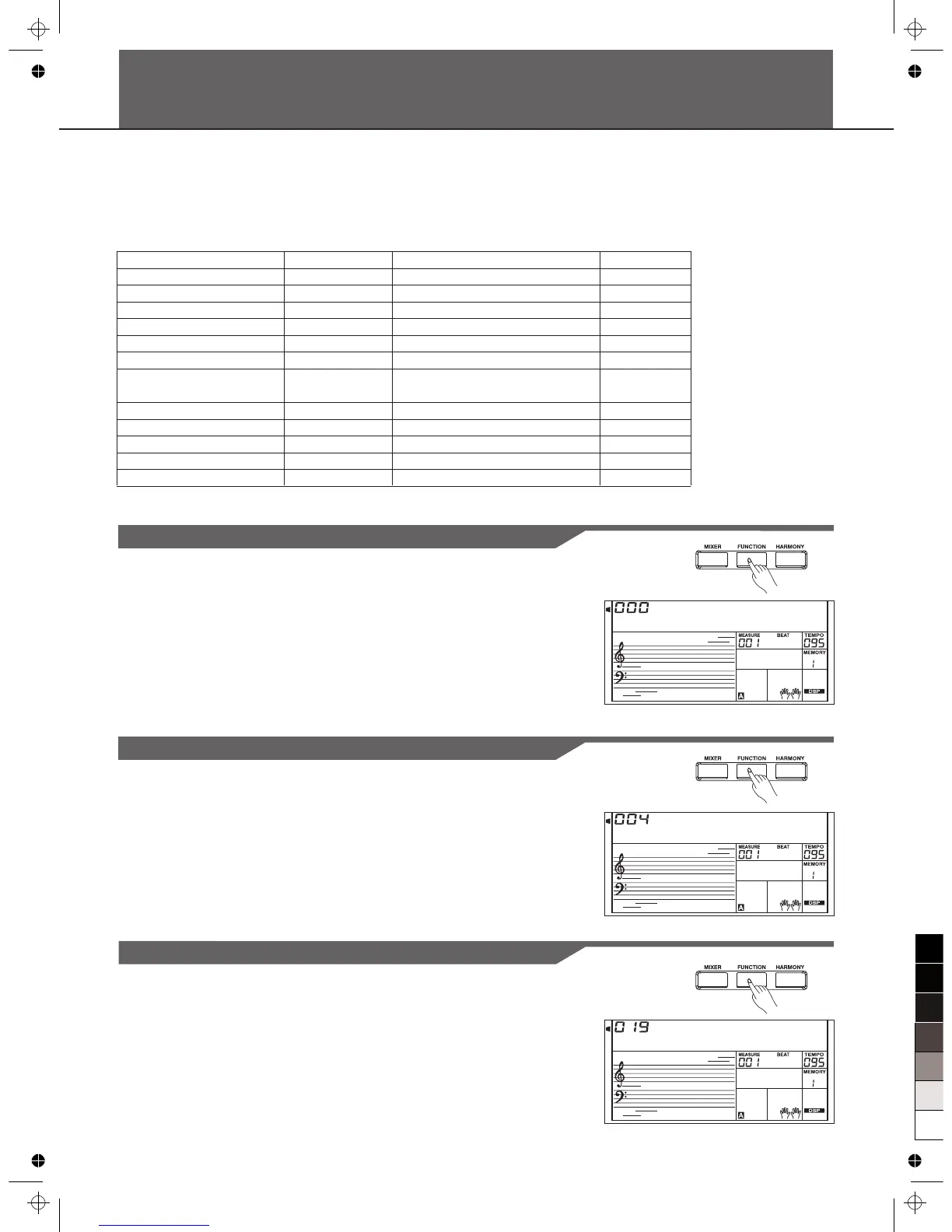
Press [FUNCTION] button to enter function menu. The default option of the menu is "Tune". When you enter the menu
next time, you will find the option is the same as last time. Use [FUNCTION] button to select the option to set. Use
[+/YES]/[-/NO] or Data Dial to set parameter. Any time press [EXIT] to quit this menu.
The option and parameters are as the follows:
Option
TUNE
BEAT
SPLIT POINT
PEDAL ASSIGN
FADE IN
FADE OUT
HARMONY
REVERB LEVEL
CHORUS LEVEL
MIDI RECEIVE
MIDI TRANSMIT
AUTOMATIC SHUTDOWN
LCD Display
XXX Tune
XXX Beat
XXX Split Pt
00X Ped ****
0XX Fade In
0XX Fade Out
00X Duet
XXX Rev Lev
XXX Chr Lev
XXX Midi In
XXX Midi Out
XXX PowerOff
Range
-50…50
0,2…9
1…61
Sust, Soft, St/S, Mem
1-20
1-20
Duet, 1+5, Octave, CtryDuet, Trio,
Block, 4 Close1, 4 Close2, 4 Open
0-127
0-127
1-16, ALL
1-16
OFF, 030, 060
Default
000
004
019
Sust(001)
010
010
Duet(001)
Follow voice
Follow voice
ALL
001
030
S p 1 i t P t
Split Point
This function sets the point that separates the entire keyboard to
two sections.
The LCD displays split point value. Use [+/YES]/[-/NO] or Data
Dial to change split point. The keyboard can also be used to
change split point.
The part below the split point is the part of the chord area.
2.
1.



 To Next Page