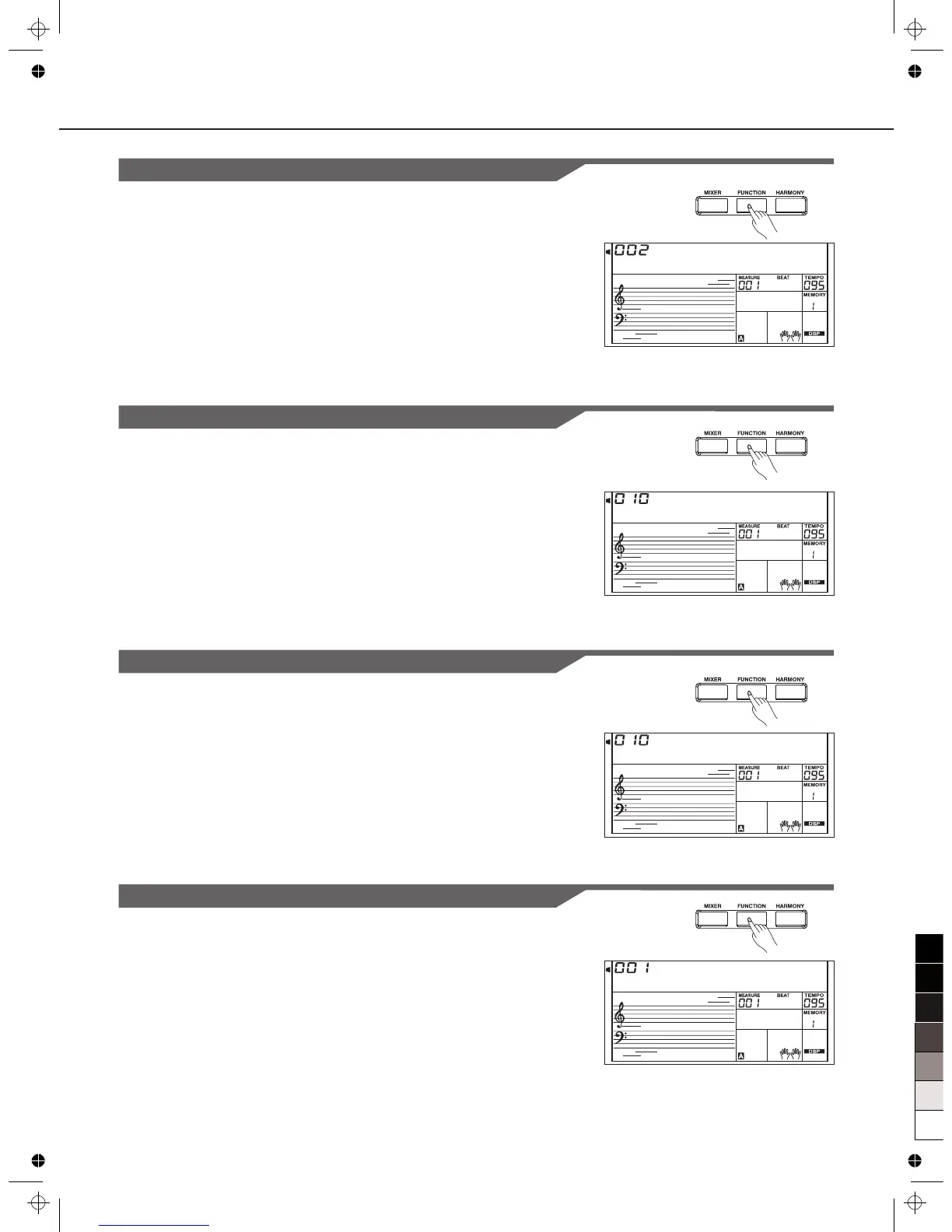
Pedal Assign
P e d S o f t
F a d e I n
F a d e O u t
28
This function sets pedal type as sustain pedal, soft pedal,
start/stop pedal or memory select pedal.
The LCD displays the type of pedal. Use [+/YES]/[-/NO] or Data
Dial to change pedal assign. The pedal can be set as sustain
pedal, soft pedal, start/stop pedal or memory select pedal.
The default pedal type is sustain pedal.
2.
1.
The LCD displays Fade In value. Use [+/YES]/[-/NO] or Data Dial to
change Fade In time. The range is form 1 to 20 second.
Fade In
The LCD displays Fade Out value. Use [+/YES]/[-/NO] or Data Dial
to change Fade Out time. The range is form 1 to 20 second.
Fade Out
Other Functions
Harmony
D u e t
There are 9 harmony effects for you to select, including Duet, 1+5,
Octave, CtryDuet, Trio, Block, 4 Close1 and 4 Close2, 4 Open. Use
[+/YES]/[-/NO] or Data Dial to select.



 To Next Page