28
USB Storage Devices
Note:
The mif le downloaded to the USB ash disk can be imported into the
grandsuite downloaded on the ocial website for operation. The grand-
suite software has relevant operation instructions.
Load
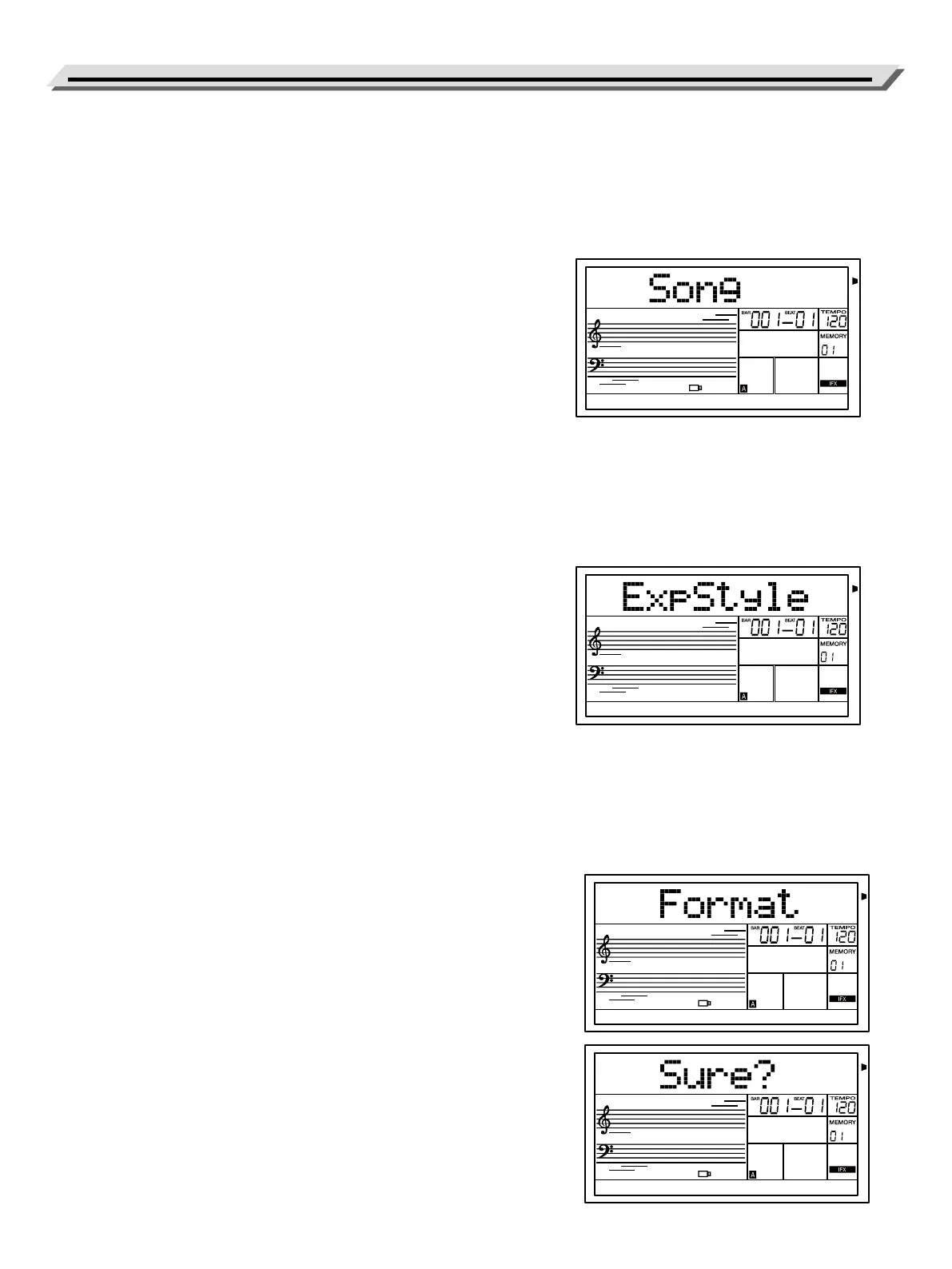
Select the menu “Load” and press [ENTER] button, the Load sub menu
is displayed on LCD, which includes “Song” & “ExpStyle”. Use Data Dial
to select one.
Loading Song:
1. Use Data Dial to select a user song number.
2. Press [ENTER] button LCD will display MIDI le in USB ash drive.
Now select one of the les and press [ENTER] button to load the le.
After the save is successful, the LCD displays “Succeed”. If the saved
slot has user songs, it will prompt “Rewrite?”, please press [ENTER]
button to continue, or press [EXIT] button directly without saving.
3. Press the [SONG] button to view the saved songs in the last song
number.
4. If the Song le is empty, it will prompt “No File!”
Loading Expansion Style:
1. Download the GrandSuite in ocial website, make an extension le
with Grandsuite and save it as an mpk le (there are instructions for
relevant operations in grandsuite), or download the expanded style
directly from ocial website, and save it to the U disk.
2. Insert the U disk into the electric piano. Enter the USB ash drive,
enter the Load interface and select Style.
3. Press [ENTER] button, if the save is successful, LCD will display “suc-
ceed”. If the U disk format is wrong or the style le is wrong, LCD will
display “Erorr!”.
4. Press the [STYLE] button, and you can view the saved expansion
package style in the last style serial number.It’s time to play.
Note:
The piano only supports loading extended styles,extended arpeggio and
sound load are not supported.
Deleting Style:
Hold down the [RECORD] and [STYLE] buttons at the same time, then
turn on the power. This operation will delete all user songs.
Format
Select the menu “Format” and press [ENTER] button, “Sure?” are dis-
played on LCD. Press [ENTER] button to format the USB Storage Device,
or press [EXIT] button to cancel.
Note:
Formatting will delete all data in the USB ash drive!


 To Next Page