EasyManua.ls Logo

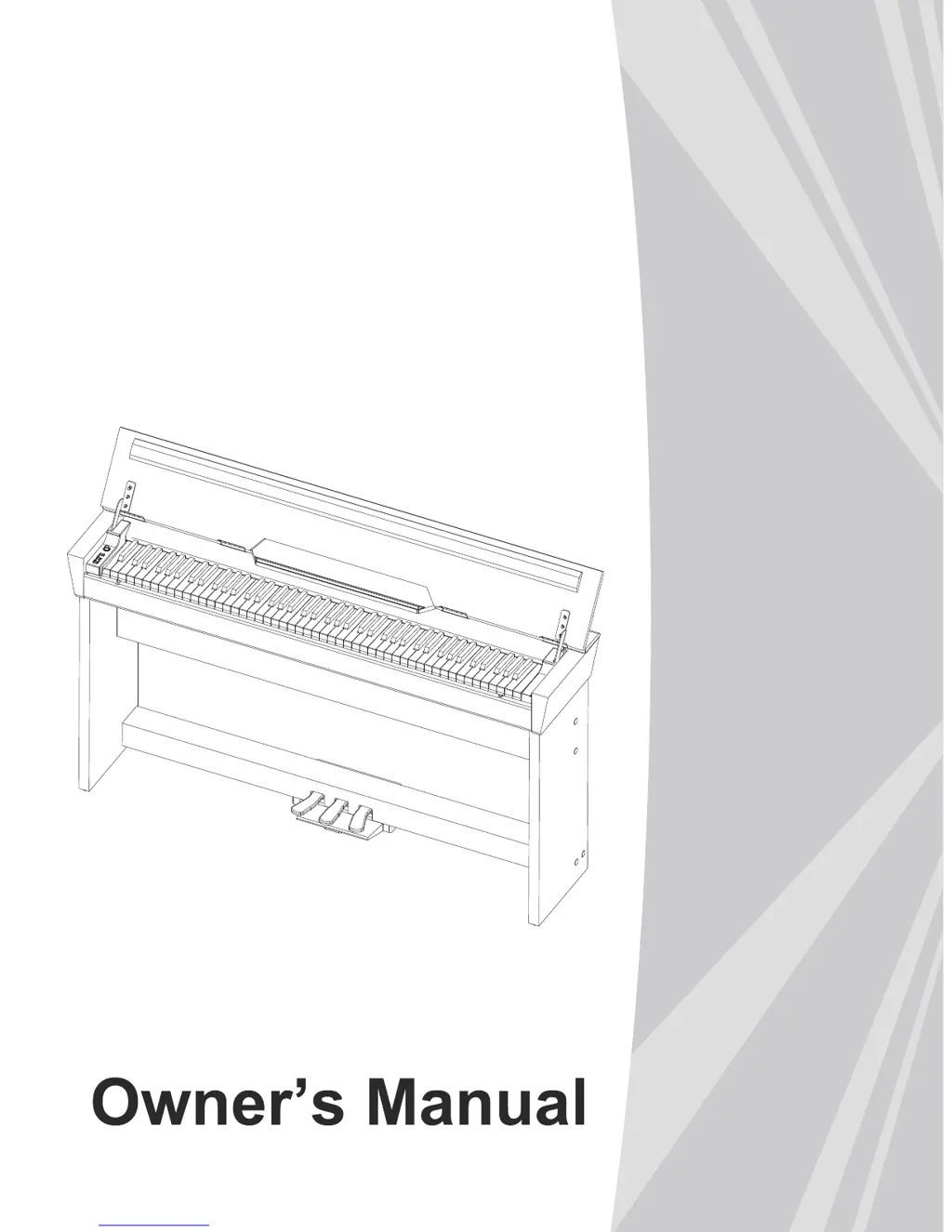
Medeli CDP6000 - User Manual

Medeli CDP6000
16 pages
Print Icon
To Next Page IconTo Next Page
Loading...
DIGITAL
PIANO
0
5
25
75
95
100
aw_CDP6000_Manual_G07_131022
2013󾾠󾾠10󾾠󾾠22󾾠󾾠 11:53:43

Questions and Answers

Summary

Information for Your Safety

FCC Regulation Warning

Equipment tested for FCC compliance, limits for Class B digital device, potential radio interference.

Precautions

Guidelines for safe operation, including power supply, connections, location, interference, cleaning, and handling.

Panel Description

Front Panel Controls

Details of controls on the front panel, including volume, function keys, and pedals.

Rear Panel Connections

Description of rear panel ports including AUX IN, AUX OUT, DC IN, SPEAKER, and PEDAL jacks.

Setup

Part List

List of parts included in the package for assembling the piano stand.

Setup Guide

Step-by-step instructions for assembling the piano stand and connecting components.

Power Supply Setup

Instructions for connecting the AC adaptor, turning on the power, and notes on automatic shutdown.

Connections

Connecting Headphones

How to connect headphones to Jack 1 and Jack 2 for private practice or listening.

Connecting Audio Equipment

Connecting external audio equipment like amplifiers or stereo systems via AUX OUT.

Connecting MP3;CD Player

Connecting MP3/CD players or other audio sources to the AUX IN jack.

Connecting a Computer

Connecting the piano to a computer via USB for audio and MIDI data transfer.

Adjusting the Volume

Listening to the Song

Playing Demo Song

How to start and stop demo songs, noting the keyboard is disabled during playback.

Playing Song

Instructions for starting, looping, stopping, and selecting pre-loaded songs.

Practice Song

Using the L/R button to select hands for practicing songs.

Playing Voices

Selecting Voice

How to select from 26 instrument voices using the FUNCTION button and keys.

Playing Two Voices Simultaneously

Selecting dual voices by pressing two keys simultaneously for layered sounds.

Playing a Lower Voice

Selecting a lower voice and splitting the keyboard for dual-handed play.

Playing Voice Demo

Starting or stopping voice demonstration playing for selected voices.

Touch Response

Adjusting the touch response level (OFF, Soft, Medium, Hard) using the TOUCH key.

Digital Effects

Reverb and Chorus Effect

Selecting and adjusting Reverb and Chorus effects (types and levels).

EQ Effect

Selecting different equalizer types (Standard, Classical, Modern) for sound adjustment.

Metronome

Tempo

Transpose

Tune

Beep Tone

Troubleshooting

Specifications

Appendices

Voice List

A comprehensive list of all 26 available instrument voices with their corresponding numbers.

Song List

A list of all 60 pre-loaded songs, including their titles and numbers.

MIDI Implementation Chart

Summary

Information for Your Safety

FCC Regulation Warning

Equipment tested for FCC compliance, limits for Class B digital device, potential radio interference.

Precautions

Guidelines for safe operation, including power supply, connections, location, interference, cleaning, and handling.

Panel Description

Front Panel Controls

Details of controls on the front panel, including volume, function keys, and pedals.

Rear Panel Connections

Description of rear panel ports including AUX IN, AUX OUT, DC IN, SPEAKER, and PEDAL jacks.

Setup

Part List

List of parts included in the package for assembling the piano stand.

Setup Guide

Step-by-step instructions for assembling the piano stand and connecting components.

Power Supply Setup

Instructions for connecting the AC adaptor, turning on the power, and notes on automatic shutdown.

Connections

Connecting Headphones

How to connect headphones to Jack 1 and Jack 2 for private practice or listening.

Connecting Audio Equipment

Connecting external audio equipment like amplifiers or stereo systems via AUX OUT.

Connecting MP3;CD Player

Connecting MP3/CD players or other audio sources to the AUX IN jack.

Connecting a Computer

Connecting the piano to a computer via USB for audio and MIDI data transfer.

Adjusting the Volume

Listening to the Song

Playing Demo Song

How to start and stop demo songs, noting the keyboard is disabled during playback.

Playing Song

Instructions for starting, looping, stopping, and selecting pre-loaded songs.

Practice Song

Using the L/R button to select hands for practicing songs.

Playing Voices

Selecting Voice

How to select from 26 instrument voices using the FUNCTION button and keys.

Playing Two Voices Simultaneously

Selecting dual voices by pressing two keys simultaneously for layered sounds.

Playing a Lower Voice

Selecting a lower voice and splitting the keyboard for dual-handed play.

Playing Voice Demo

Starting or stopping voice demonstration playing for selected voices.

Touch Response

Adjusting the touch response level (OFF, Soft, Medium, Hard) using the TOUCH key.

Digital Effects

Reverb and Chorus Effect

Selecting and adjusting Reverb and Chorus effects (types and levels).

EQ Effect

Selecting different equalizer types (Standard, Classical, Modern) for sound adjustment.

Metronome

Tempo

Transpose

Tune

Beep Tone

Troubleshooting

Specifications

Appendices

Voice List

A comprehensive list of all 26 available instrument voices with their corresponding numbers.

Song List

A list of all 60 pre-loaded songs, including their titles and numbers.

MIDI Implementation Chart

Medeli CDP6000 Specifications

General IconGeneral
BrandMedeli
ModelCDP6000
CategoryMusical Instrument
LanguageEnglish

Related product manuals