EasyManua.ls Logo

Medeli DP250 - User Manual

Medeli DP250
16 pages
Print Icon
To Next Page IconTo Next Page
Loading...
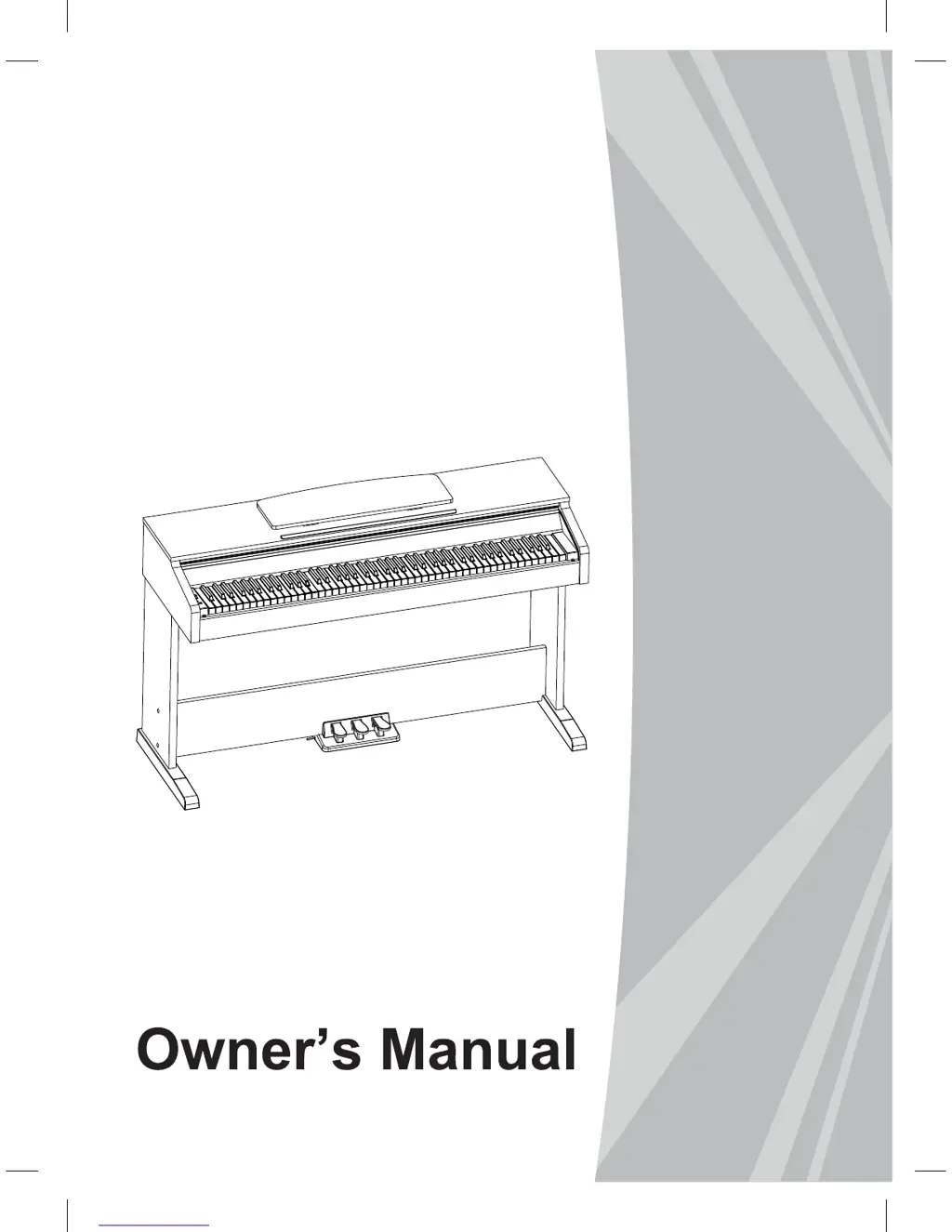
DIGITAL
PIANO

Questions and Answers

  • T
    Thomas NormanJul 31, 2025
    Why does my mobile phone produce noise when near the Medeli Musical Instrument?
    • K
      Kyle ReedJul 31, 2025
      If you hear noise when using a mobile phone near the Medeli Musical Instrument, it's likely due to interference. To fix this, either turn off your mobile phone or move it further away from the instrument.
  • L
    Lisa DeckerAug 14, 2025
    How to fix the “pop” sound when turning Medeli Musical Instrument ON or OFF?
    • G
      gdavisAug 14, 2025
      The "pop" sound from the Medeli Musical Instrument speakers when turning the power on or off is normal and not a cause for alarm.

Summary

Safety and Precautions

FCC Warning (for USA)

Details FCC compliance for digital devices and potential interference.

General Precautions

Covers essential safety measures for power, location, cleaning, and handling.

Setup and Assembly

Assembly Guide

Step-by-step instructions for assembling the piano stand and connecting components.

Power Supply

Instructions on connecting the AC adaptor and powering the instrument on/off.

Basic Operations

Voice Selection

Guide to choosing and playing different instrument sounds.

Digital Effects and Features

Reverb and Chorus Effects

How to apply and select different reverb and chorus sound effects.

EQ Effect

Guide to selecting equalizer types for sound shaping.

Support and Appendices

Troubleshooting

Solutions for common problems encountered with the instrument.

Medeli DP250 Specifications

General IconGeneral
BrandMedeli
ModelDP250
CategoryMusical Instrument
LanguageEnglish

Related product manuals