EasyManua.ls Logo

Medeli DP280K - User Manual

Medeli DP280K
24 pages
Print Icon
To Next Page IconTo Next Page
Loading...
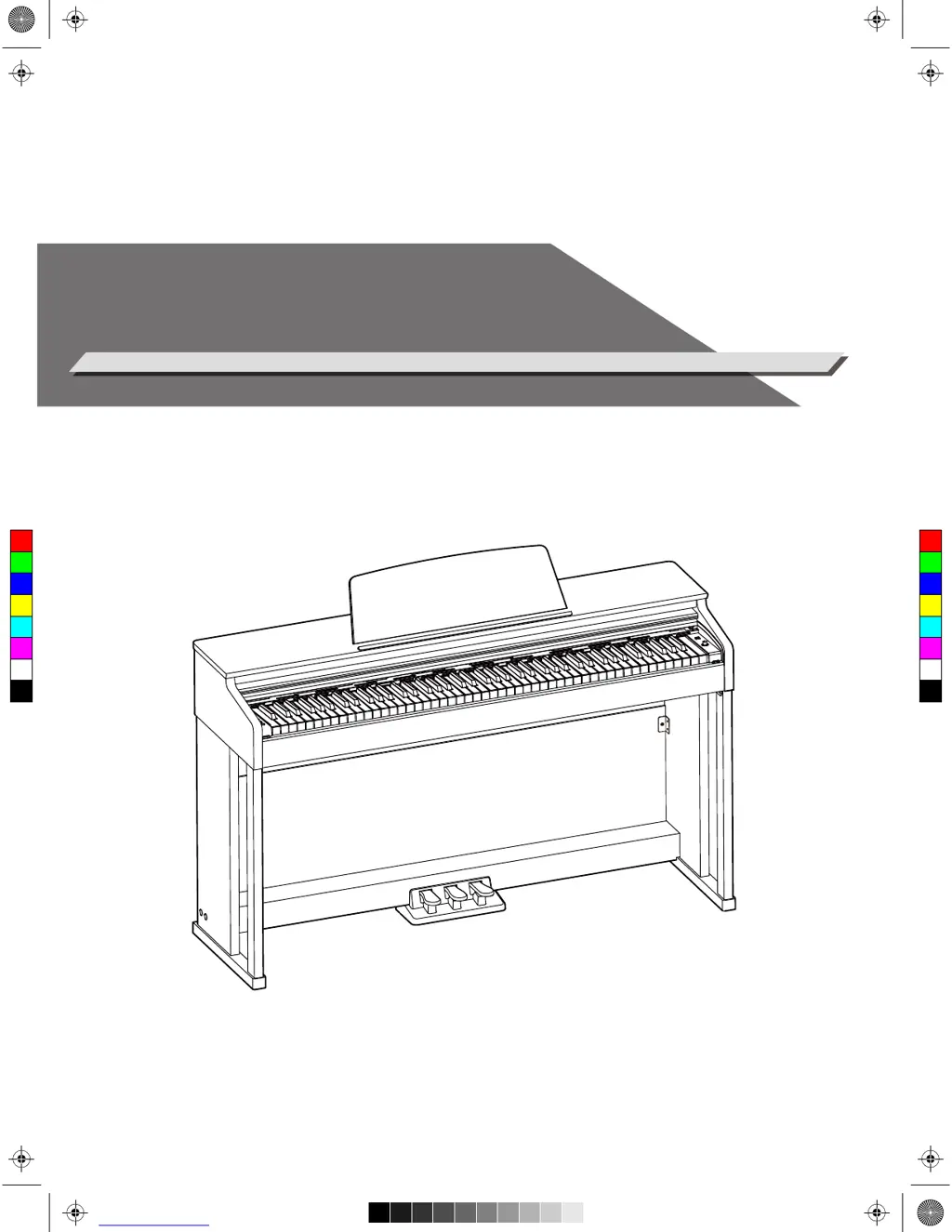
DIGITAL PIANO
Owner’s Manual
C
M
Y
CM
MY
CY
CMY
K
aw_DP280K_manual_G02_171108.pdf 1 17/11/8 12:59

Questions and Answers

Summary

Information for Your Safety!

FCC Regulation Warning (USA)

Details compliance with FCC rules for Class B digital devices in residential settings.

General Safety Precautions

Essential safety measures for power, connections, location, cleaning, and handling.

Panel Layout and Controls

Front Panel Controls Overview

Identifies and explains buttons, keys, and indicators on the front of the instrument.

Pedal Unit Functions

Describes the operation of the soft, sostenuto, and sustain pedals.

Front Panel Controls Continuation

Details further controls and functions found on the front panel of the instrument.

Rear Panel Connectivity Ports

Lists and explains the purpose of all input and output jacks on the rear.

Instrument Setup and Assembly

Piano Assembly Instructions

Provides a list of parts and steps for assembling the digital piano stand.

Assembling the Stand Components

Details connecting pedal box, back board, and piano body to the stand.

Connecting the Pedal Cable

Final step to connect the pedal cable to the piano for setup completion.

Connectivity Options

Connecting Headphones

Guide for connecting headphones for private practice and sound output options.

Connecting External Audio Equipment

Instructions for connecting devices to AUX OUT for amplified sound.

Connecting MP3;CD Player

Guide for connecting players to AUX IN for accompaniment playback.

Connecting to a Computer via USB

How to connect the piano to a computer for MIDI and audio functions.

Quick Start and Initial Operation

Power Supply and Operation

Steps for connecting power, turning the instrument on/off, and safety notes.

Adjusting Master Volume Level

How to control the overall sound level using the volume knob.

Playing Demonstration Songs

Instructions on how to start and stop the built-in demonstration songs.

Selecting and Playing Voices

Guide to choosing and playing the instrument's various preset sounds.

Playing Preset Songs

Instructions on how to play all songs or select individual songs from the library.

Recording Keyboard Performances

Steps for recording user songs, playback, and deletion.

Voice Features and Performance

Playing a Single Voice

Detailed steps for selecting and playing individual instrument voices.

Layering Voices with Dual Function

How to layer two voices together for a richer sound.

Splitting Voices with Lower Function

Splitting the keyboard to play different voices with each hand.

Setting the Split Point

How to define the key that separates left and right hand playing areas.

Adjusting Voice Volume Levels

How to control the volume for upper, dual, and lower voices independently.

Playing Voice Demonstration Tracks

How to play demo tracks for individual voices and stop playback.

Adjusting Touch Response Sensitivity

How to set the keyboard's sensitivity to playing dynamics.

Transposing Keyboard Pitch

Adjusting the overall pitch of the instrument in semitone steps.

Fine-Tuning Keyboard Pitch

Adjusting the overall pitch in small increments for tuning.

Using Pedal Resonance Effect

Enabling string resonance effect when the sustain pedal is pressed.

Metronome Operation and Settings

Turning the metronome on/off, setting beats, and adjusting volume.

Tempo Adjustment Guide

Changing the tempo for songs, patterns, or using tap tempo.

Sound Effects (DSP)

Reverb Effect Settings

How to select and apply different reverb types to add ambiance.

Chorus Effect Settings

How to select and apply different chorus effects for sound depth.

Dynamic Acoustic System (DAS)

Adjusting sound balance for clarity at different volumes.

Song Mode Features

Playing Preset Songs

Instructions on how to play all songs or select individual songs from the library.

Practicing Songs with Melody Off

How to mute left or right hand melodies for focused practice.

Recording Your Performances

Preparing for Recording User Songs

Selecting a user song slot and entering standby mode.

Starting, Stopping, and Saving Recordings

How to begin recording, stop, save, and handle full memory.

Playing Back Recorded User Songs

Selecting and playing back user-recorded songs.

Deleting Recorded User Songs

Methods for deleting all user songs or a specific recorded song.

Split Keyboard Modes: Duet & Twinova

Duet Mode Overview and Settings

How to use the Duet mode to play with preset patterns and split points.

Twinova Mode Overview and Settings

How to use Twinova mode for playing with a partner, voice selection, and split points.

Setting Octave in Twinova Mode

Shifting the pitch up or down by one octave specifically in Twinova mode.

MIDI and System Settings

MIDI Out Channel Configuration

Setting the MIDI output channel for external device communication.

Beep Tone On;Off Control

Turning the confirmation beep sound for setting changes on or off.

Troubleshooting Guide

Speaker Pop Sound and No Sound

Solutions for common speaker issues like pop sounds or no output.

Interference and Computer Connectivity

Resolving noise from mobile phones and computer recognition problems.

Product Specifications

Keyboard, Voices, and Effects Specs

Details on keyboard action, voice polyphony, touch response, and DSP effects.

Connections, Power, and Speakers Specs

Information on ports, power supply, amplifiers, and speaker output.

Dimensions and Weight

Physical dimensions and weight of the digital piano.

Reference Lists: Voices, Songs, Demos

Digital Piano Voice List

A comprehensive list of all available instrument voices with their numbers.

Preset Song List

A list of all built-in songs available on the instrument with their numbers.

Demo Song List

A list of available demonstration songs with their numbers.

MIDI Implementation Chart

MIDI Message Transmissions and Recognition

A detailed chart outlining transmitted and recognized MIDI messages and parameters.

Summary

Information for Your Safety!

FCC Regulation Warning (USA)

Details compliance with FCC rules for Class B digital devices in residential settings.

General Safety Precautions

Essential safety measures for power, connections, location, cleaning, and handling.

Panel Layout and Controls

Front Panel Controls Overview

Identifies and explains buttons, keys, and indicators on the front of the instrument.

Pedal Unit Functions

Describes the operation of the soft, sostenuto, and sustain pedals.

Front Panel Controls Continuation

Details further controls and functions found on the front panel of the instrument.

Rear Panel Connectivity Ports

Lists and explains the purpose of all input and output jacks on the rear.

Instrument Setup and Assembly

Piano Assembly Instructions

Provides a list of parts and steps for assembling the digital piano stand.

Assembling the Stand Components

Details connecting pedal box, back board, and piano body to the stand.

Connecting the Pedal Cable

Final step to connect the pedal cable to the piano for setup completion.

Connectivity Options

Connecting Headphones

Guide for connecting headphones for private practice and sound output options.

Connecting External Audio Equipment

Instructions for connecting devices to AUX OUT for amplified sound.

Connecting MP3;CD Player

Guide for connecting players to AUX IN for accompaniment playback.

Connecting to a Computer via USB

How to connect the piano to a computer for MIDI and audio functions.

Quick Start and Initial Operation

Power Supply and Operation

Steps for connecting power, turning the instrument on/off, and safety notes.

Adjusting Master Volume Level

How to control the overall sound level using the volume knob.

Playing Demonstration Songs

Instructions on how to start and stop the built-in demonstration songs.

Selecting and Playing Voices

Guide to choosing and playing the instrument's various preset sounds.

Playing Preset Songs

Instructions on how to play all songs or select individual songs from the library.

Recording Keyboard Performances

Steps for recording user songs, playback, and deletion.

Voice Features and Performance

Playing a Single Voice

Detailed steps for selecting and playing individual instrument voices.

Layering Voices with Dual Function

How to layer two voices together for a richer sound.

Splitting Voices with Lower Function

Splitting the keyboard to play different voices with each hand.

Setting the Split Point

How to define the key that separates left and right hand playing areas.

Adjusting Voice Volume Levels

How to control the volume for upper, dual, and lower voices independently.

Playing Voice Demonstration Tracks

How to play demo tracks for individual voices and stop playback.

Adjusting Touch Response Sensitivity

How to set the keyboard's sensitivity to playing dynamics.

Transposing Keyboard Pitch

Adjusting the overall pitch of the instrument in semitone steps.

Fine-Tuning Keyboard Pitch

Adjusting the overall pitch in small increments for tuning.

Using Pedal Resonance Effect

Enabling string resonance effect when the sustain pedal is pressed.

Metronome Operation and Settings

Turning the metronome on/off, setting beats, and adjusting volume.

Tempo Adjustment Guide

Changing the tempo for songs, patterns, or using tap tempo.

Sound Effects (DSP)

Reverb Effect Settings

How to select and apply different reverb types to add ambiance.

Chorus Effect Settings

How to select and apply different chorus effects for sound depth.

Dynamic Acoustic System (DAS)

Adjusting sound balance for clarity at different volumes.

Song Mode Features

Playing Preset Songs

Instructions on how to play all songs or select individual songs from the library.

Practicing Songs with Melody Off

How to mute left or right hand melodies for focused practice.

Recording Your Performances

Preparing for Recording User Songs

Selecting a user song slot and entering standby mode.

Starting, Stopping, and Saving Recordings

How to begin recording, stop, save, and handle full memory.

Playing Back Recorded User Songs

Selecting and playing back user-recorded songs.

Deleting Recorded User Songs

Methods for deleting all user songs or a specific recorded song.

Split Keyboard Modes: Duet & Twinova

Duet Mode Overview and Settings

How to use the Duet mode to play with preset patterns and split points.

Twinova Mode Overview and Settings

How to use Twinova mode for playing with a partner, voice selection, and split points.

Setting Octave in Twinova Mode

Shifting the pitch up or down by one octave specifically in Twinova mode.

MIDI and System Settings

MIDI Out Channel Configuration

Setting the MIDI output channel for external device communication.

Beep Tone On;Off Control

Turning the confirmation beep sound for setting changes on or off.

Troubleshooting Guide

Speaker Pop Sound and No Sound

Solutions for common speaker issues like pop sounds or no output.

Interference and Computer Connectivity

Resolving noise from mobile phones and computer recognition problems.

Product Specifications

Keyboard, Voices, and Effects Specs

Details on keyboard action, voice polyphony, touch response, and DSP effects.

Connections, Power, and Speakers Specs

Information on ports, power supply, amplifiers, and speaker output.

Dimensions and Weight

Physical dimensions and weight of the digital piano.

Reference Lists: Voices, Songs, Demos

Digital Piano Voice List

A comprehensive list of all available instrument voices with their numbers.

Preset Song List

A list of all built-in songs available on the instrument with their numbers.

Demo Song List

A list of available demonstration songs with their numbers.

MIDI Implementation Chart

MIDI Message Transmissions and Recognition

A detailed chart outlining transmitted and recognized MIDI messages and parameters.

Medeli DP280K Specifications

General IconGeneral
BrandMedeli
ModelDP280K
CategoryMusical Instrument
LanguageEnglish

Related product manuals