Notes:
1. When using the keys marked TEMPO [0-9] to set the tempo value,
you will need to press 3 keys total. For example, press 0, 6, 4 in
sequence to enter a tempo value of 64.
2. In standby mode, if the times you press the [TAP] key equal to that
of the metronome beat, the instrument will start the metronome
sound at the speed of the last two presses.
Metronome
The metronome provides a steady beat to help you practice at a
preset tempo.
Turn the metronome on or off.
Press the [METRO] button to turn the metronome on or off.
When the metronome is in use, the button indicator for [START/STOP]
will flash in sync with the metronome sound. (Red for downbeat and
blue for upbeat). To adjust the metronome tempo, please refer to
Tempo for details.
Set the metronome beat.
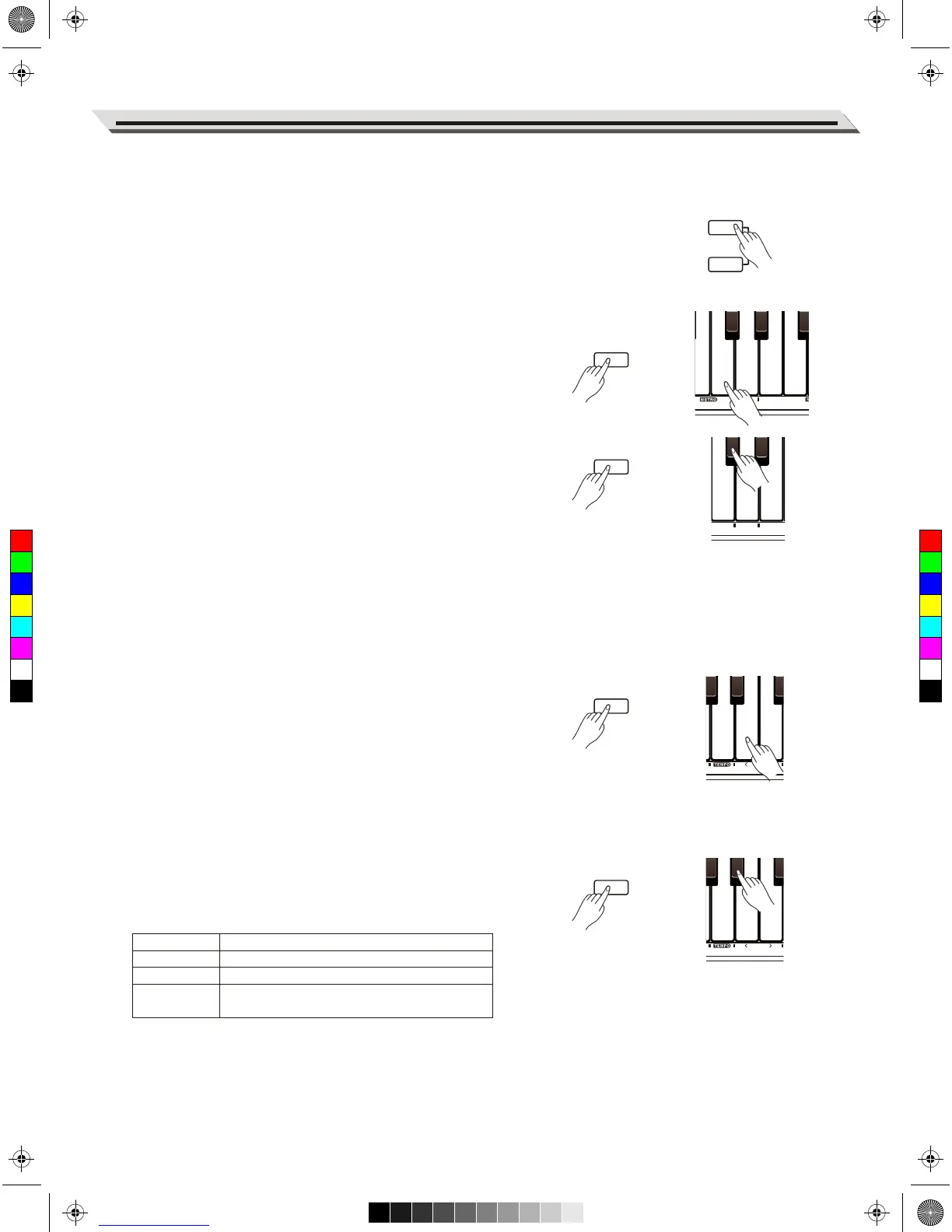
Press and hold [FUNCTION], then use the keys marked METRO [0–6]
to change the metronome beat. There are 6 beat types: 0, 2–6.
Set the metronome volume.
1. Press and hold [FUNCTION], then press the key marked [METRO–
VOL] to edit the metronome volume.
2. In edit mode, press and hold [FUNCTION], then use the keys
marked SETTING [<]/[>] to change the volume range from 0 to
15.
3. In edit mode, press and hold [FUNCTION], then press SETTING
[<] and [>] keys at the same time to reset the volume to default.
Note:
The metronome is not available in Song mode.
Tempo
Each song, duet pattern and so on is preset with a default or standard
tempo, but you can change the tempo range from 30 to 280.
1. Press and hold [FUNCTION], then use the keys marked TEMPO
[<]/[>] to change the tempo value.
2. Press and hold [FUNCTION], then press the TEMPO [<] and [>]
keys at the same time to restore the default tempo “120”. In Song
mode, it will reset to the default song tempo.
3. Press and hold [FUNCTION], then press the keys marked TEMPO
[0–9] to set the tempo value. For example, press 2, 1, 4 in
sequence to enter a tempo value of 214.
4. Alternatively, press and hold [FUNCTION], then tap the key marked
[TAP] twice to get the desired tempo. The instrument will start the
metronome sound at the tapping speed.
Playing the Voices
15
Parameter
TAP
Tempo >/<
0–9
Description
Set the tempo at the tapping speed.
Increase/decrease the tempo value by 1.
Enter a specific tempo value
(Press 3 keys total to enter a tempo value).



 To Next Page